The Application Real-Time Monitoring Service (ARMS) agent (version 4.1.10 and later) provides self-protection. During traffic surges, this feature keeps the agent's performance overhead within a configured threshold, preventing stability issues by managing the overall load on your business containers.
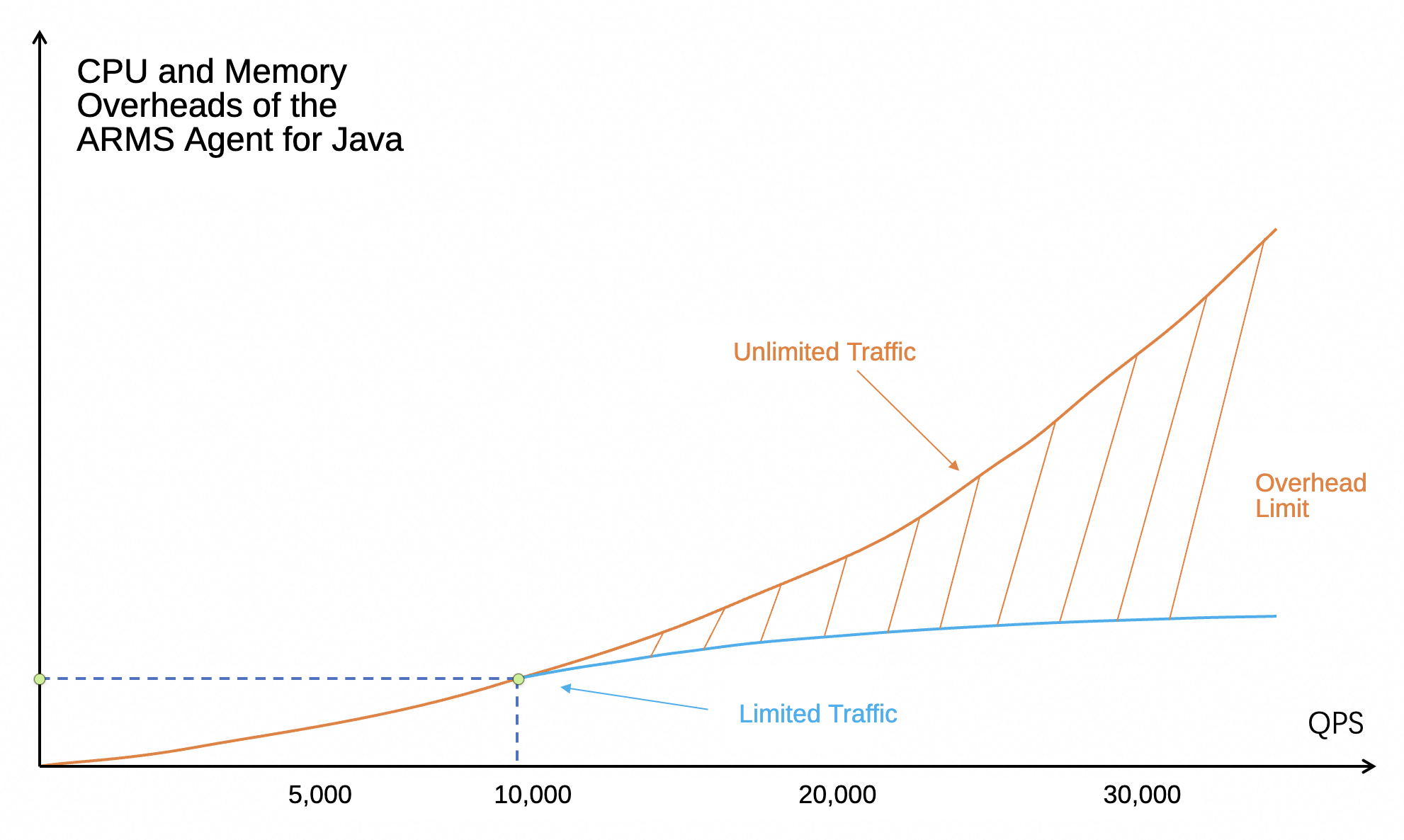
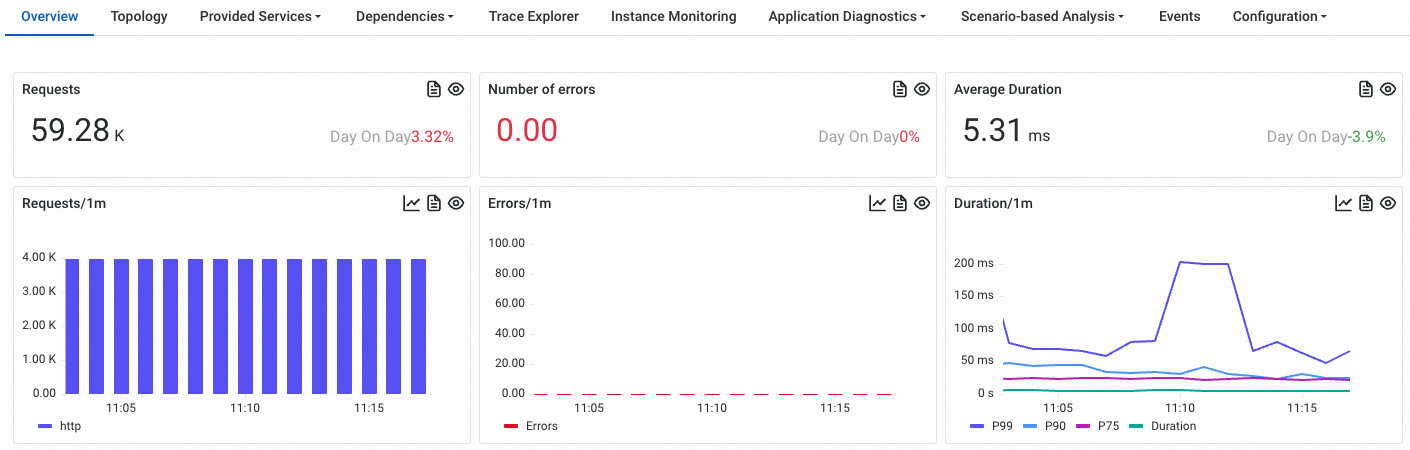
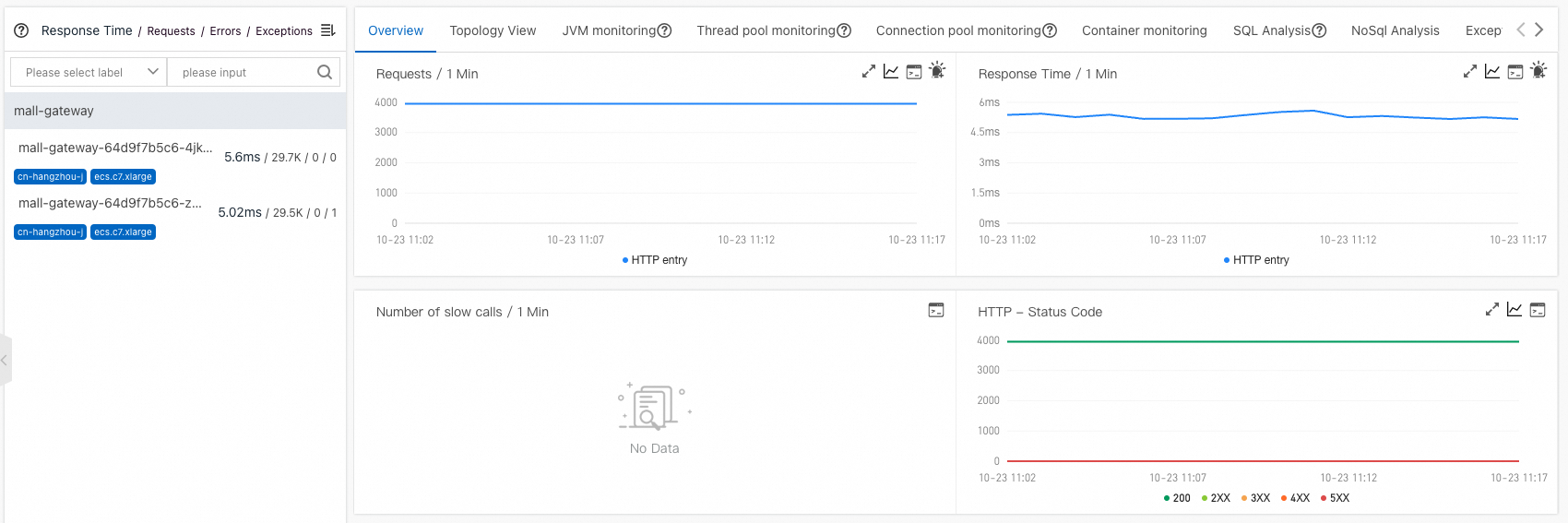
The agent collects traffic statistics at the application entry point. When inbound queries per second (QPS) reach a configured threshold, the agent triggers throttling protection. The agent continues to monitor traffic within this threshold but does not monitor traffic that exceeds it. By default, the inbound traffic threshold for a single instance is 10,000 QPS. Traffic below this limit is not affected. You can view the request count on the Application Overview or Application Details page on the ARMS console.
New console
Old console
You can customize the self-protection throttling threshold. On the ARMS console, navigate to the Custom Configurations page and, in the Probe Acquisition Configuration section, modify the Probe maximum can handle QPS threshold parameter.
This section contains three configuration items: throttling threshold defaults to 100. This is the maximum number of traces the agent can collect per second. Requests that exceed this threshold are not traced. Probe maximum can handle QPS threshold defaults to 10,000. If the request volume exceeds this limit, the agent stops recording spans and generating metrics (effective from agent version 4.1.10). Log Level Configuration allows you to set the agent's log level, such as WARN, which applies immediately without requiring an application restart.