A database service is an Alibaba Cloud product that provides data storage. It works with function and flow orchestration services to create a complete project and is an essential component of any project.
Database service types
Database service type |
Specifications |
ApsaraDB RDS for PostgreSQL |
The default specification is pg.n2e.1c.1m. |
RDS for MariaDB |
|
ApsaraDB RDS for MySQL |
The default specification is mysql.n1e.small.1. |
Billing
The Function AI platform is free of charge. You only pay for the database services that you use. For information about the fees for data storage products, see the billing overview for the corresponding database service.
Database service type |
Billing description |
Billing overview |
ApsaraDB RDS for PostgreSQL |
Subscription |
|
RDS for MariaDB |
Subscription |
|
ApsaraDB RDS for MySQL |
Subscription |
Create a database service
Some templates automatically create the required database services when you deploy a project. You can also add database services manually.
Deploy a database service from a template
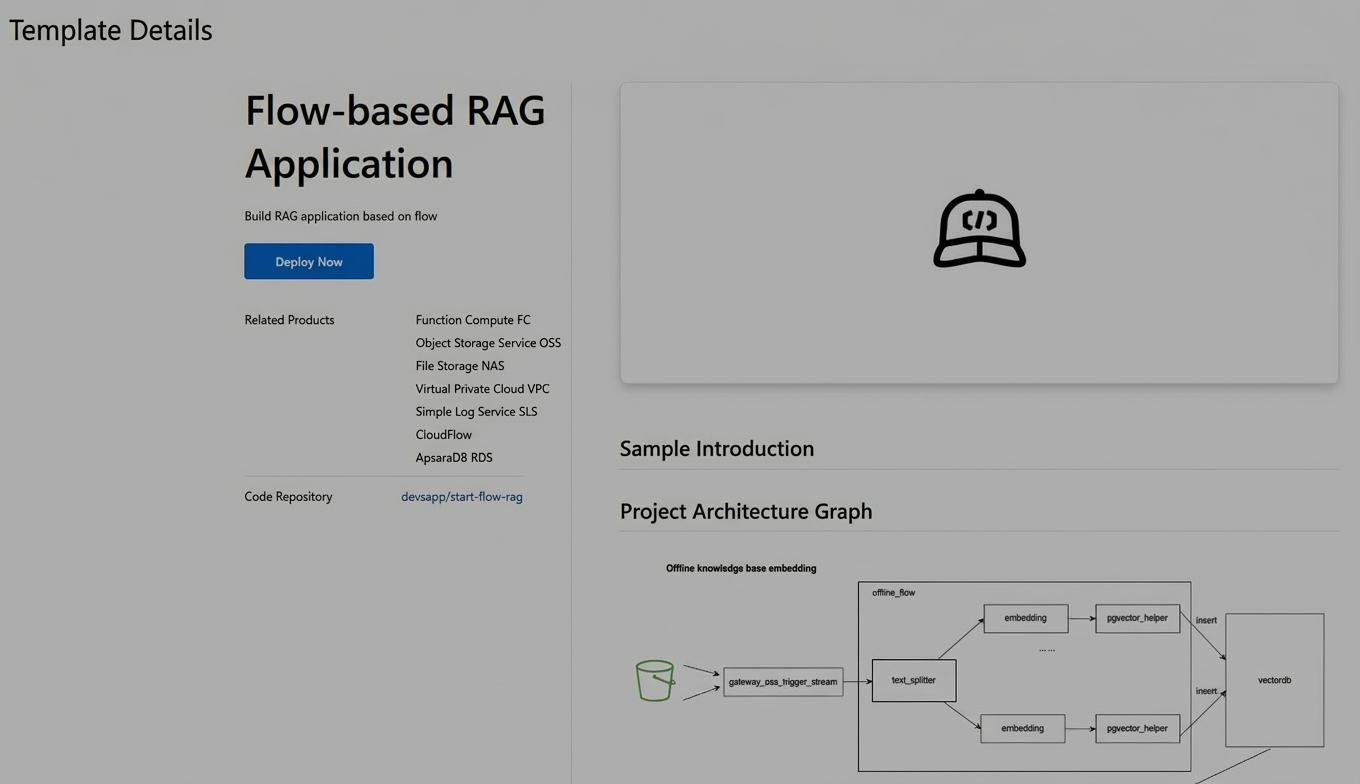
This section uses the Flow-based Retrieval-Augmented Generation (RAG) Application template as an example.
On the Explore page of the Function AI console, find the Flow-based RAG Application template by searching for it or filtering by category.
Click the template card to open its product page. Then, click Deploy Now.
In the Basic Configurations section, the Database Service Type is set to ApsaraDB RDS for PostgreSQL and the default specification is pg.n2e.1c.1m. You can calculate the price based on the Billing information provided earlier. Set the required Configurations for the project template, and then click Preview and Deploy.
Review the billing information for the products in the project resource preview and click .
After the deployment is complete, go to the Configuration tab to view the configuration information required to log on to the database.
Manually add a database service
On the project details page, click New Service in the upper-left corner. Select the Database type to open the service creation page.
Specify the basic configurations for the database service. Click Preview & Deploy in the lower-left corner to deploy the database service.
After the service is created, you can access the database service in your application.
Update a database service
After the database service is created, you can update the database password. Click Save and then Deploy to apply the changes.