Stop or start a website
Stopping your website during maintenance or in the event of a security threat or malicious attack can help reduce risks and improve security. After you complete maintenance or troubleshooting, you must start the website again to resume normal operations. This topic describes how to stop or start a website.
Background information
A website has two running states: Running and Stopped.
Running: The site is operating normally and its web pages are accessible.
Stopped: The site is stopped and its web pages are not accessible. However, the underlying resources of the Cloud Web Hosting instance continue to run, which may generate some access traffic.
You can stop a site only if its running state is Running. You can start a site only if its running state is Stopped.
Procedure
- Log on to the Cloud Web Hosting management page.
- Find the Cloud Web Hosting instance that you want to manage and click Manage in the Actions column.
Stop or start the website.
Choose an action based on your needs.
Stop the site
You can manually stop the site for maintenance, debugging, or troubleshooting. You should also stop the site if it is under a malicious attack to improve its security.
ImportantStopping the site only stops the web pages. This action does not stop the underlying resources of the Cloud Web Hosting instance from running.
While the site is stopped, requests sent to the domain name can still reach the Cloud Web Hosting instance. As a result, the instance will continue to generate access records.
If you unbind the domain name from the Cloud Web Hosting instance while the site is stopped, requests sent to the domain name will not reach the instance. Therefore, no related access records will be generated on the instance.
On the Site Information page, in the Website Information section, click [Stop Site].
In the confirmation dialog box that appears, click Confirm.
After the site is stopped, its running state changes to Stopped. If you try to access the website again, a message appears that says
The page is temporarily unavailable xxxx, as shown in the following figure.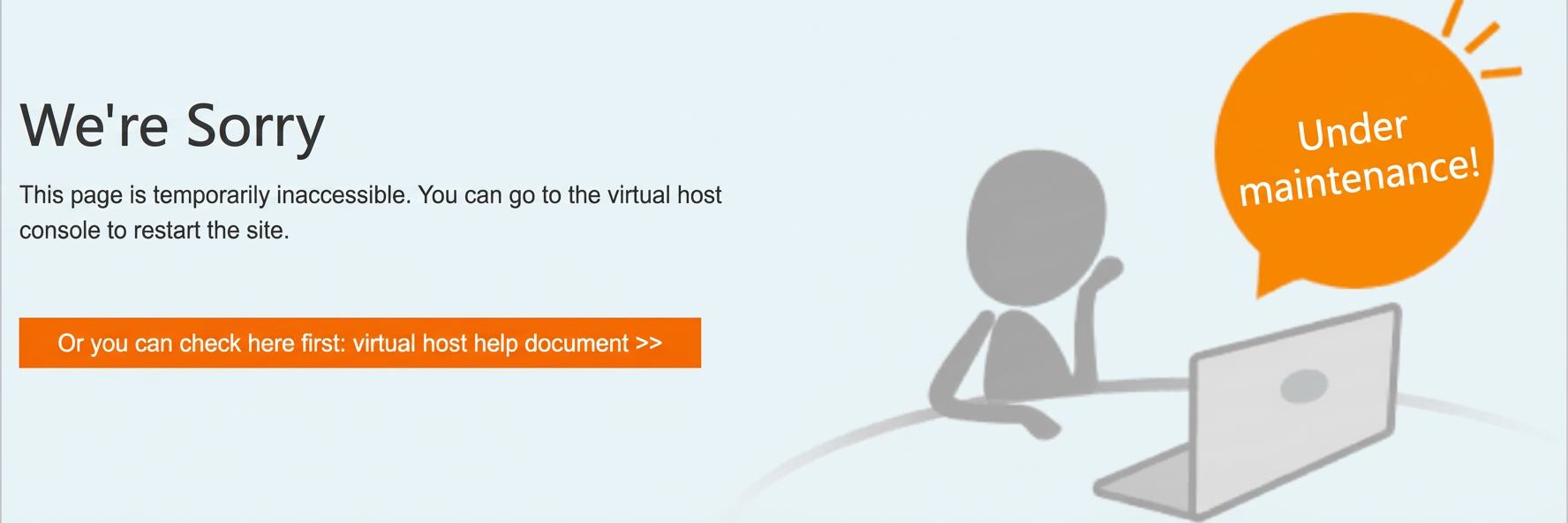
Start the site
After you finish maintenance or troubleshooting, you can manually start the site to resume normal operations.
On the Site Information page, in the Website Information section, click [Start Site].
In the confirmation dialog box that appears, click Confirm.
After the site is started, its running state changes to Running, and the website resumes normal operations.
References
If your website's performance is affected by high resource consumption, Alibaba Cloud may suspend your website. You will receive a suspension notification for high resource usage (customer program failure). You can resolve this issue by stopping and restarting the site. For more information, see Methods to handle high resource usage (customer program failure).