Manage alert rules
You can customize alert rules for a store.
Flowchart
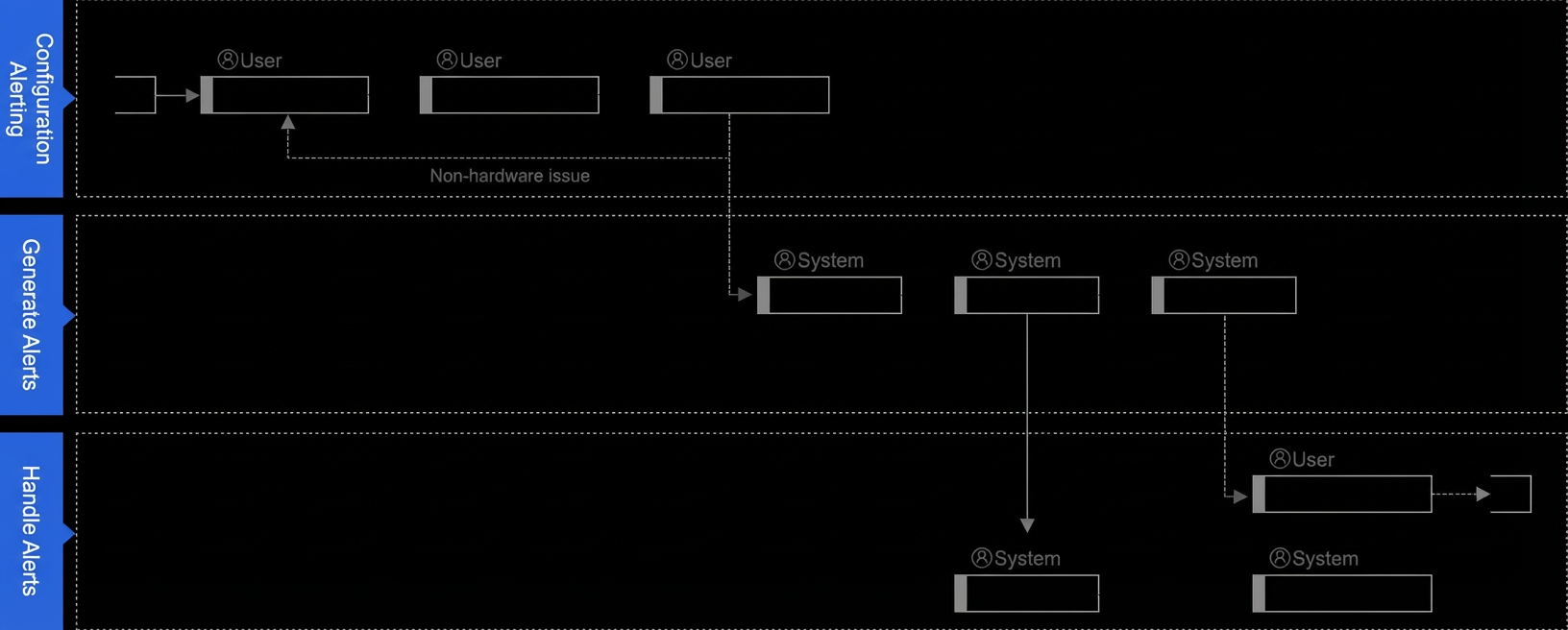
Procedure
Create a DingTalk chatbot and configure the notification feature for the DingTalk chatbot. For more information, see Manage DingTalk Chatbots.
Log on to the CloudESL console. In the left-side navigation pane, choose System Management > Alert Rules. On the Alert Rules page, click Specify in the ESL Low Battery or Display Delayed section. Configure the threshold and click OK.
After the DingTalk chatbot receives an alert message, handle and trace the alert record. For more information, see Manage alert records.
Alert description
Base Station Offline
A base station may disconnect from CloudESL due to reasons such as network disconnection, power failure, theft, and damage. If a base station is disconnected from CloudESL, an alert record is generated.
If a base station is offline, a Base Station Offline alert record is generated and an alert message is pushed to a DingTalk chatbot.
CloudESL does not repeatedly push alert messages for a Base Station Offline alert record that is not handled.
If the connections between relevant ESLs and CloudESL are recovered, CloudESL automatically sets the status of a Base Station Offline alert record to Handled even if the alert record is not handled.
ESL Low Battery
An ESL is a low-power device that uses a button cell for power. The remaining battery of each ESL gradually decreases within the service life of the device. If the battery is used up, the ESL can no longer receive information. Therefore, a battery monitoring rule is required.
By default, CloudESL sets the alert threshold to 15% for the ESL Low Battery alerts. You can click Settings to modify the threshold.
If the remaining battery of an ESL is equal to or less than the threshold, an ESL Low Battery alert record is generated, and an alert message is pushed to a DingTalk chatbot.
CloudESL does not repeatedly push alert messages for an ESL Low Battery alert record that is not handled.
Display Delayed
After information refresh is triggered for an ESL, CloudESL monitors the display delay of the information. If the information on the ESL is not refreshed within the specified delay threshold, an alert record is generated.
The default delay threshold is 5 minutes. You can click Settings to modify the threshold.
If the information on an ESL is not refreshed within the delay threshold, a Display Delayed alert record is generated, and an alert message is pushed to a DingTalk chatbot.
CloudESL does not repeatedly push alert messages for a Display Delayed alert record that is not handled.
After the information on an ESL is refreshed, CloudESL automatically sets the status of a Display Delayed alert record to Handled even if the alert record is not handled.