Insight in Log Audit lets you apply fine-grained filters to resource logs and visualize data on dashboards. Insight supports three main resource categories: identity authentication, host, and VPC.
Prerequisites
You have connected the relevant resources in the Resource Center.
Try in Playground
Alibaba Cloud Playground provides a demo environment where you can experience the main features of Cloud Monitor 2.0.
-
Go to the Playground Demo environment. The default workspace opens.
-
In the navigation pane, choose Log Audit, or select Log Audit from All Features.
-
In the Log Audit navigation bar, select , Hosts, or VPC to access the corresponding overview features.
Identity authentication
View insights
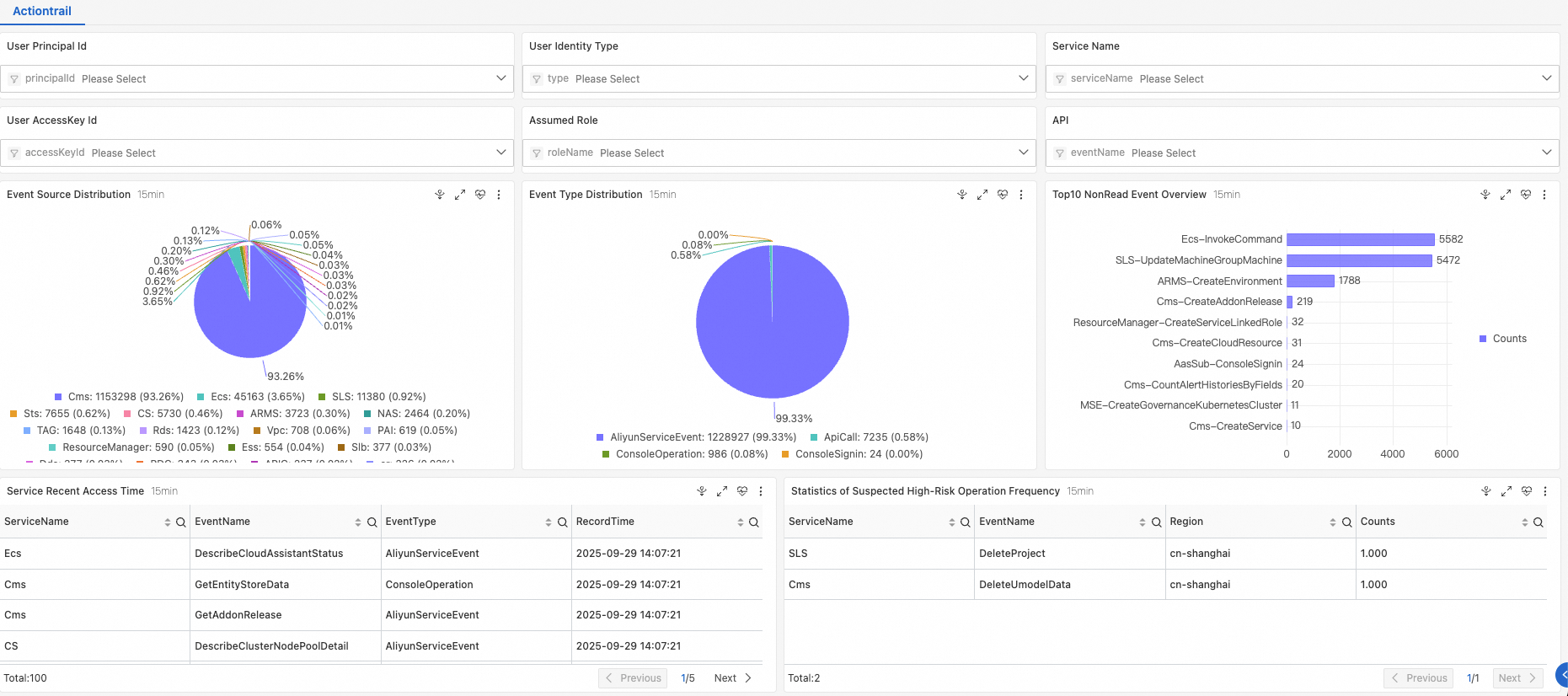
Filter by identity account, identity type, service name, user AK, role assumption, or API.
Host
View insights
Host insights include two dashboards: Host System Overview and Host Runtime Overview.
-
Host System Overview: Filter by host or IP address to view related logs.
-
Host Runtime Overview: Filter by host ID to view metrics such as process start and stop event timelines, clone counts, start counts, and exit counts.
VPC
View insights
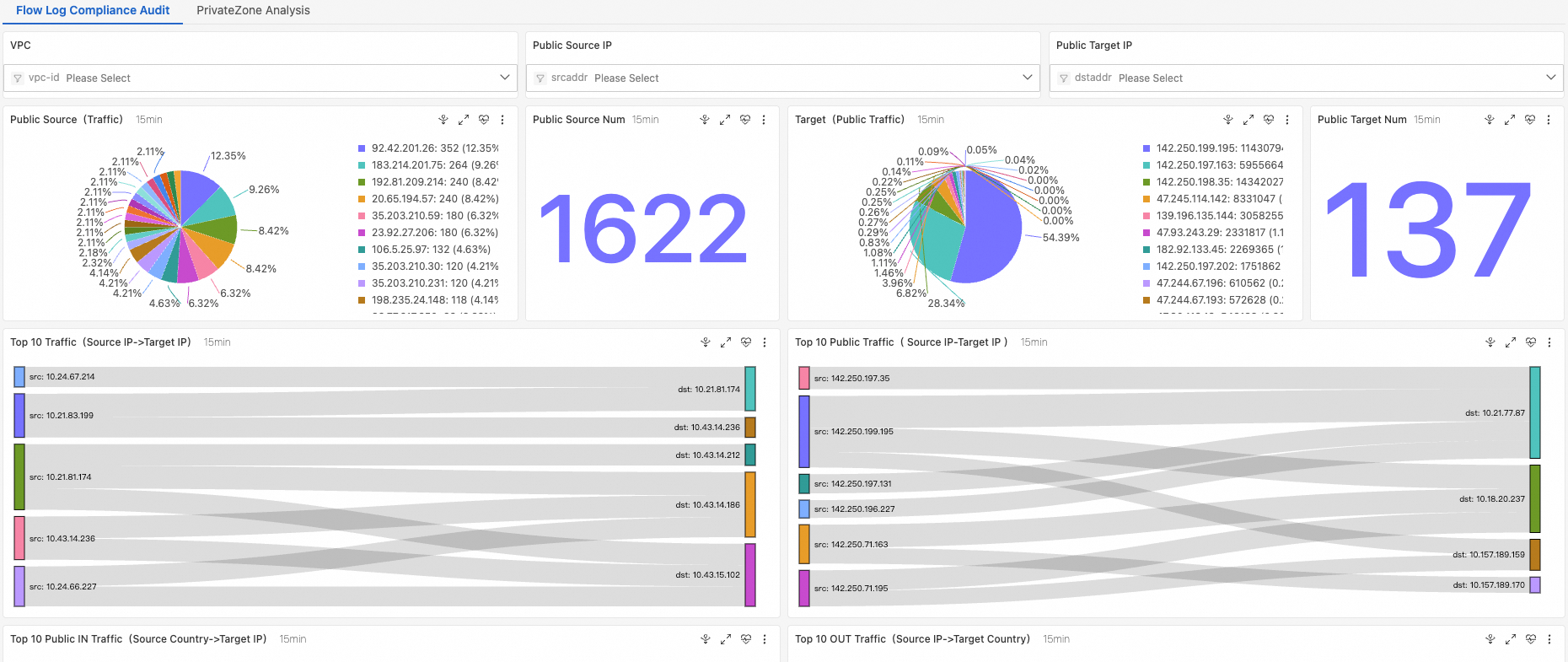
Filter by VPC instance ID, public source IP, or public destination IP.
Container runtime
View insights
Filter by ClusterID, namespace, WorkloadKind, or pod.