Upgrade an instance
Updated at:
Upgrade the version of an Agent Manager service instance in the Alibaba Cloud Compute Nest console. To back up or upgrade an Agent instance that is running on the platform, see the references in Before you begin.
Procedure
Log on to the Alibaba Cloud Compute Nest console.
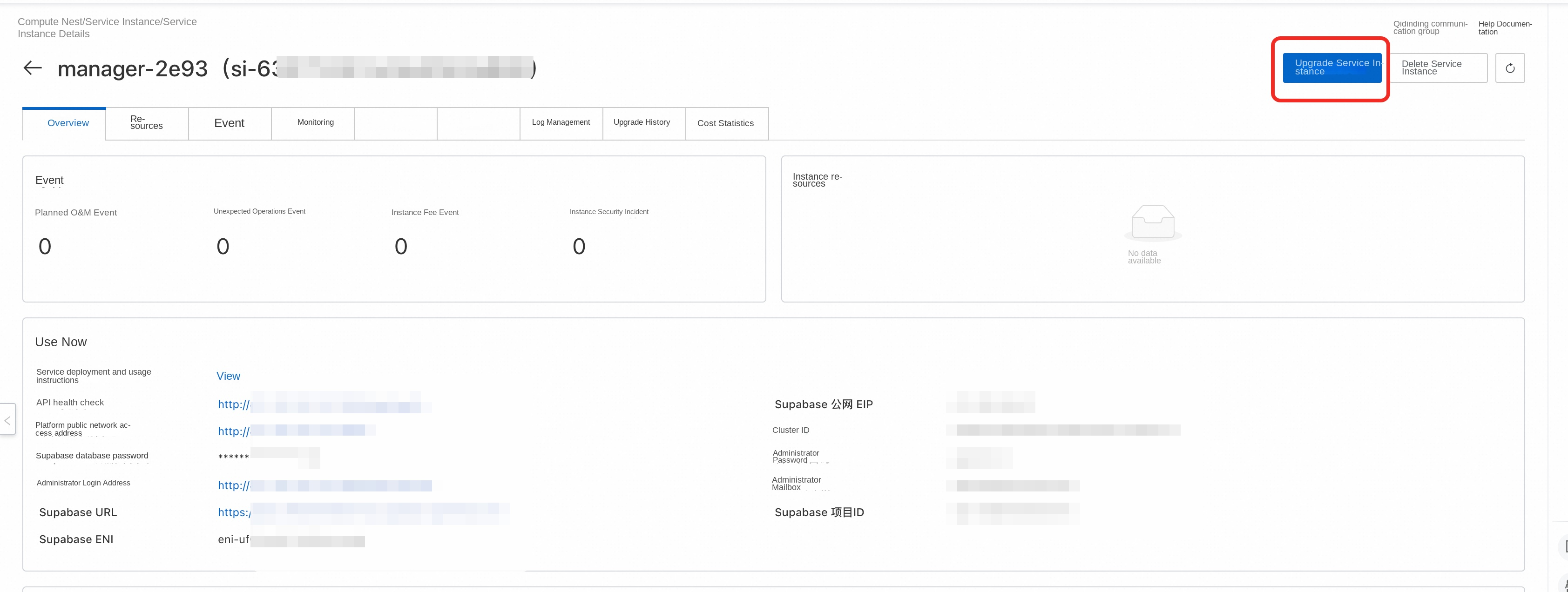
In Service Instance Management, find the target Agent Manager service instance.
On the instance product page, select Upgrade Service Instance.
Select the target version, review the upgrade parameters and change details, and then submit the upgrade.
Wait for the Resource Orchestration Service (ROS) stack update to complete. Then open the platform URL and verify that you can sign in, view the instance list, and invoke models.
Is this page helpful?