Migrate data from UCloud US3 to OSS: Background information
Learn how to migrate data from UCloud US3 to Alibaba Cloud Object Storage Service (OSS) using Data Online Migration.
How it works
Data Online Migration is a data channel between different storage services. Use it to migrate data from third-party data stores to OSS, or between OSS buckets.
To migrate data from UCloud US3 to OSS:
Log on to the Data Online Migration console.
Configure the source data address (UCloud US3) and destination data address (OSS bucket).
Create a migration task.
After the task starts, manage and monitor its progress and traffic information from the Data Online Migration console.
Before you begin
We recommend that you use HTTPS URLs to ensure data security and consistency.
After a migration task completes, verify that the data at the destination matches the data at the source.
Verify the migrated data at the destination before deleting anything from the source. Deleting source data before verification makes you liable for any resulting losses and consequences.
Data Online Migration reads data from the source during migration. Your storage service provider (UCloud) charges for outbound Internet traffic generated during this process.
Migration workflow
End-to-end migration flow

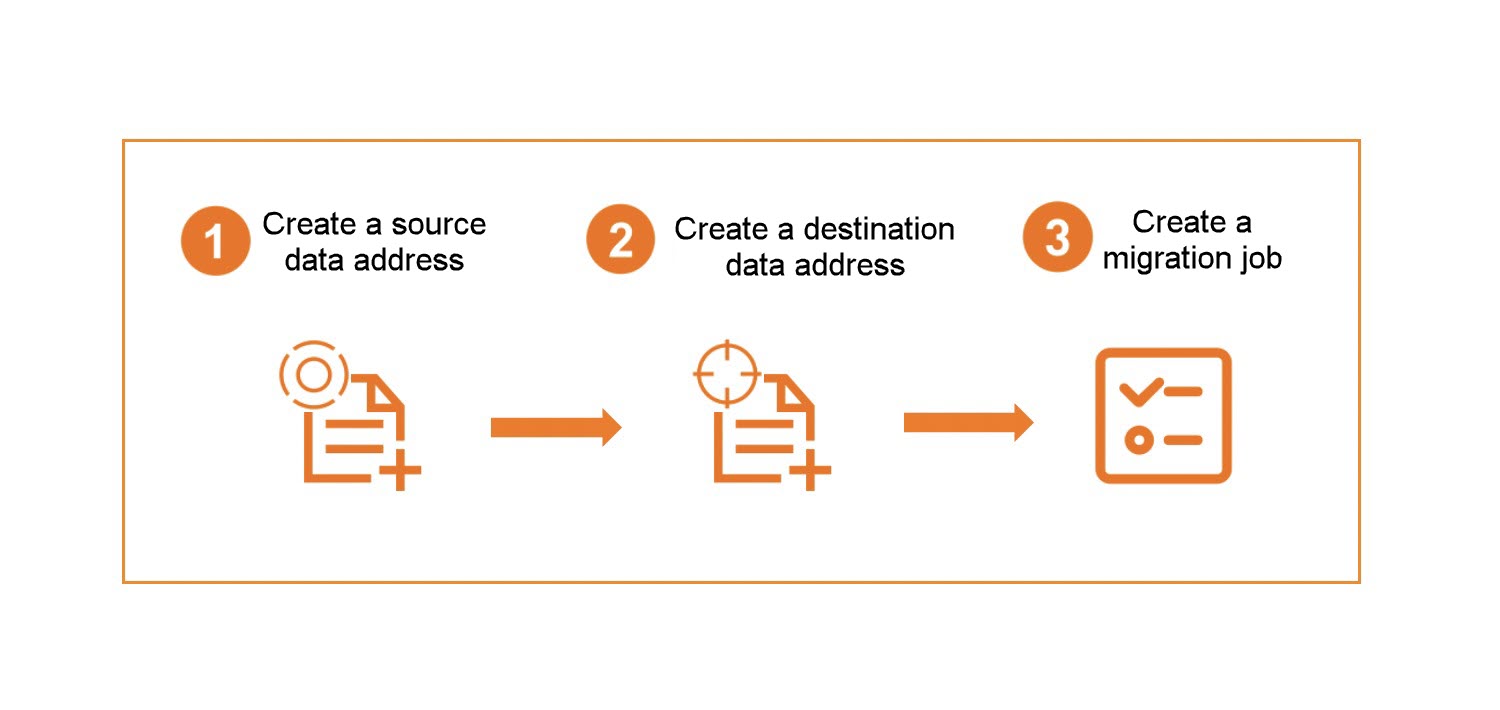
Process of creating a migration task
What's next
This tutorial contains the following topics:
Preparations - Configure the source and destination environments before starting the migration.
Migrate data - Create and run a migration task to transfer data from UCloud US3 to OSS.
Subsequent operations - View migration reports and logs, and rerun failed migration tasks.