Install Python third-party packages online
Scenario
When you develop compute tasks in Dataphin, you often need to use public Python third-party packages. How do you install these packages online to improve development efficiency?
Solution
In the Management Center > System Settings > Python Module page, click Install Python Module, and select Online Installation. This method installs packages by connecting to a Python mirror source over the network. During installation, dependencies are automatically resolved and installed. Ensure that your environment has connectivity to the Internet or to a corporate intranet mirror source.
Dataphin provides mirror sources for Alibaba Cloud and PyPI. To add a corporate intranet mirror source, go to the Mirror Source page and click Add Mirror Source. After successfully adding a mirror source, you can sort the sources. During online installation or upgrade, the system attempts to connect to the mirror sources in the specified order. If a connection succeeds, that source is used. If it fails, the system tries the next source.
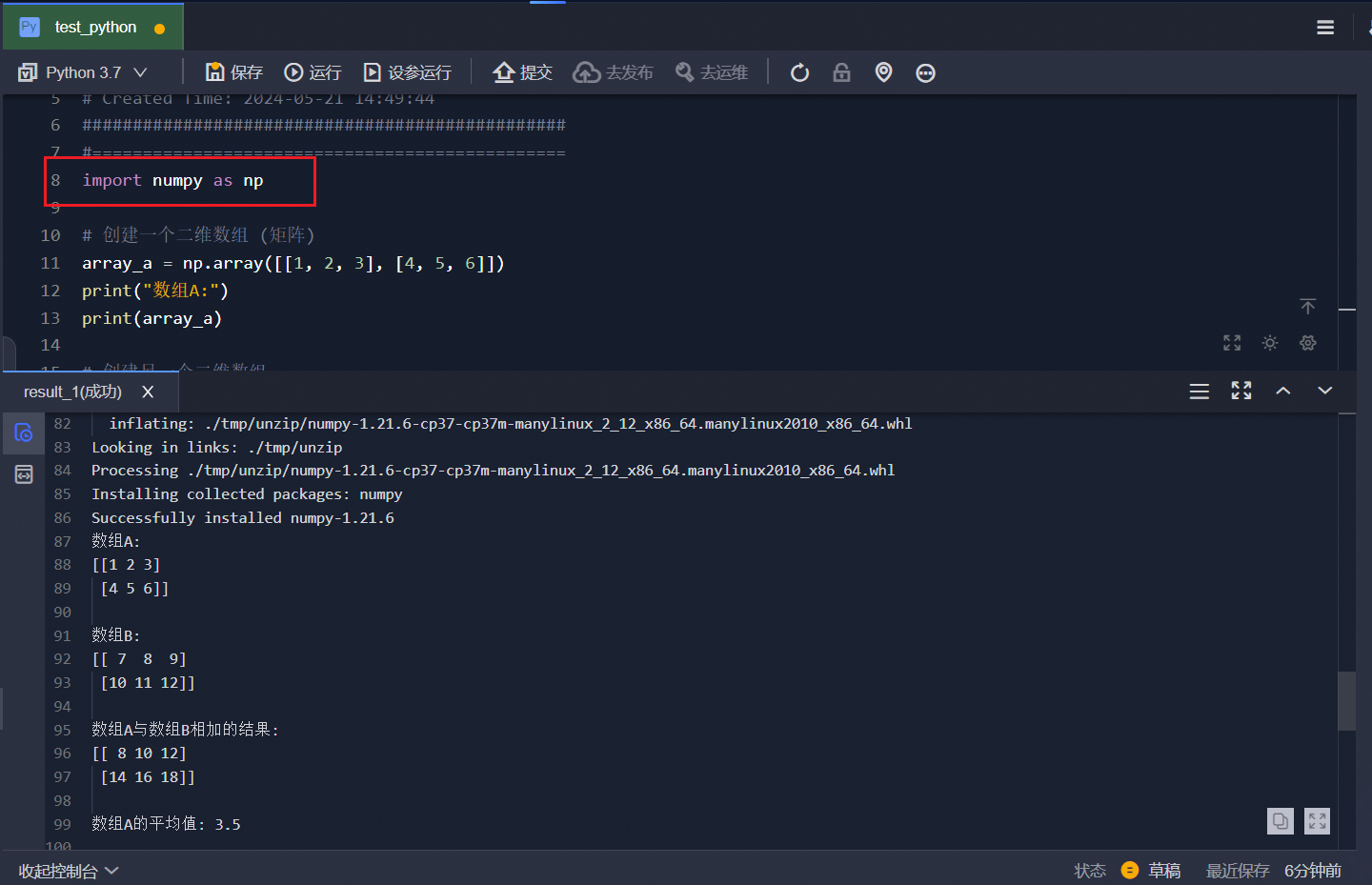
In Development > Data Development > Compute Tasks, create a new Python compute task and reference a Python third-party package. For instructions on creating a Python compute task, see Create a Python compute task.
In your Python compute task code, use
importto import the third-party package.