Export Audit Logs
Limits
If your Dataphin instance is deployed in an on-premises environment (private or public cloud) or an Apsara Stack environment, you can export audit logs from the metadata warehouse tenant by navigating to Management Hub > System Settings > Audit Log Settings.
Disk Specifications
Each log entry is approximately 10 KB. A database with 4 cores and 8 GB of memory is recommended for storage. You can select the disk capacity based on your requirements.
Scenario Description
Developers can perform compliance checks to ensure that all user operations in Dataphin comply with company security policies and regulatory requirements. This practice helps prevent unauthorized operations. Audit logs are used to facilitate these compliance checks.
Solutions and Features
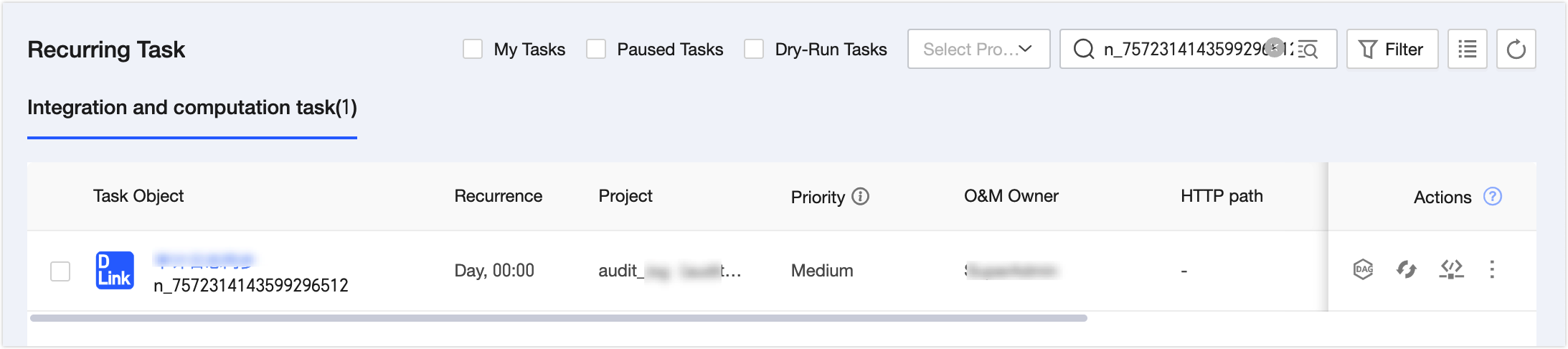
Log on to the Dataphin metadata warehouse tenant. Navigate to Management Hub > Data Source Management > Data Source and create a data source to store audit logs. Supported data sources include MySQL, Oracle, PostgreSQL, Microsoft SQL Server, and DM. For more information, see Dataphin Supported Data Sources.
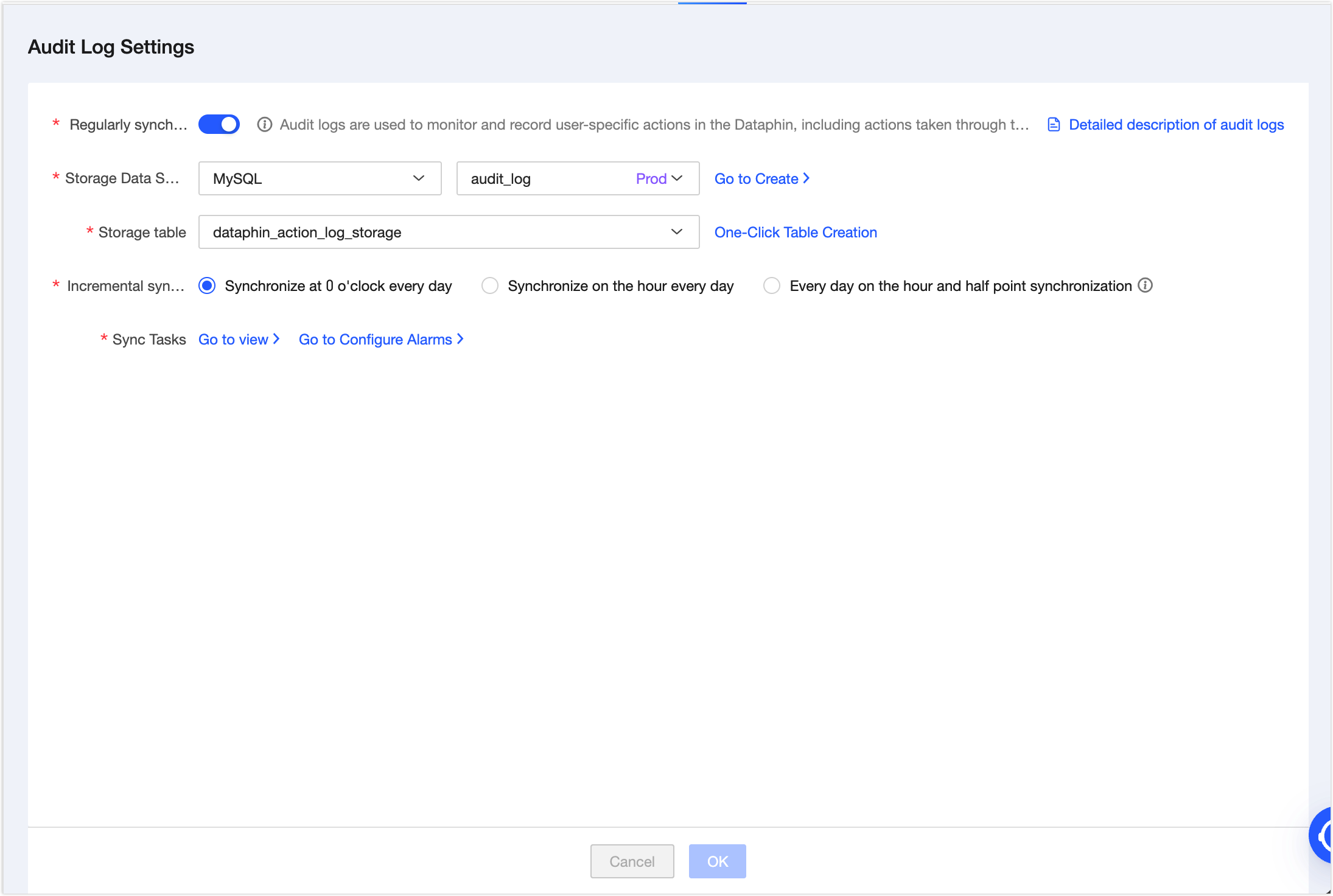
On the Management Hub > System Settings > Audit Log Settings page, enable scheduled sync for audit logs and configure the data source to store the logs. For more information, see Audit Log Settings.
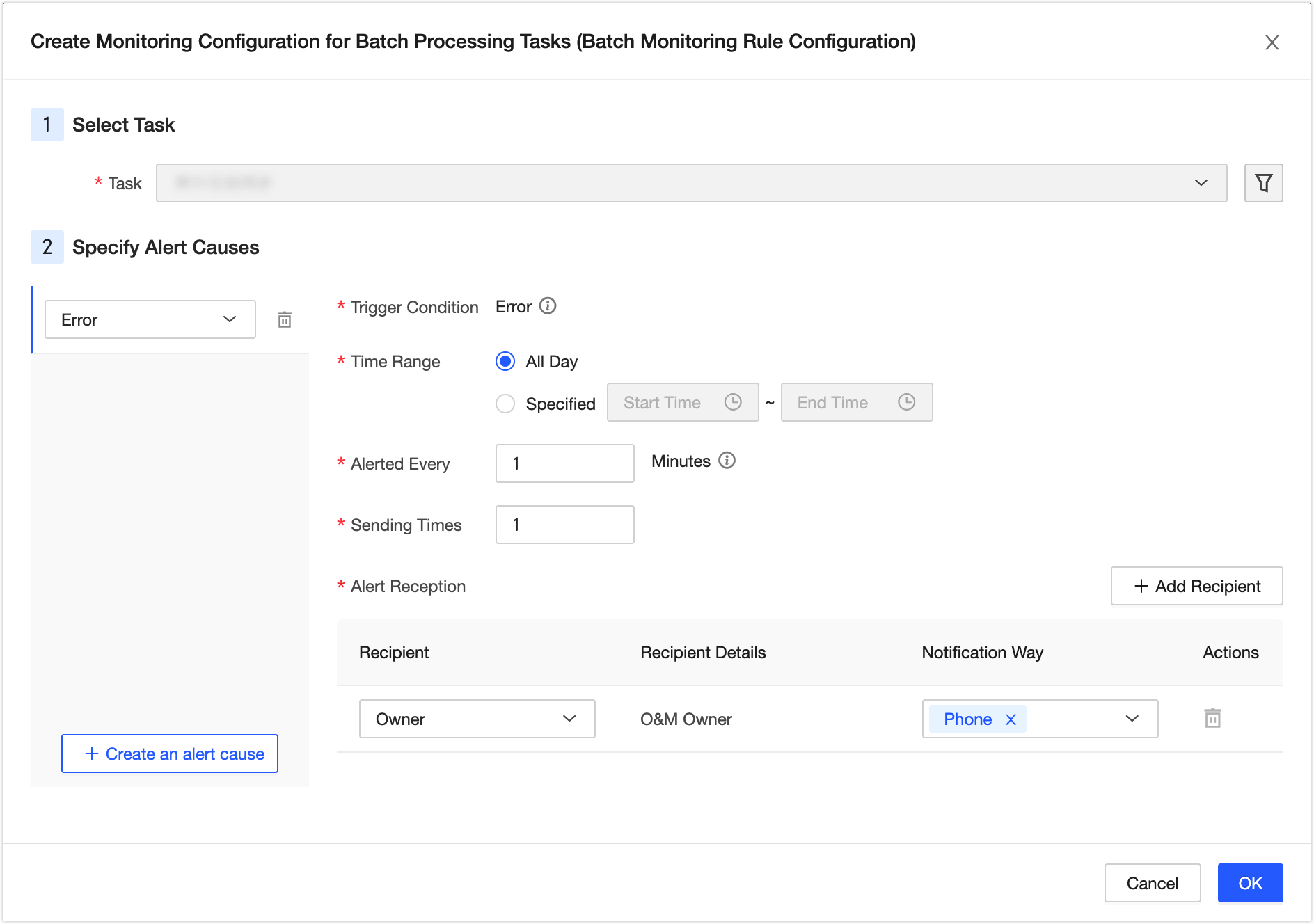
Click Go to Configure Alerting to open the Developer > Task O&M > Auto Triggered Task > New Offline Task Monitoring (Batch Monitoring Rule Configuration) dialog box. Then, you can configure alerting.