Random multi-branch component
Updated at:
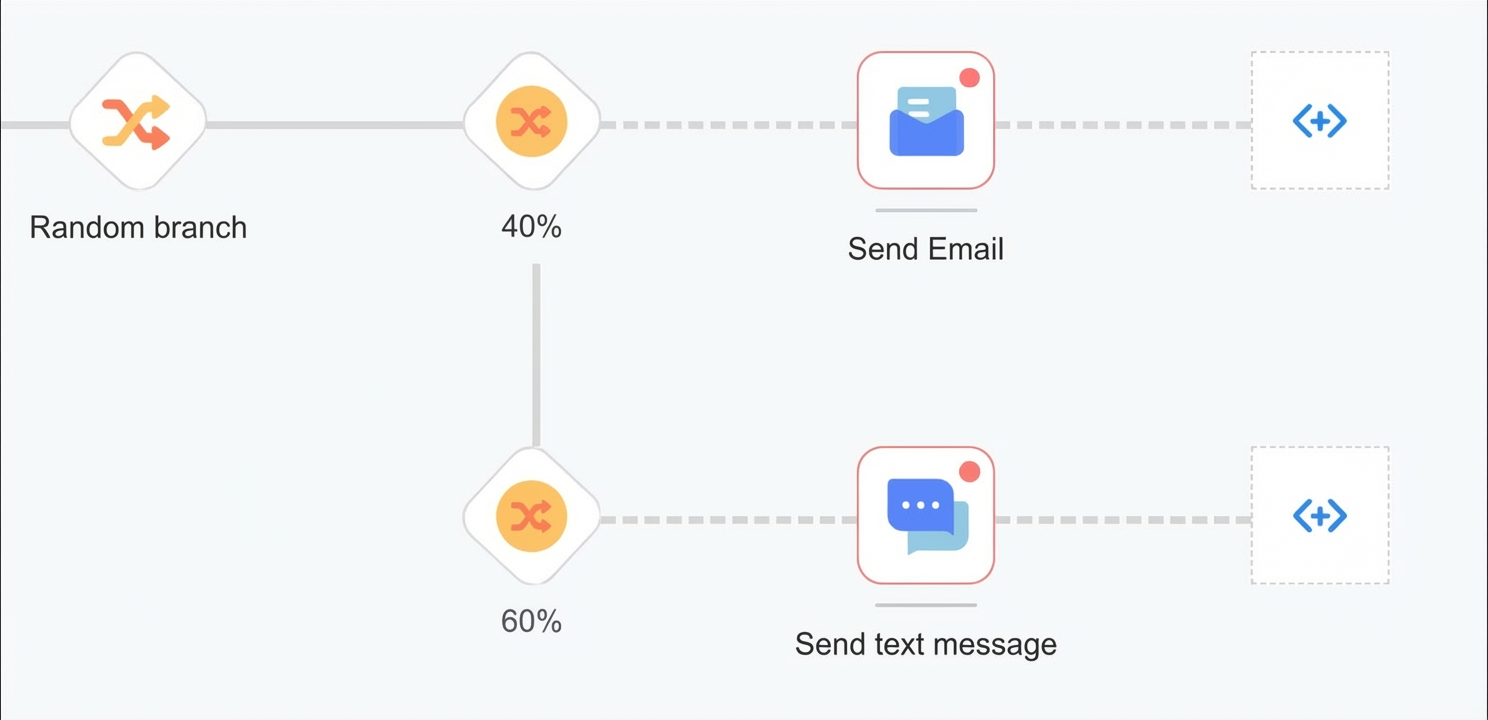
The random multi-branch component randomly splits an upstream group into multiple smaller groups based on specified percentages. This lets you perform different operations on each branch. For example, you can send emails to a random 40% of the group and send text messages to the remaining 60%.
Drag the random multi-branch component onto the canvas. It appears as a node in the flow.
Click the random multi-branch node. Configure the component in the panel that opens on the right.
NoteThe component supports a maximum of 10 branches. Use the slider to adjust the percentage for each branch.
Click OK. The random branches are created on the canvas, as shown in the following figure:
Is this page helpful?