Create a Douyin task
Updated at:
Publish Douyin content, such as videos or images.
Go to Workspace > User Marketing > Reach Marketing > Douyin and click Create Sending Task in the upper-right corner.
Select the Douyin account and set a task name. The task name does not affect the message content.
Set Task Type to Video or Image.
Select the video or image to publish, enter a title, and add topics or @mention people you follow.
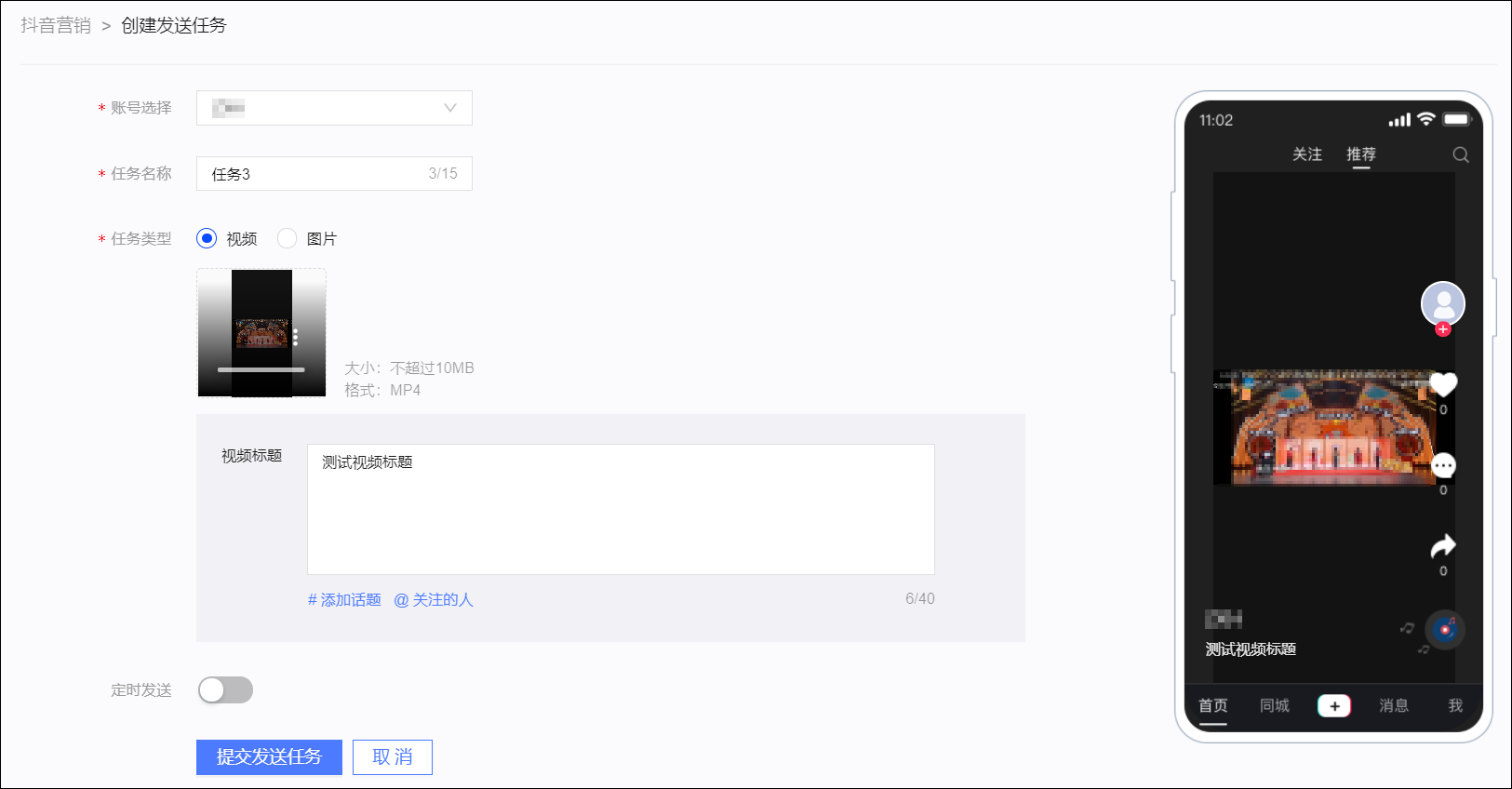
Configure the Scheduled Send setting to send the message at a scheduled time.
Click Submit Sending Task to save the publishing settings.
Is this page helpful?