Authorize Content Moderation to access OSS buckets
The OSS violation detection feature is available only to users who have enabled Alibaba Cloud Object Storage Service (OSS). Before using this feature, you must authorize Content Moderation to scan objects in your OSS buckets.
Hotlink protection restricts access to resources in your bucket by configuring a referer whitelist and specifying whether to allow requests with empty referers. If you have enabled hotlink protection, you must add https://yundun.console.aliyun.com to the referer whitelist on the OSS console. For more information, see Hotlink protection.
Prerequisites
You must have enabled Object Storage Service (OSS). For more information, see Enable Object Storage Service.
Procedure
Log on to the Content Moderation console.
In the left-side navigation pane, choose .
Click Authorize.
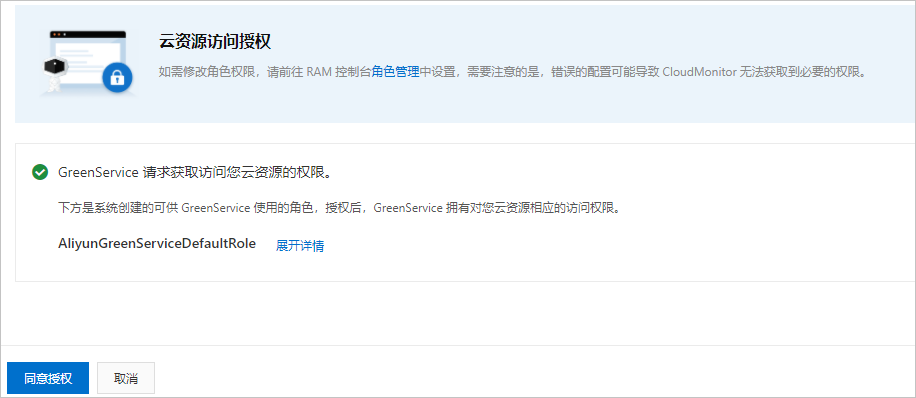
On the Cloud Resource Access Authorization page, click Agree to Authorization.
What's next
After completing the authorization, you can use the OSS violation detection feature. You must first configure message notifications. For more information, see Configure Message Notifications.
To better align the detection results with your business requirements, you can configure a risk library to specify which images to block, allow, or manually review. For more information, see Configure Risk Library.