Event query
This topic shows you how to view event details in the Alibaba Cloud Health Dashboard.
Ongoing events
The Alibaba Cloud Health Dashboard highlights unresolved issues and alert events at the top of the page. Click an event title to view the event details.
Event history
Click the Event History link in the upper-right corner of the Alibaba Cloud Health Dashboard to open the event history page.
The event history page lists all events from the past 12 months. Click an event title to view its event details.
Event details
The event details page displays the complete timeline of an event, including its description, start time, latest progress, and post-event summary.
Event subscription
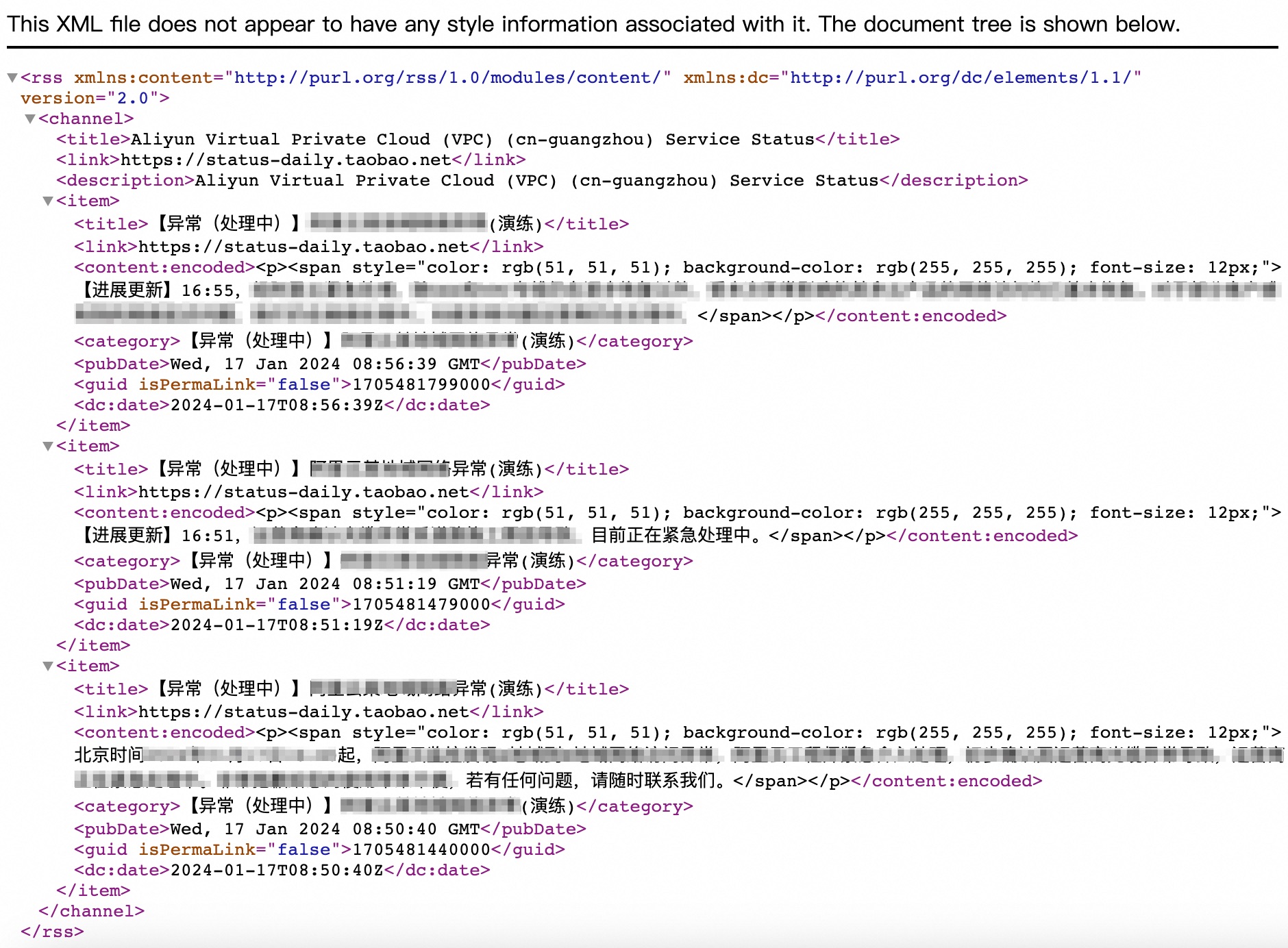
The Alibaba Cloud Health Dashboard supports event subscriptions via RSS. You can get the RSS feed URL by clicking the RSS icon on the dashboard.