Reuse a data migration task configuration
This topic describes how to reuse the configuration of an existing data migration task.
Reuse a task configuration
The Reuse Configuration operation is available for data migration tasks that are in the Unconfigured state.
Log on to the OceanBase Management Console .
In the navigation pane on the left, click Data Transmission Service > Data Migration.
On the Data Migration page, find the target task with an Unconfigured status and click Reuse Configuration.

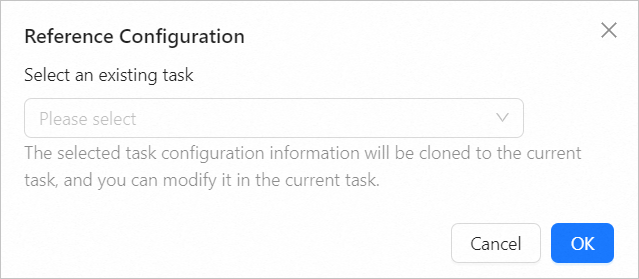
In the Reuse Configuration dialog box, select the task to reuse from the Select an existing task drop-down list.
 Note
NoteAfter you select a task, its configuration is cloned to the current task.
Click OK. Follow the on-screen instructions to complete the data migration task configuration.
You can use the cloned configuration as is or modify it for the current task. For more information about the configuration, see the documentation for your specific migration task type.
After the cloned data migration task starts, the migration proceeds based on the selected migration type. For more information, see View migration details.