This topic describes how to query usage data for single-stream and mixed-stream cloud recording for a specified AppID.
Procedure
Log on to the Real-Time Communication (RTC) console.
In the navigation pane on the left, choose .
Select an AppID, a region, and a time range, and then click Query.
 Note
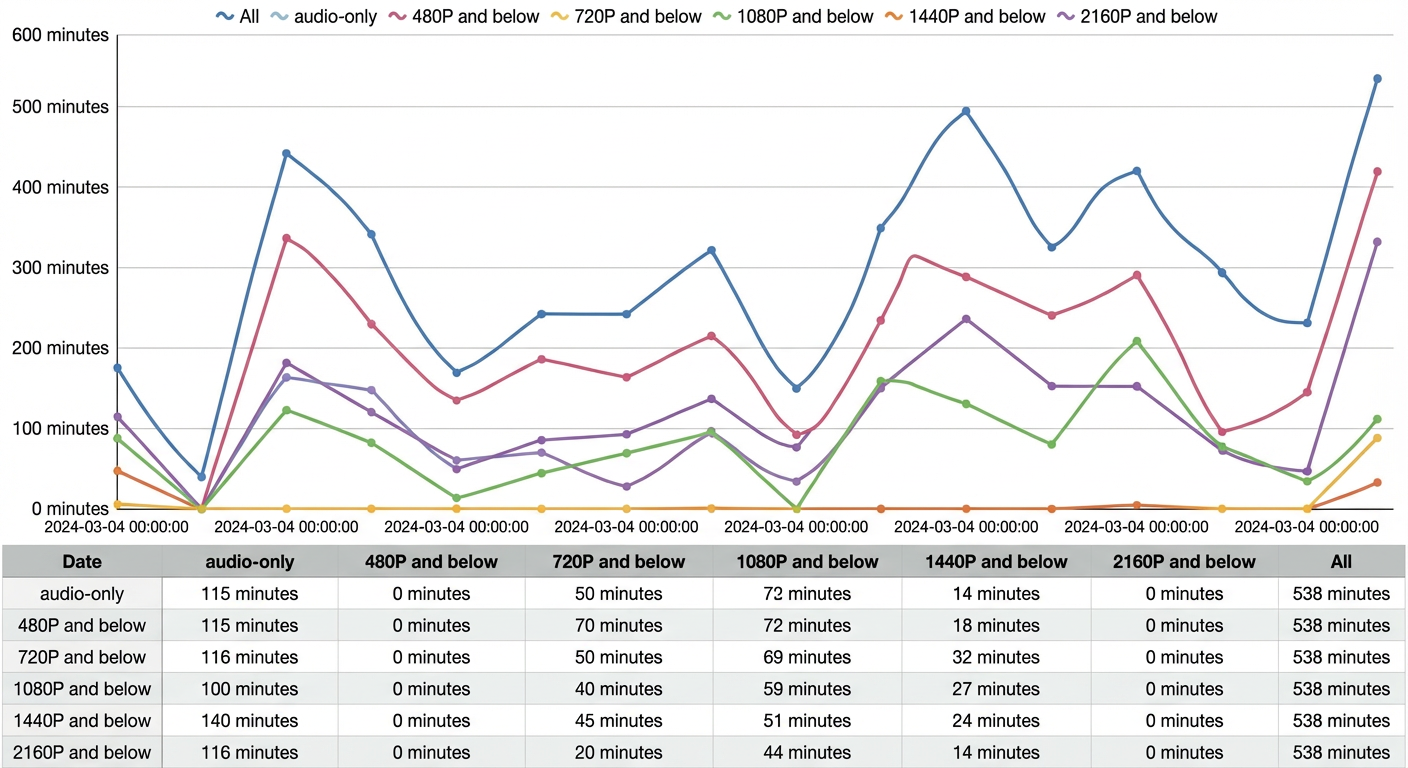
NoteClick tabs such as 1080P, 720P, or Audio-only to view the corresponding cloud recording usage.
In the graph, the vertical axis represents the recording length in minutes. This is the total time that audio and video from a call are recorded into media files. The horizontal axis represents time.
Click the
 icon in the upper-right corner to refresh data, download data, or view the graph in full screen.
该文章对您有帮助吗?