Run the CogVideo model on PAI
Environment overview
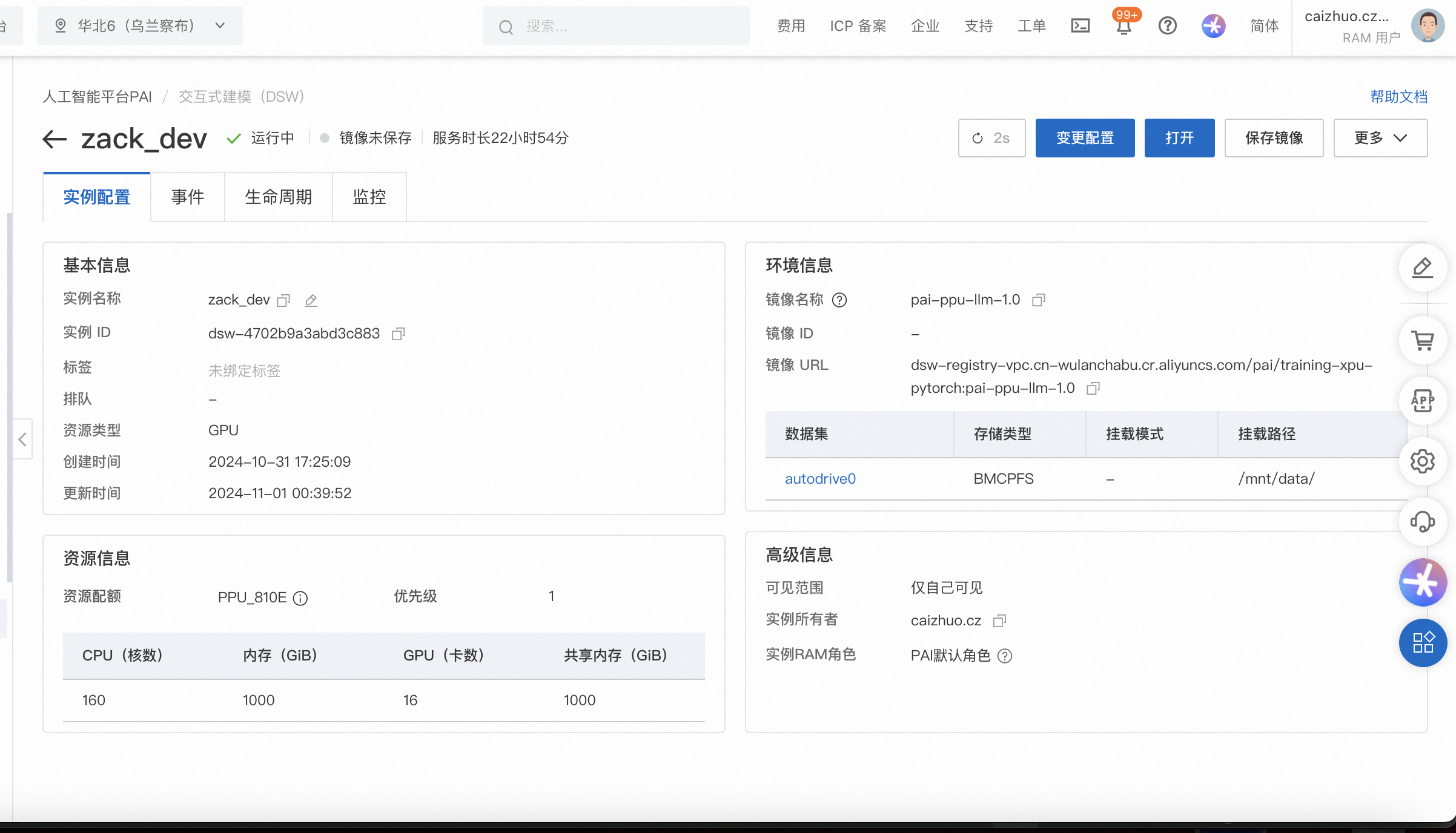
Instance type: Zhenwu 810E (16 cards)
Storage: CPFS for AI computing
Image: dsw-registry-vpc.cn-wulanchabu.cr.aliyuncs.com/pai/training-xpu-pytorch:pai-ppu-llm-1.0
Git repository: https://github.com/THUDM/CogVideo
Product component: PAI-DSW
Environment setup
Create a DSW instance: Create a DSW instance using the image specified in the overview. For detailed steps, see Develop and train models with PPUs on PAI.
Clone the code repository: Log on to DSW and run
git clone.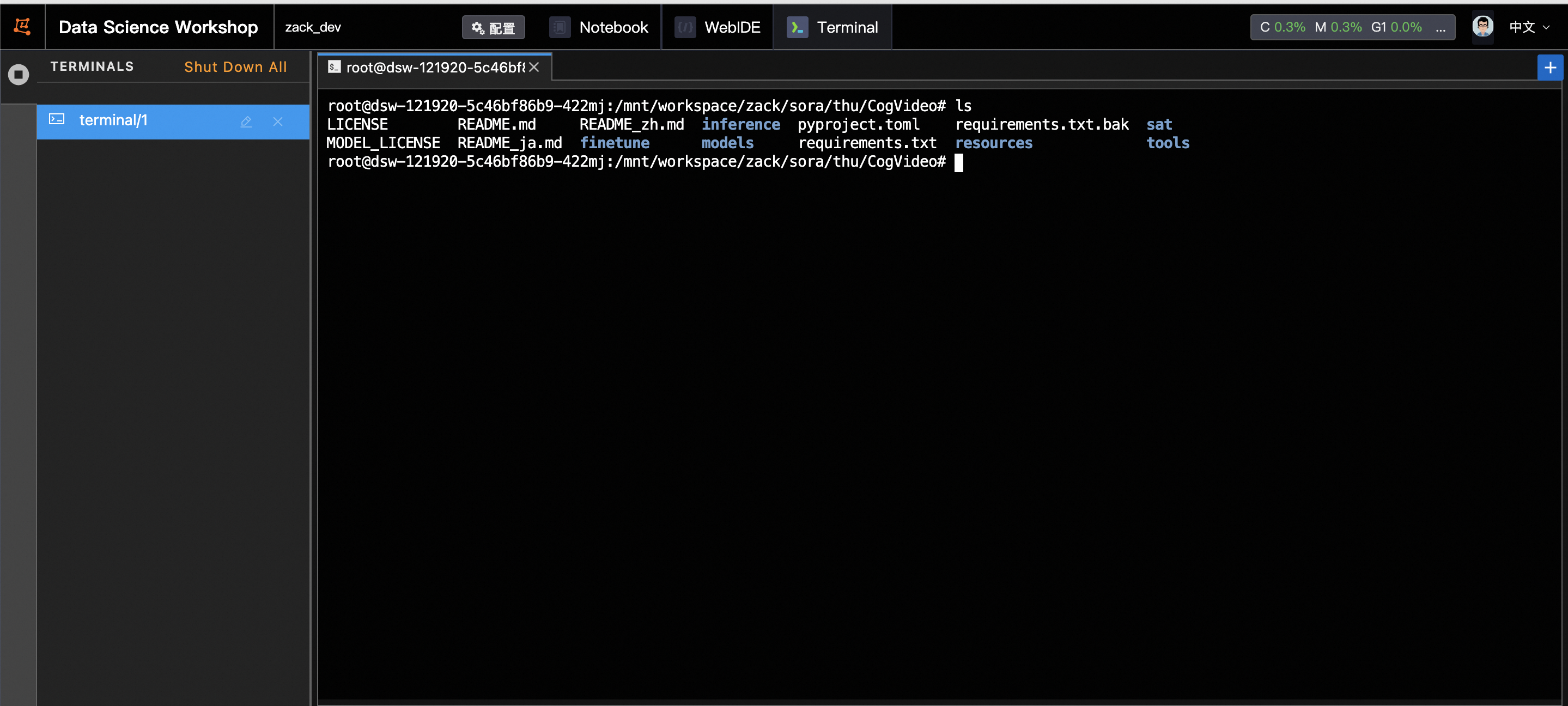
Install dependency packages
Modify the
requirements.txtfile in the repository. Remove thetransformers,torch, andtorchvisiondependencies to use the versions included in the PPU image. The updated dependency list is as follows.diffusers>=0.30.3 accelerate>=0.34.2 numpy==1.26.0 sentencepiece>=0.2.0 SwissArmyTransformer>=0.4.12 gradio>=4.44.0 imageio>=2.35.1 imageio-ffmpeg>=0.5.1 openai>=1.45.0 moviepy>=1.0.3 pillow==9.5.0 scikit-videoThen, run
pip install -r requirements.txt.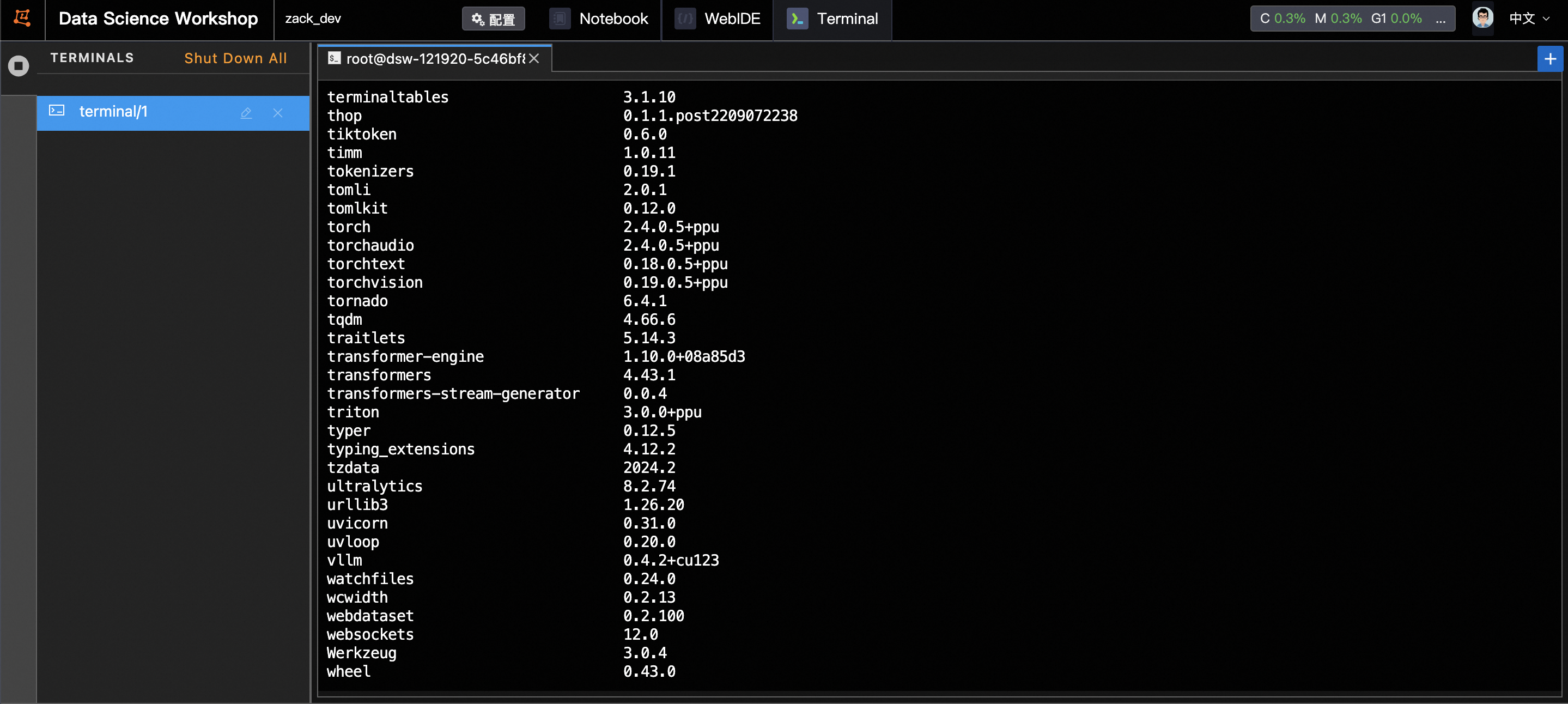
Download the pre-trained model weights
Download the pre-trained model weights from ModelScope for inference and finetuning.
cd /path/to/your/models/sora/thu/CogVideo/models # Replace this with your actual path
pip install modelscope
modelscope download --model ZhipuAI/CogVideoX-5b --local_dir ./CogVideoX-5b
Model training
Download the training data
Download the Wild-Heart/Disney-VideoGeneration-Dataset.
cd /path/to/your/models/sora/thu/CogVideo/datasets # Replace this with your actual path
git lfs install
git clone https://hf-mirror.com/datasets/Wild-Heart/Disney-VideoGeneration-Dataset
Download the baseline model
cd /path/to/your/models/sora/thu/CogVideo/models # Replace this with your actual path
modelscope download --model ZhipuAI/CogVideoX-2b --local_dir ./CogVideoX-2b
Modify the training script
No source code changes are required. You only need to modify the training script and the configuration file.
#!/bin/bash

# Set these environment variables as needed. We recommend using offline mode because the Hugging Face (HF) connection can be unstable.
# Replace this with your actual path
export MODEL_PATH="/path/to/your/models/sora/thu/CogVideo/models/CogVideoX-2b"
export CACHE_PATH="~/.cache"

# Replace this with your actual path
export DATASET_PATH="/path/to/your/models/sora/thu/CogVideo/datasets/Disney-VideoGeneration-Dataset/"
export OUTPUT_PATH="cogvideox-lora-single-node"

# Temporarily comment out this line.
# export PYTORCH_CUDA_ALLOC_CONF=expandable_segments:True


# If you are not using 8 GPUs, update num_processes in accelerate_config_machine_single.yaml to match your GPU count.
accelerate launch --config_file accelerate_config_machine_single.yaml --multi_gpu \
  train_cogvideox_lora.py \
  --gradient_checkpointing \
  --pretrained_model_name_or_path $MODEL_PATH \
  --cache_dir $CACHE_PATH \
  --enable_tiling \
  --enable_slicing \
  --instance_data_root $DATASET_PATH \
  --caption_column prompt.txt \
  --video_column videos.txt \
  --validation_prompt "DISNEY A black and white animated scene unfolds with an anthropomorphic goat surrounded by musical notes and symbols, suggesting a playful environment. Mickey Mouse appears, leaning forward in curiosity as the goat remains still. The goat then engages with Mickey, who bends down to converse or react. The dynamics shift as Mickey grabs the goat, potentially in surprise or playfulness, amidst a minimalistic background. The scene captures the evolving relationship between the two characters in a whimsical, animated setting, emphasizing their interactions and emotions:::A panda, dressed in a small, red jacket and a tiny hat, sits on a wooden stool in a serene bamboo forest. The panda's fluffy paws strum a miniature acoustic guitar, producing soft, melodic tunes. Nearby, a few other pandas gather, watching curiously and some clapping in rhythm. Sunlight filters through the tall bamboo, casting a gentle glow on the scene. The panda's face is expressive, showing concentration and joy as it plays. The background includes a small, flowing stream and vibrant green foliage, enhancing the peaceful and magical atmosphere of this unique musical performance" \
  --validation_prompt_separator ::: \
  --num_validation_videos 1 \
  --validation_epochs 100 \
  --seed 42 \
  --rank 128 \
  --lora_alpha 64 \
  --mixed_precision bf16 \
  --output_dir $OUTPUT_PATH \
  --height 480 \
  --width 720 \
  --fps 8 \
  --max_num_frames 49 \
  --skip_frames_start 0 \
  --skip_frames_end 0 \
  --train_batch_size 1 \
  --num_train_epochs 30 \
  --checkpointing_steps 1000 \
  --gradient_accumulation_steps 1 \
  --learning_rate 1e-3 \
  --lr_scheduler cosine_with_restarts \
  --lr_warmup_steps 200 \
  --lr_num_cycles 1 \
  --enable_slicing \
  --enable_tiling \
  --gradient_checkpointing \
  --optimizer AdamW \
  --adam_beta1 0.9 \
  --adam_beta2 0.95 \
  --max_grad_norm 1.0 \
  --allow_tf32 \
  --report_to wandb
compute_environment: LOCAL_MACHINE debug: false deepspeed_config: gradient_accumulation_steps: 1 gradient_clipping: 1.0 offload_optimizer_device: none offload_param_device: none zero3_init_flag: false zero_stage: 2 distributed_type: DEEPSPEED downcast_bf16: 'no' enable_cpu_affinity: false machine_rank: 0 main_training_function: main dynamo_backend: 'no' mixed_precision: 'no' num_machines: 1 num_processes: 16 rdzv_backend: static same_network: true tpu_env: [] tpu_use_cluster: false tpu_use_sudo: false use_cpu: falseRun the training job
cd /path/to/your/models/sora/thu/CogVideo/finetune # Replace this with your actual path
sh finetune_single_rank.sh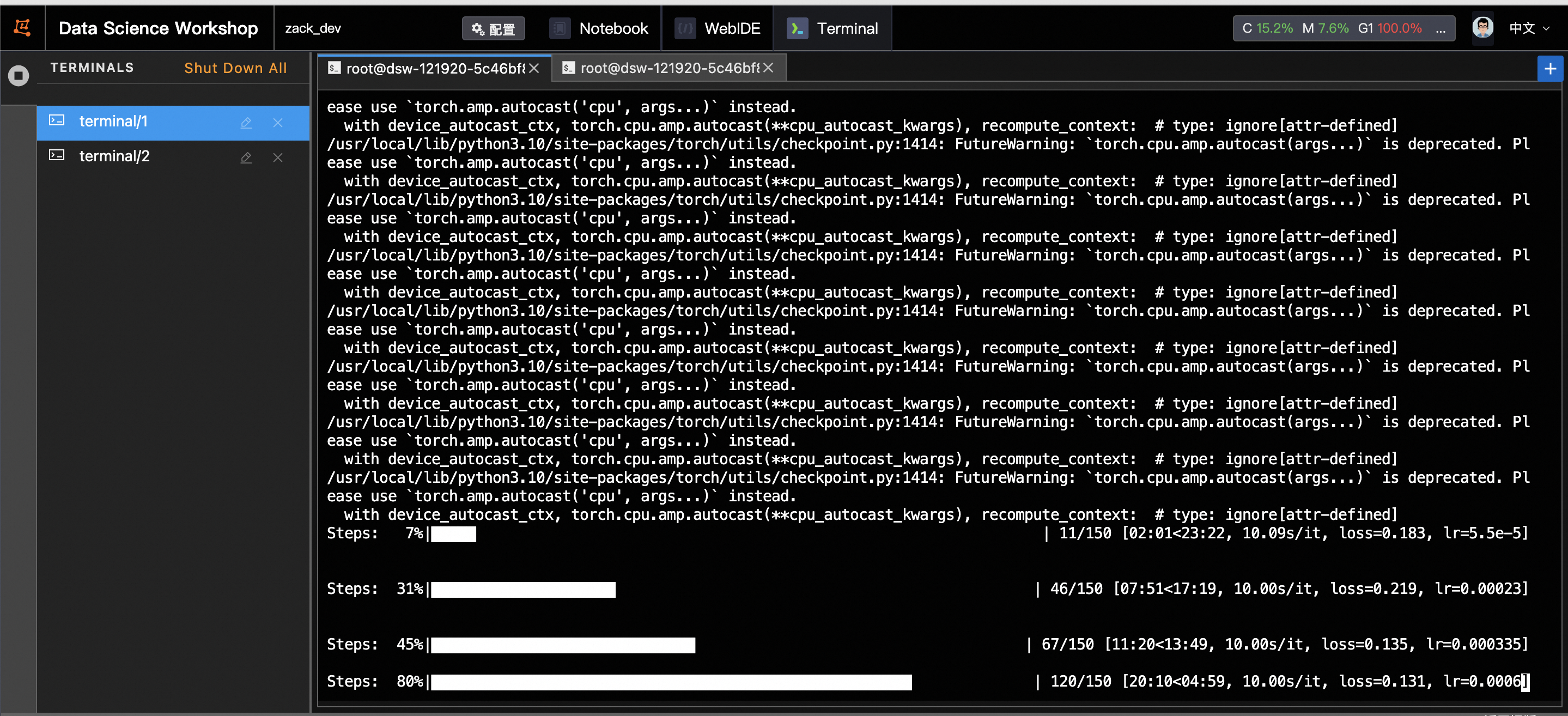

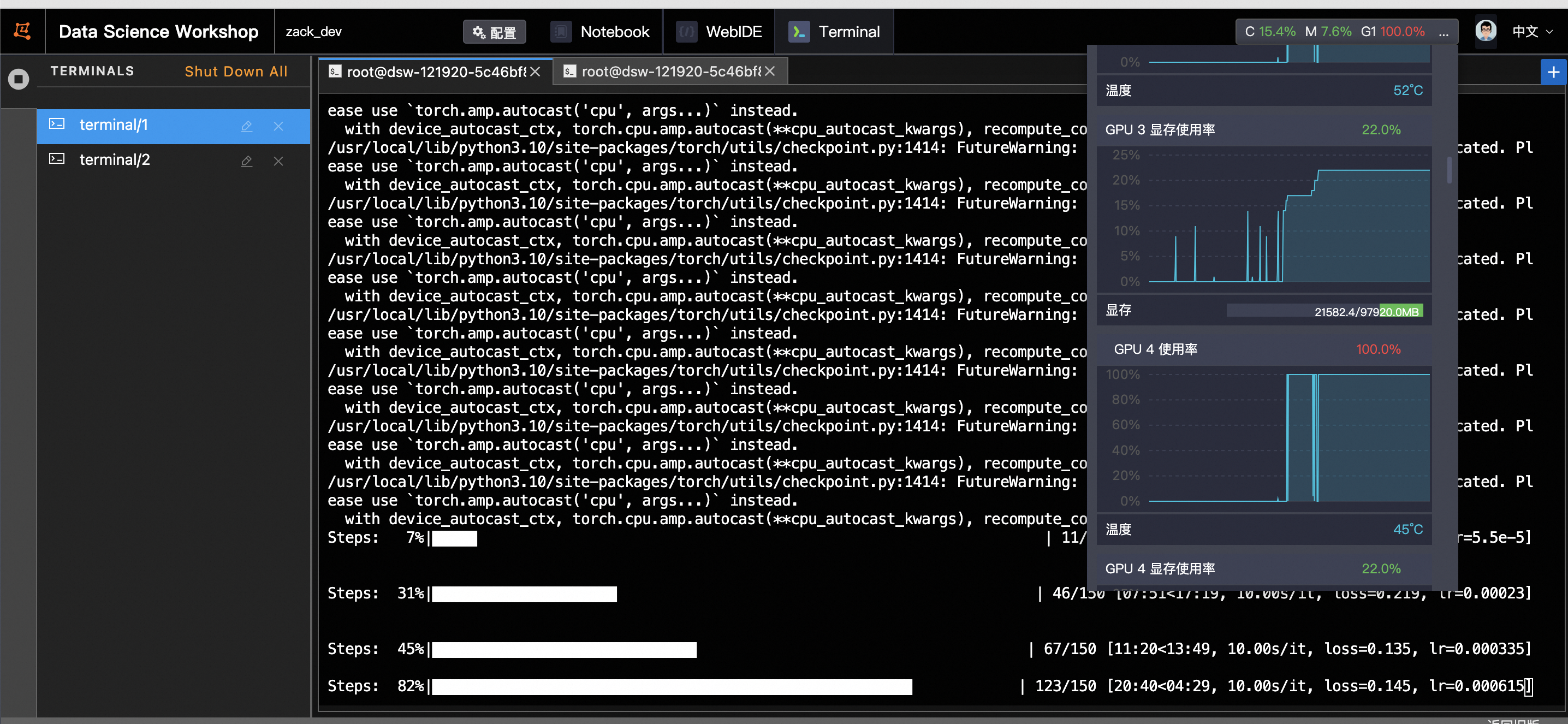
Model inference
Run the following command to perform inference.
python cli_demo.py --prompt "A serene night scene in a forested area. The first frame shows a tranquil lake reflecting the star-filled sky above. The second frame reveals a beautiful sunset, casting a warm glow over the landscape. The third frame showcases the night sky, filled with stars and a vibrant Milky Way galaxy. The video is a time-lapse, capturing the transition from day to night, with the lake and forest serving as a constant backdrop. The style of the video is naturalistic, emphasizing the beauty of the night sky and the peacefulness of the forest." --model_path ../models/CogVideoX-5b/ --generate_type "t2v" --output_path ./test1.mp4 --num_inference_steps 20A video file will be generated.