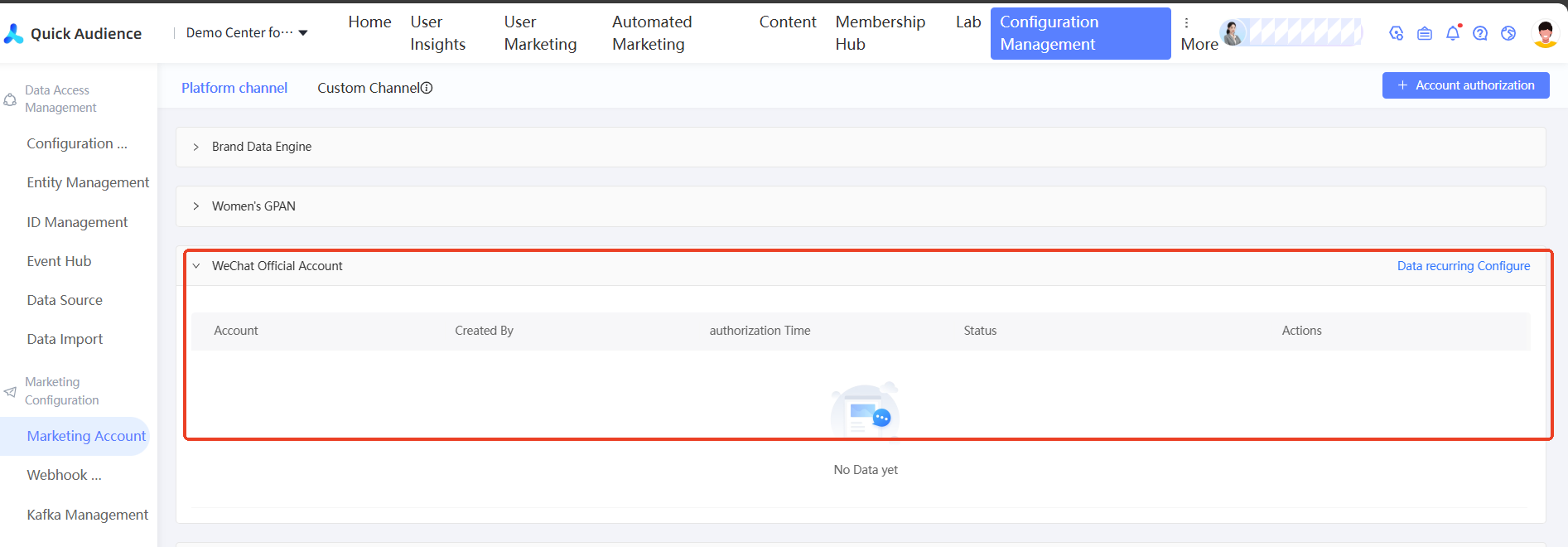
WeChat Official Account authorization flow
Authorize a WeChat Official Account in Quick Audience to sync user data and attach the account.
Prerequisites
Before you begin, make sure you have:
A WeChat Official Account
Quick Audience administrator access to Configuration Management
-
The WeChat Official Account administrator available to scan a QR code from their phone
Step 1: Initiate authorization in Quick Audience
1.1 Configure WeChat ID mapping (for Quick Audience administrators)
Go to Configuration Management > ID Mapping and configure rules for OpenID and UnionID. After you attach a WeChat Official Account, user data and behavior event data from that account are automatically synchronized and included in the ID mapping.
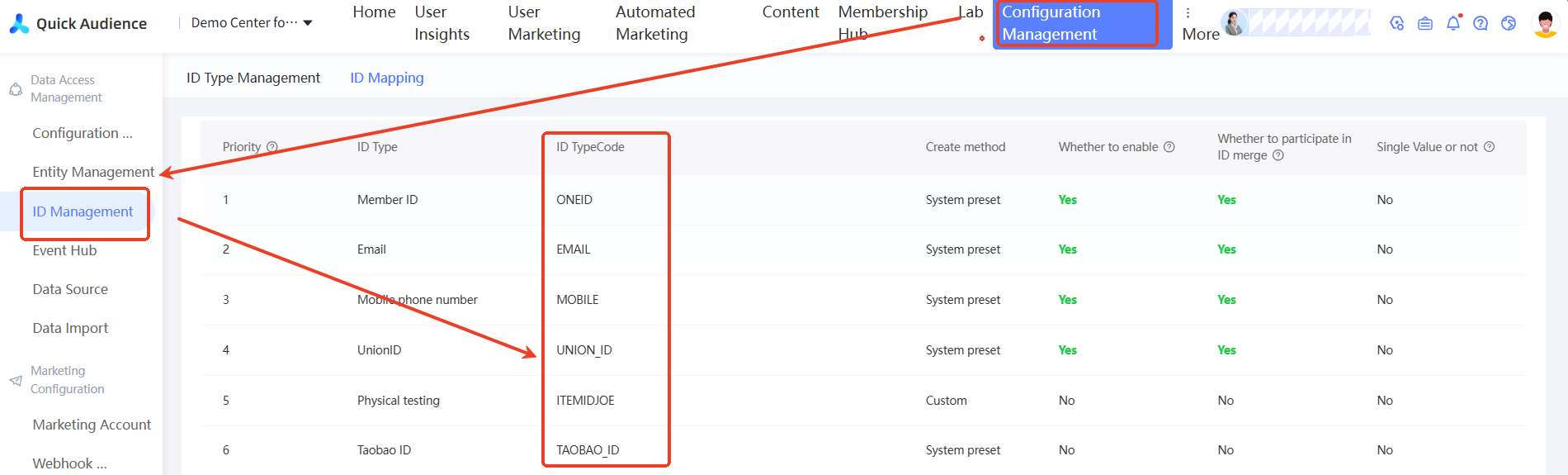
1.2 Request authorization (for Quick Audience administrators)
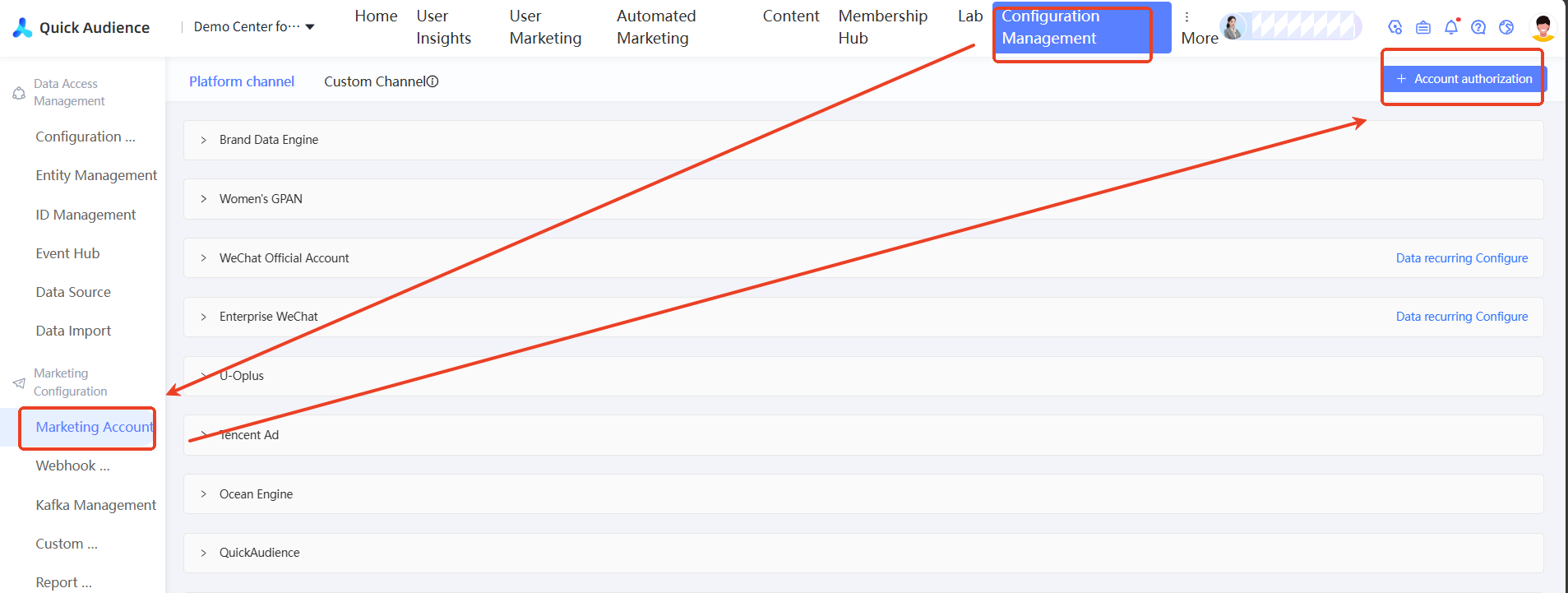
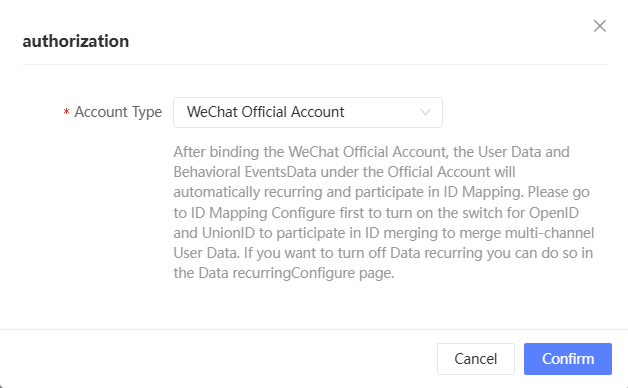
Go to Configuration Management > Marketing Accounts and click Authorize Account in the upper-right corner. An authorization dialog box appears. Select WeChat Official Account and click OK.
Set Account Type to WeChat Official Account and click OK.
Step 2: Complete authorization in WeChat
A QR code appears on screen. The WeChat Official Account administrator must scan it from their phone to complete the authorization.
NoteOnly the administrator of the WeChat Official Account can scan the QR code.
The QR code expires. If it expires, refresh the page to get a new one.
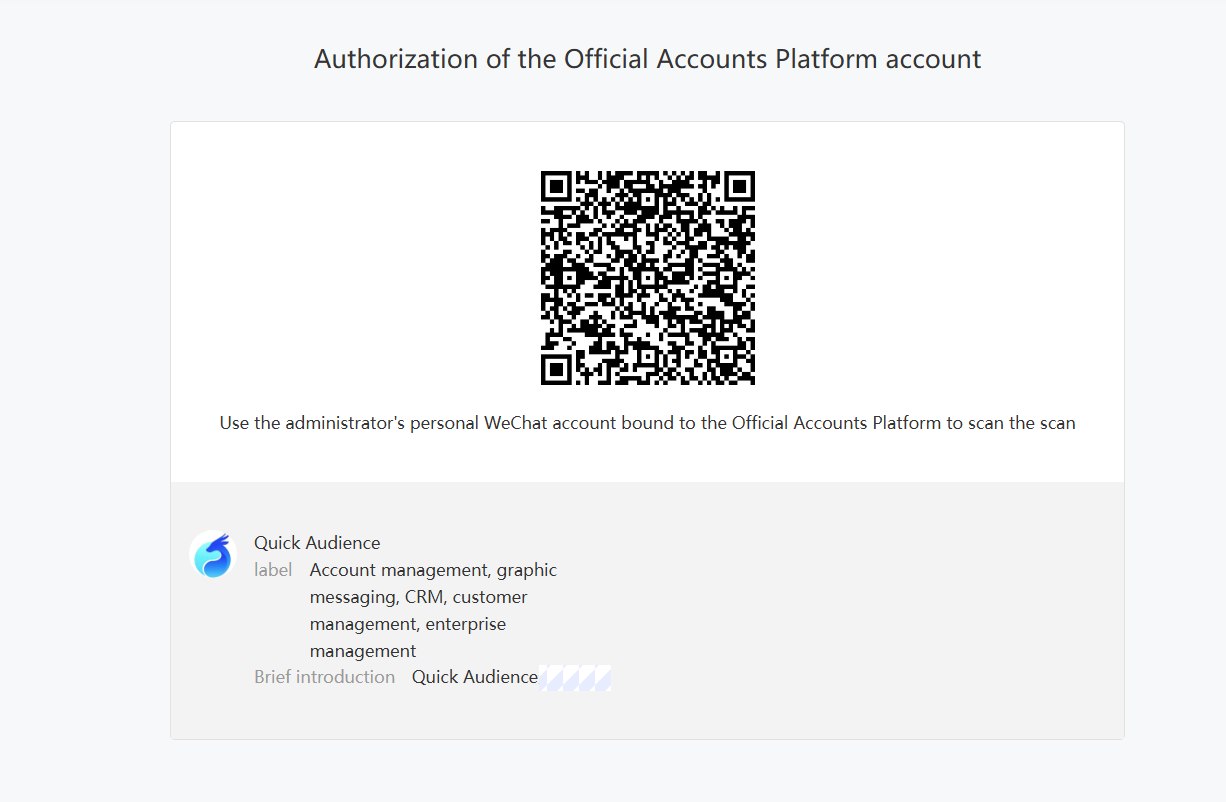
After the administrator taps Confirm on their phone, they are redirected to a success page. Go to Configuration Management > Marketing Accounts to verify the authorization status.