Grant a RAM user access to the Quick Audience console
Background
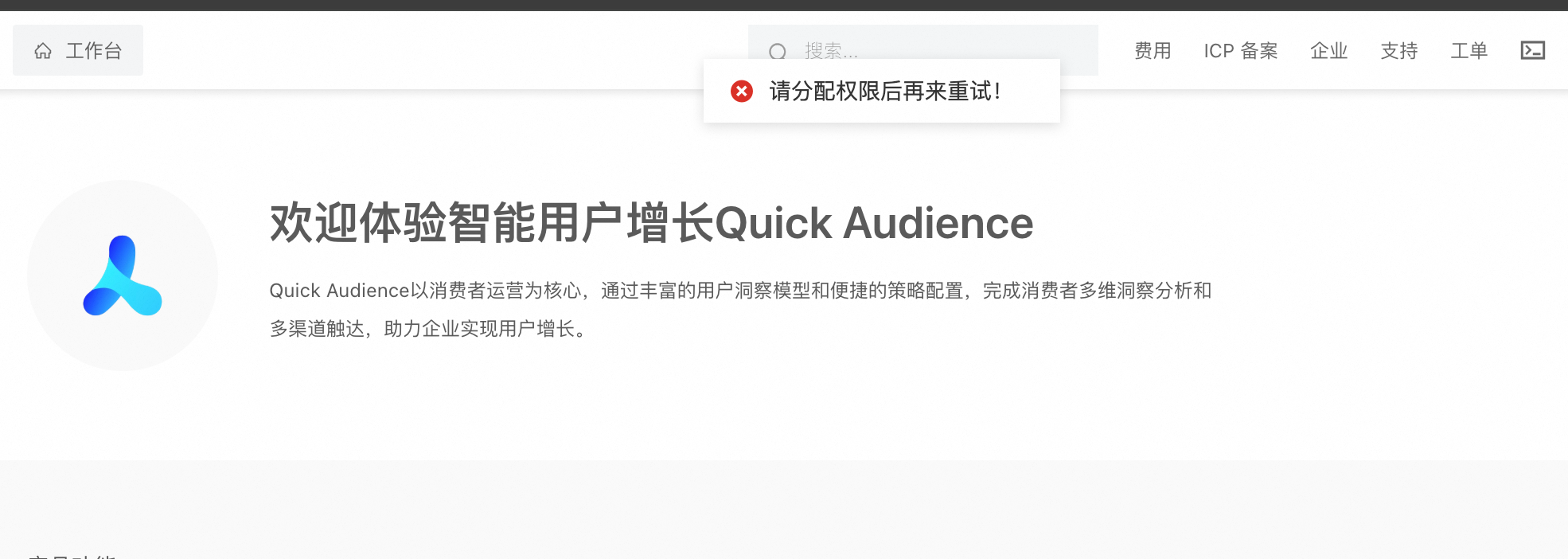
By default, a system error occurs when a Resource Access Management (RAM) user attempts to access the Quick Audience console. An Alibaba Cloud account must grant permissions to the RAM user to enable console access.
If RAM authorization is not granted, the following error is displayed:
Authorization procedure
1. Create an access policy
In the RAM console, go to Permission Management > Access Policies. Create a custom policy in script editor mode. For more information, see Policy Management.
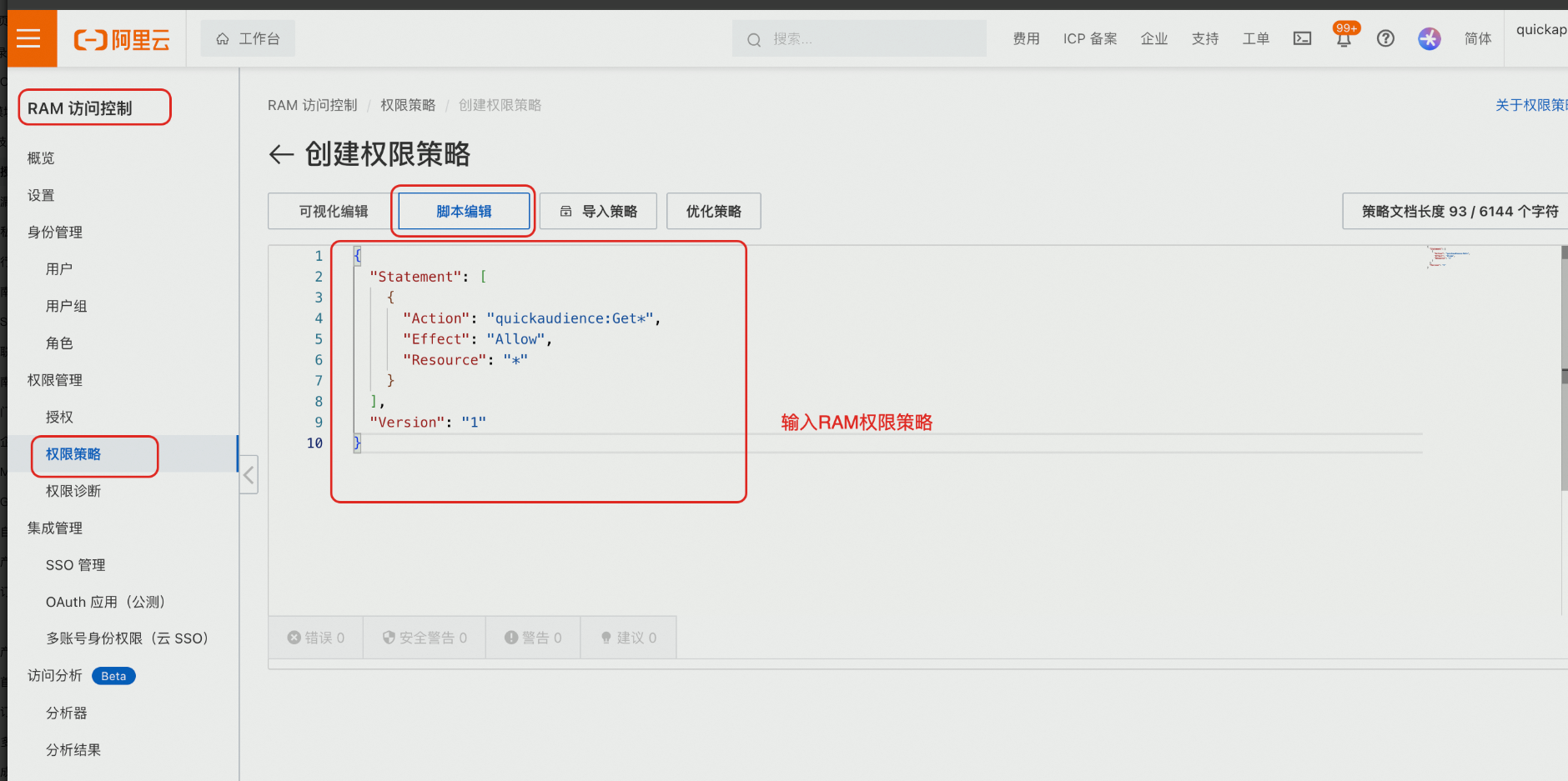
The script is as follows:
{
  "Statement": [
    {
      "Action": "quickaudience:Get*",
      "Effect": "Allow",
      "Resource": "*"
    }
  ],
  "Version": "1"
}
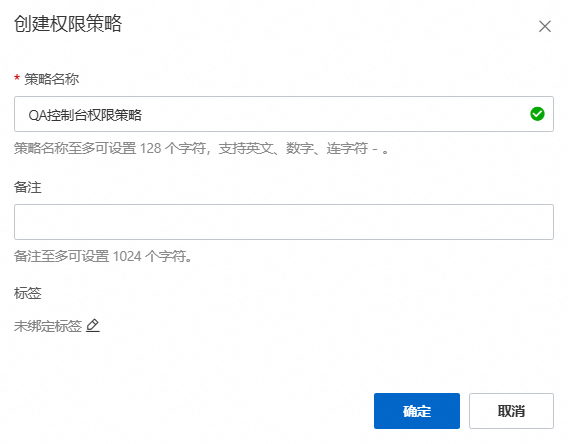
Specify a custom policy name and click OK to save the access policy.
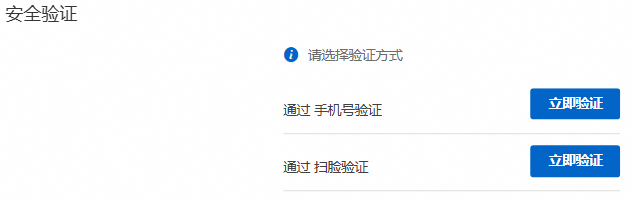
If a security authentication window appears, complete the authentication as prompted.
2. Add an authorization
After the access policy is created, you are redirected to the policy details page.
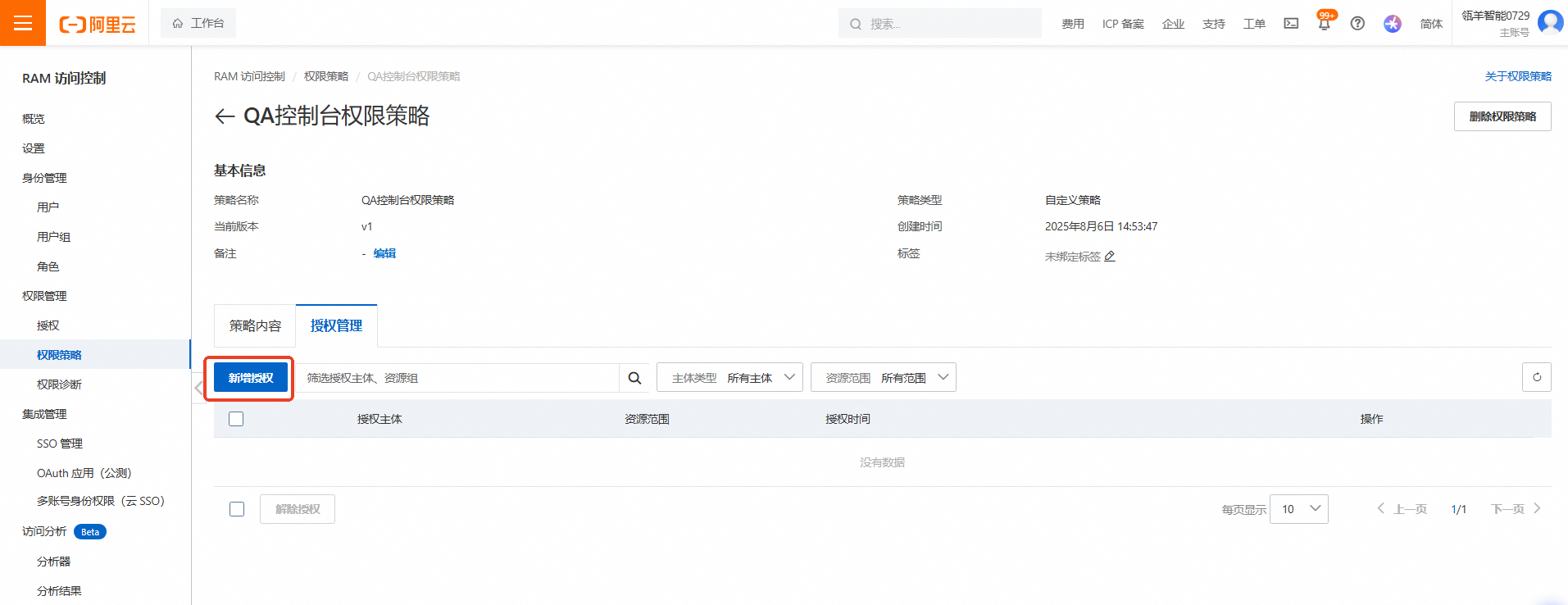
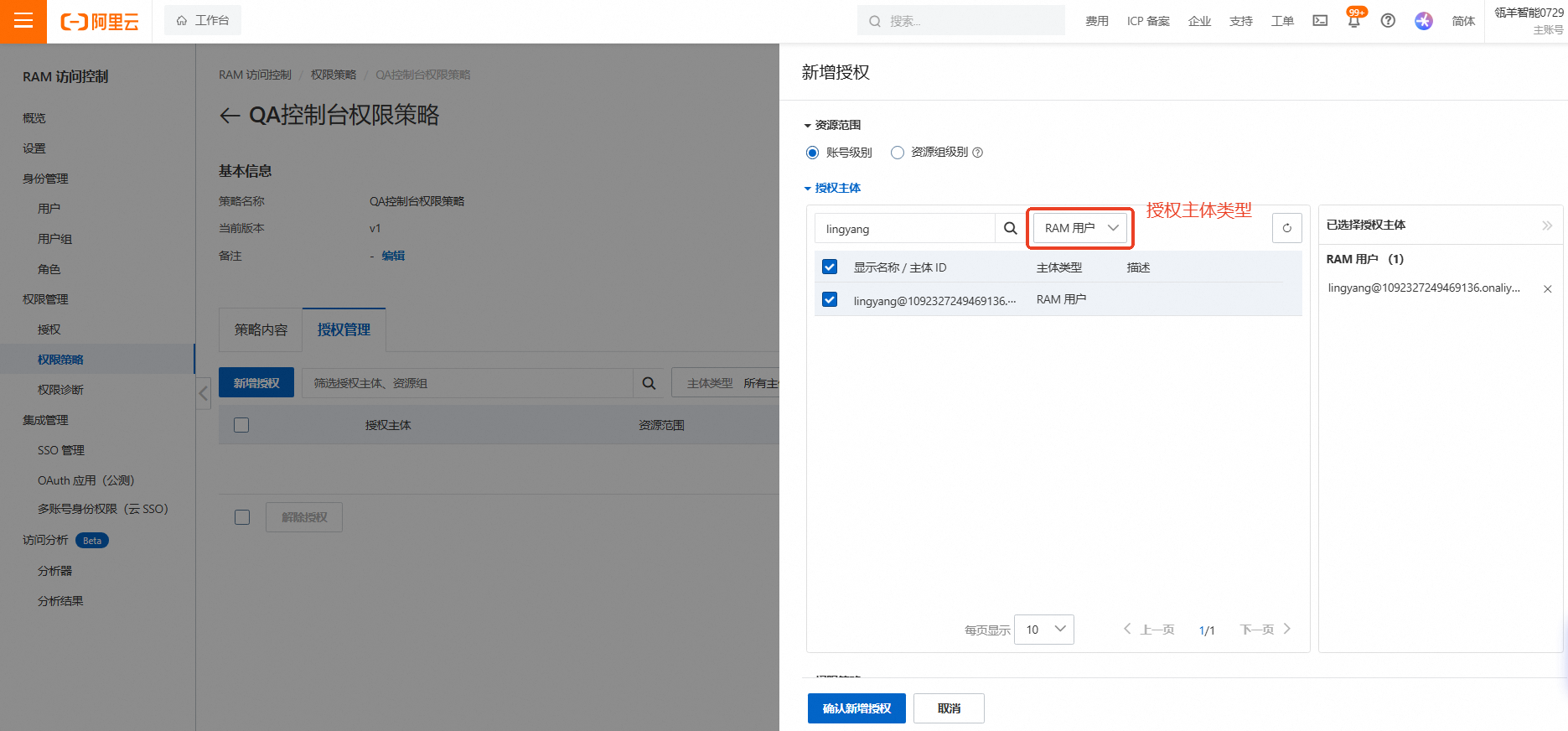
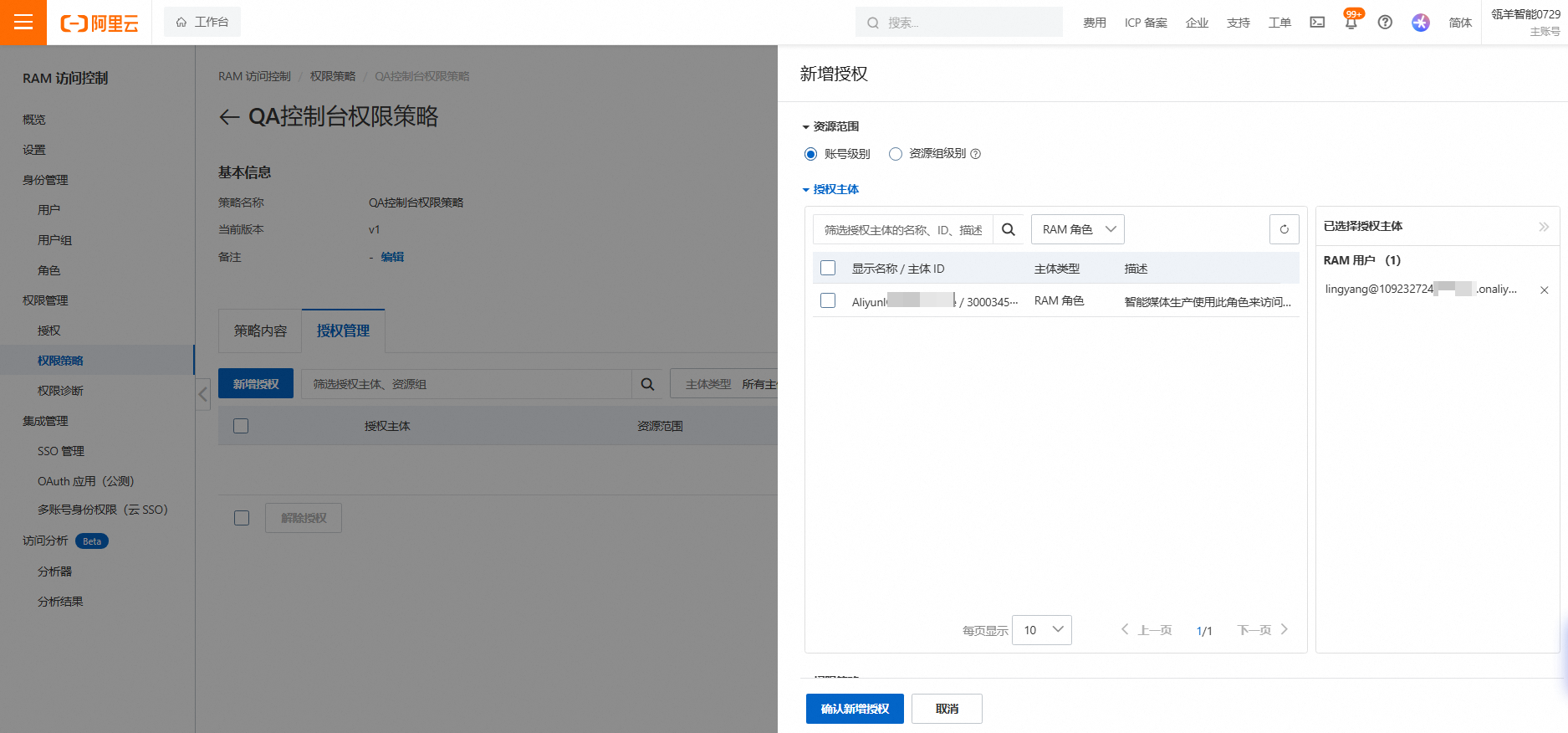
Go to Permission Management > Add Authorization, and select the entity to grant permissions to. For more information, see RAM Authorization Management.
The entity type is RAM user.

The entity type is RAM role.
After the permissions are granted, the corresponding RAM user can access the Quick Audience console.