Live Inspection Agent/Get live stream links from various platforms
This tutorial explains how to obtain live stream links from various platforms.
Douyin
On a PC, open the live stream and copy the link from the browser's address bar.
Taobao and Tmall
Follow these steps:
On a PC, go to the Taobao live stream and click the Anchor Account.
On the Anchor Homepage, copy the link from the browser's address bar.
JD.com
In the JD.com mobile app, find the live stream and tap the Shop Name.
Tap the Anchor Homepage.
Tap the three-dot icon in the upper-right corner, and then tap the Share button.
Tap Copy Link.
On a PC, open the copied link in a browser.
Copy the link from the browser's address bar. For the required format, see the example below.
Kuaishou
On a PC, open the live stream and copy the link from the browser's address bar.
Xiaohongshu
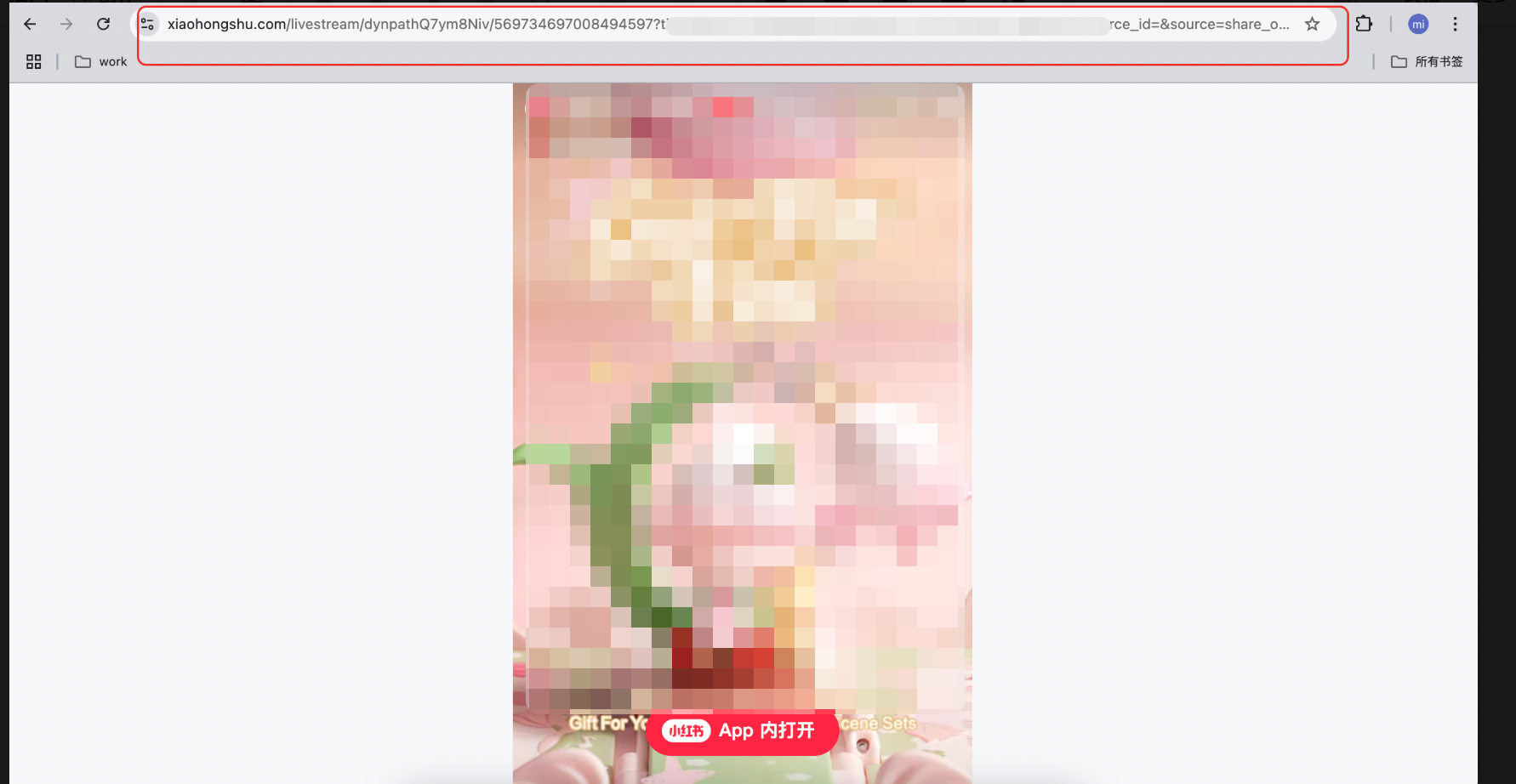
In the Xiaohongshu mobile app, find the live stream, tap the Share button, and copy the share link.
On a PC, open the copied link in a browser and copy the resulting full URL from the address bar.