This feature is available only to existing paid customers and is no longer offered to new customers.
On the Material Management page, you can upload and manage your images, videos, and audio files. Use these materials to create ads for marketing placements.
Manage materials
Choose Media Placement > your workspace > Marketing Support > Material Management. All uploaded materials are displayed on this page, as shown in the following figure.
Material type: By default, All is selected. You can filter the list by image, video, or audio. Only one type can be selected at a time.
Material list: Displays the details of all materials.
Each row starts with the material's thumbnail and information. Click a thumbnail to preview an image or play a video or audio file.
Click the
 icon to delete the material.Note
You cannot delete a material that is in use.
Upload materials
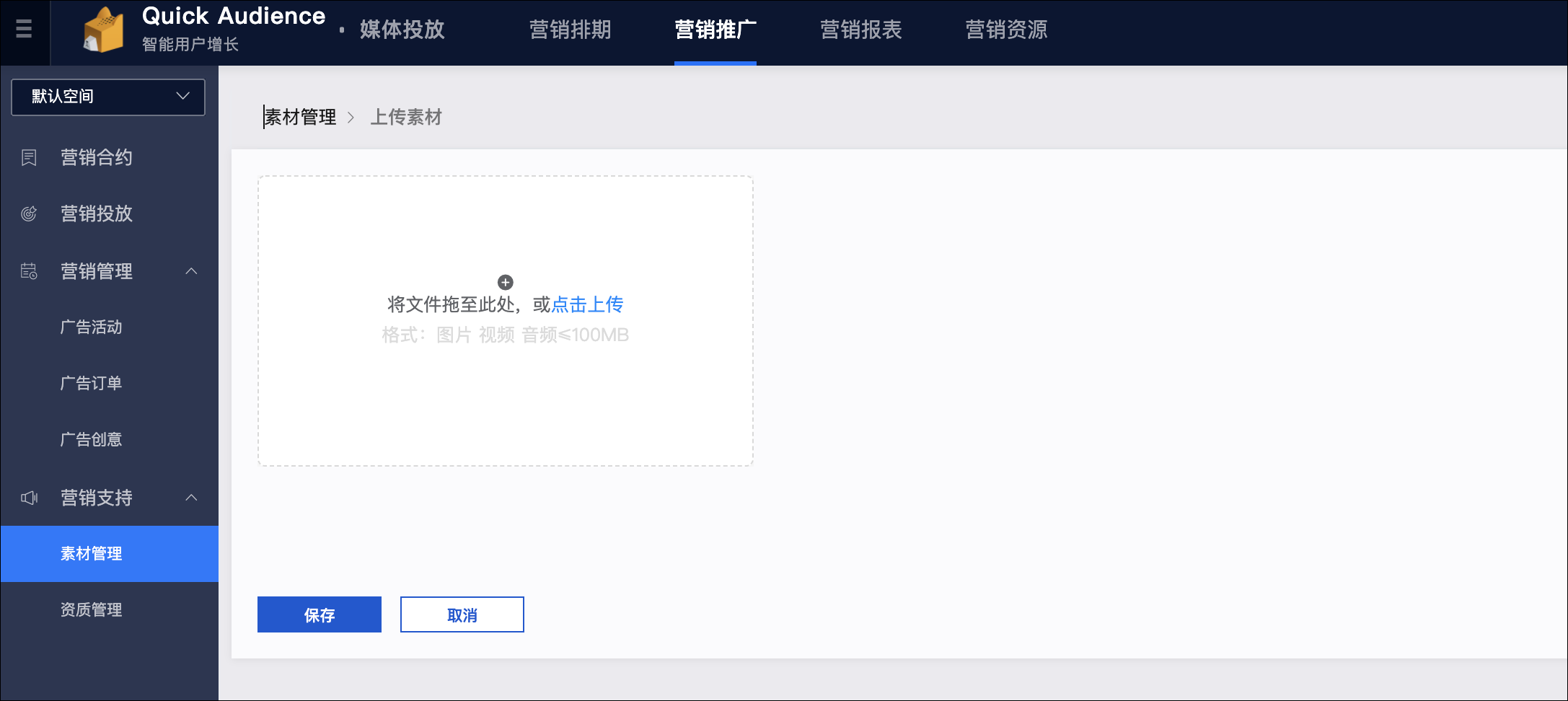
You can upload image, video, or audio files in any format. The file size cannot exceed 100 MB.
In the upper-right corner, click Upload Material. Follow the prompts to upload your files. You can upload up to 10 materials at a time. Click Save to complete the upload.