How to view the BCC addresses of a sent email
Updated at:
This topic describes how to view the BCC addresses of an email that you have sent.
Alibaba Mail supports blind carbon copy (BCC). When you send an email by using BCC, the BCC addresses do not appear in the message header.
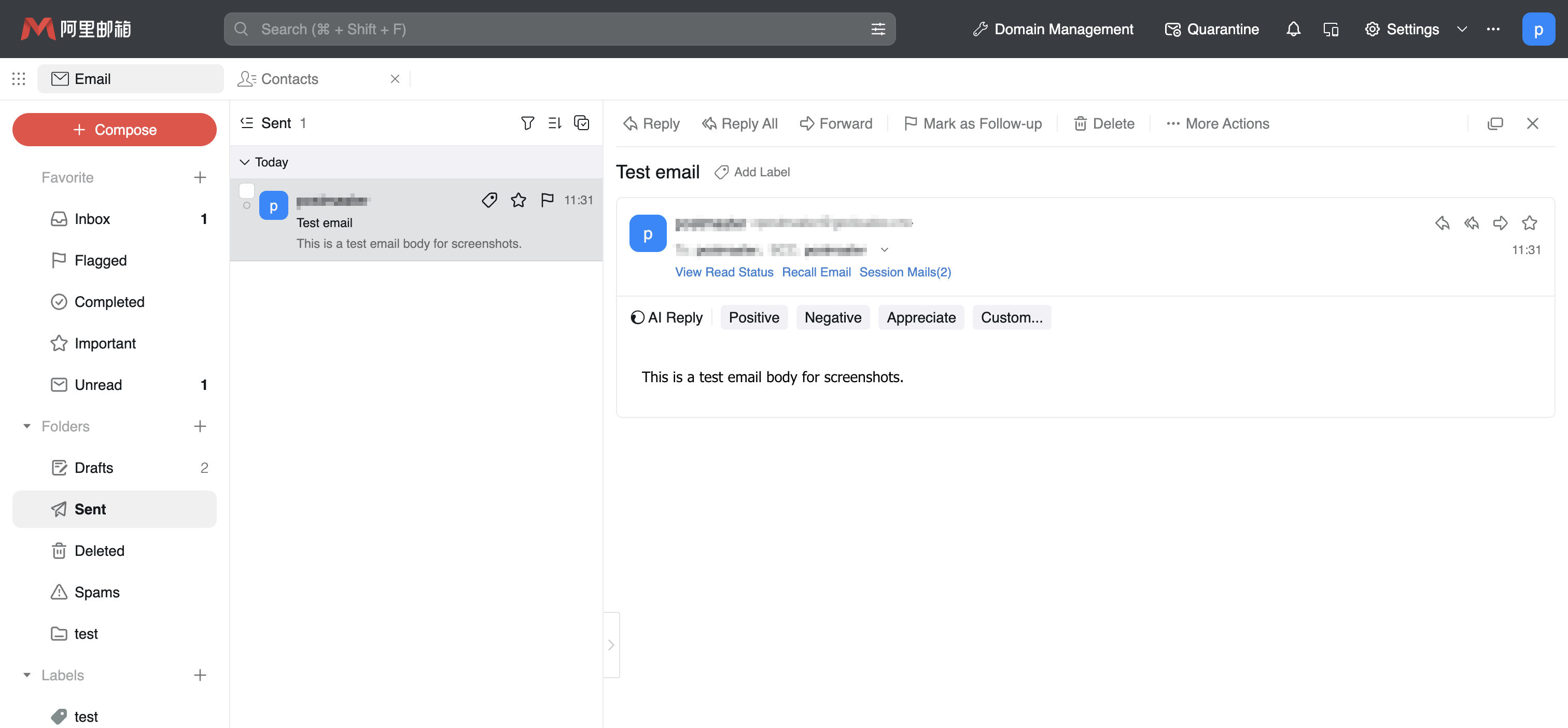
In the sender's Sent folder, click the email, expand its delivery status, and then scroll down to view the actual recipient addresses.
The following figure shows an example.
If the issue persists, click Feedback in the lower-right corner of this document and describe your issue. Include your email address so that we can contact you.
Is this page helpful?