Postmaster account
This topic explains the mail management platform and the postmaster account.
Postmaster account
When you purchase Alibaba Cloud Mail, you receive a primary administrator account. This account, also known as the postmaster account, consists of three parts: postmaster, @, and your domain name. You can use the postmaster account to log on to the mail management platform to manage employee email accounts and customize your organization's email settings.
You cannot change the administrator account name or customize its prefix.
The postmaster account is a complimentary account included with your Alibaba Cloud Mail subscription and does not count toward your number of users. Use it only for routine administrative tasks. The account has a fixed capacity of 5 MB that cannot be changed and is not recommended for daily email correspondence.
As a best practice, do not configure the postmaster account in any mail client, such as Outlook or Foxmail. This practice increases the risk of brute-force attacks. If the account is compromised, your entire email system's data could be exposed, jeopardizing the security of all other accounts. We recommend that you do not enable third-party client access for the postmaster account.
Alibaba Cloud Mail provides a mail collection feature to prevent missed emails.
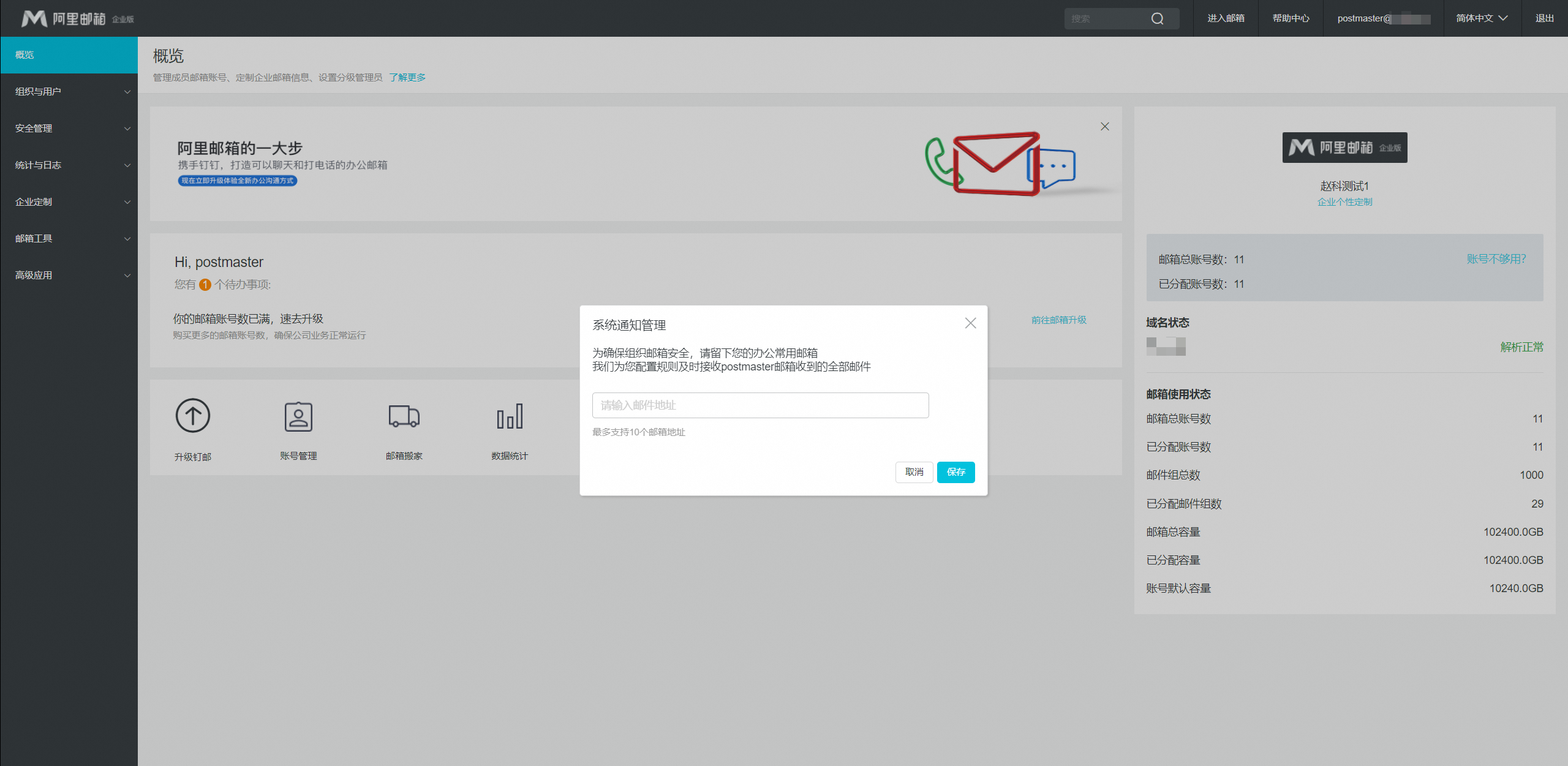
Alibaba Cloud mail management platform
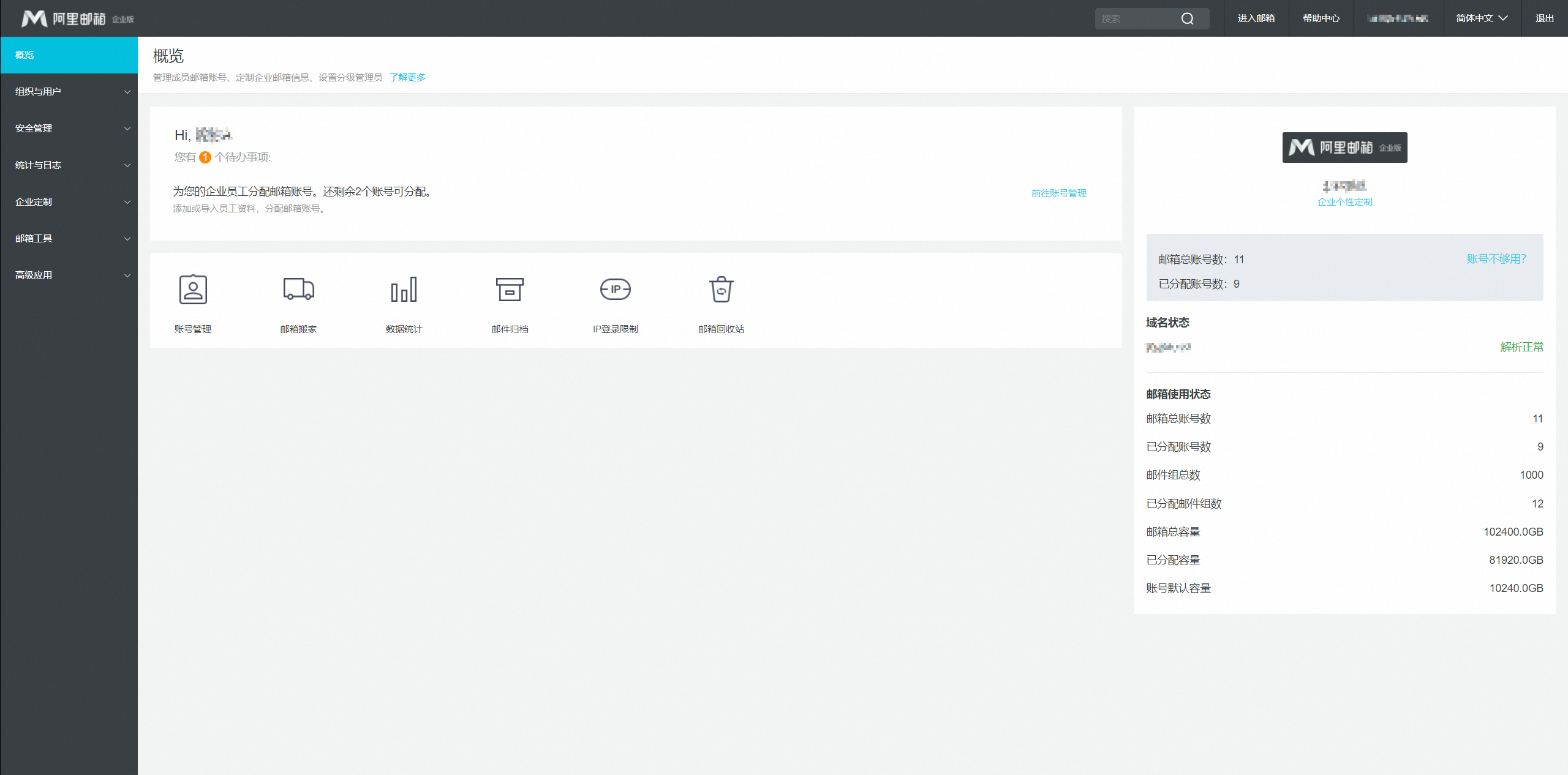
The mail management platform is the administrative console for your email service. When you purchase Alibaba Cloud Mail, you receive an administrator account to log on to the platform. From the platform, you can create departments and employee accounts, customize your corporate email style, and set up tiered administrators.
The following figure shows the mail management platform:
The mail management platform is accessible only through a web browser.
For the best experience, we recommend using Google Chrome.