Confidential mode
1. Confidential mode
Confidential mode is a secure sending feature in Alibaba Cloud Mail that protects sensitive information. When you send an email that contains trade secrets, personal data, or other critical information, you can enable this mode to control how recipients interact with the message. This prevents unauthorized distribution and long-term data retention.
Core security capabilities:
Screenshot prevention (message body watermark)
Scenario: Protects against untraceable leaks if a recipient shares screenshots of an email.
Function: When enabled, this feature automatically overlays a watermark on the message body. If a screenshot is leaked, you can trace the source directly to the recipient. Additionally, the feature hides the quoted original text in replies to prevent secondary distribution.
Restrict email propagation
Scenario: You want the recipient to only read the email, not forward it to third parties or print it.
Function: Within the Alibaba Cloud Mail client, this feature disables forwarding, copying, downloading attachments, and printing for the recipient. This blocks common methods of distribution.
Encrypted email
Scenario: You want to prevent the content from being read even if the email is intercepted or sent to the wrong recipient.
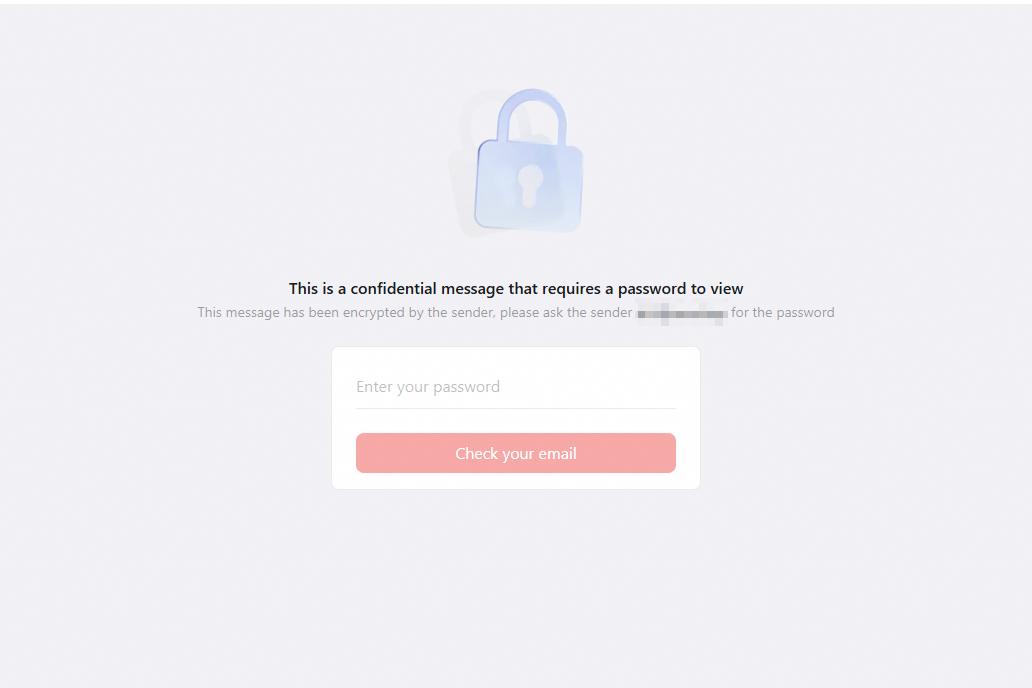
Function: You can set a 1- to 16-character password for the email. The recipient must enter the correct password to decrypt and view the message body and attachments.
Self-destructing message (set an expiration time)
Scenario: You are sending a sensitive notification that the recipient only needs to see for a short period before it expires.
Function: You can set an expiration time for the email, such as 1 day, 1 week, 1 month, 3 months, or 1 year. After the expiration time, the email content becomes inaccessible. This reduces the risks of retaining historical information.
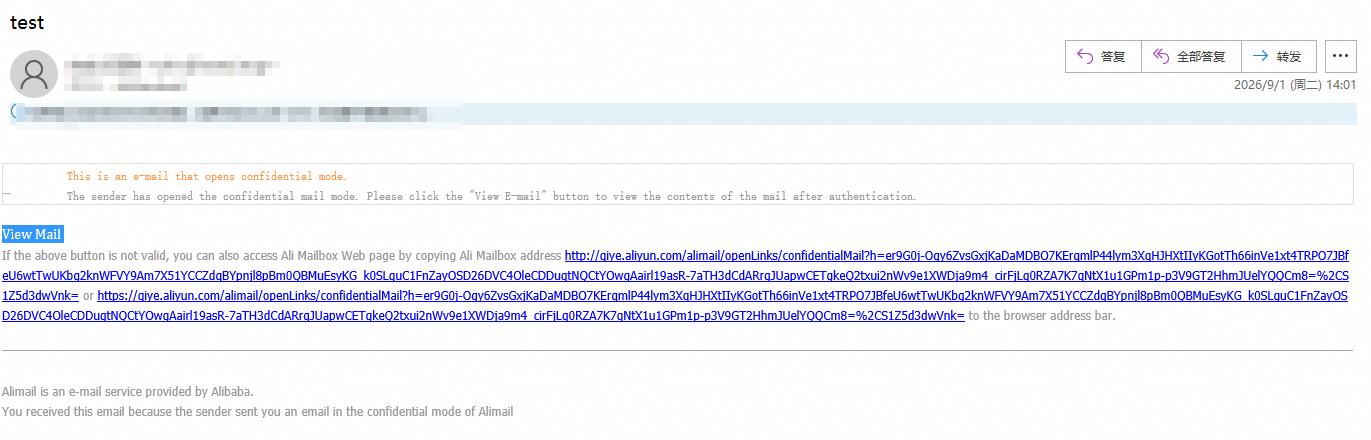
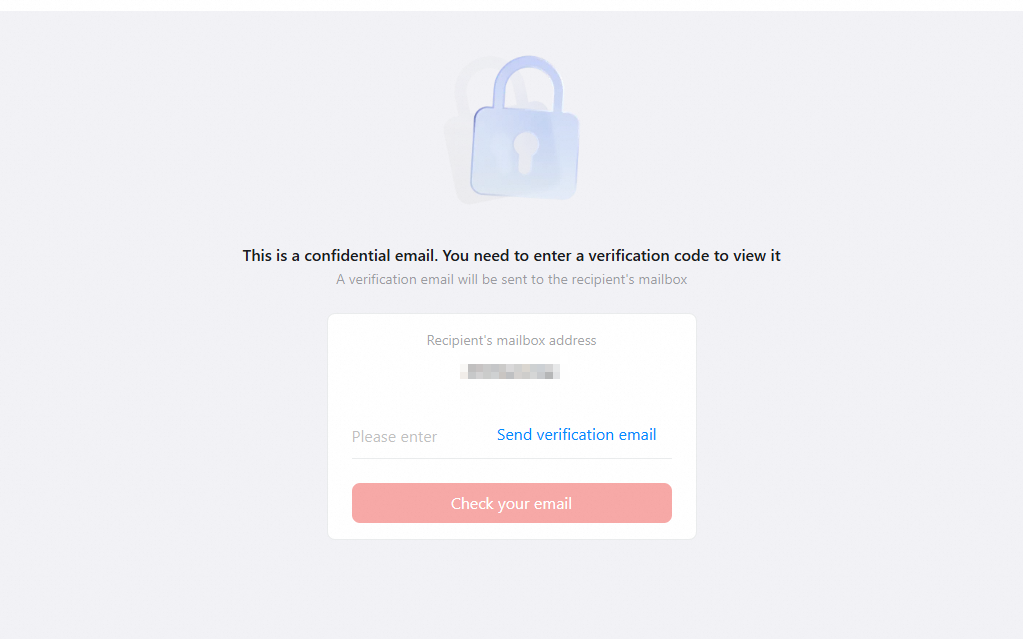
Note: External users (users not on Alibaba Cloud Mail) cannot preview confidential messages directly in their email client. Instead, they must open the message in the Alibaba Cloud Mail web version or client and verify their identity with an authorization code or password.
2. Usage
For senders: Enabling and configuring
Step 1: Access settings
In the compose window, click More Options > Set Confidential Mail in the bottom toolbar.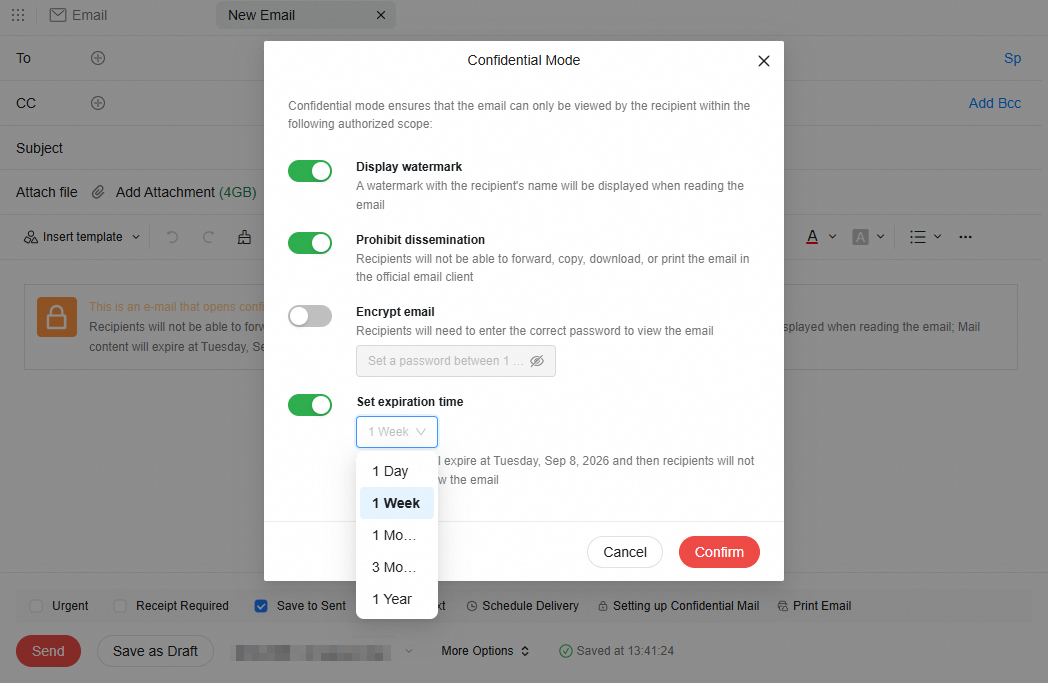
Step 2: Configure the security policy
The Confidential Mode settings window opens. Select the options you require:
Display Body Watermark: Enabled by default to ensure traceability.Restrict Mail Propagation: This option is enabled by default and disables forwarding, copying, downloading, and printing.Encrypt Mail: For higher security, enable this option and set a 1- to 16-character password.Set Mail Expiration Time: Select an expiration period, such as 1 week, from the drop-down list.
Step 3: Confirm and send
After configuring the settings, click OK. A notification banner appears above the editor indicating that confidential mode is enabled. You can click Change Information Security Settings in this banner to modify your settings. When ready, click Send.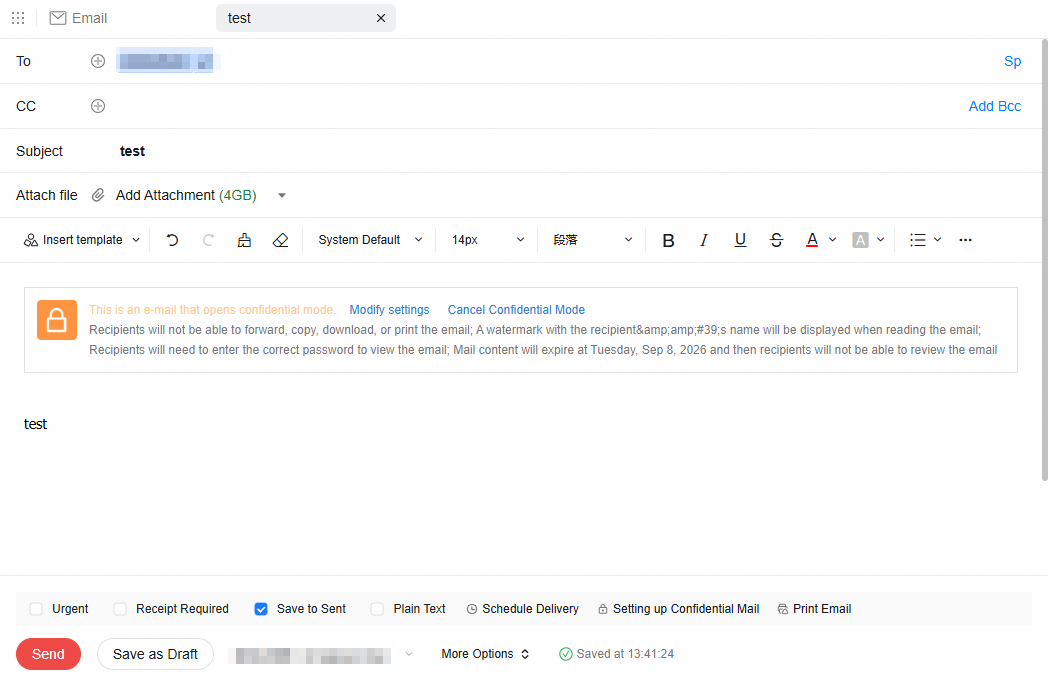
3. Recipient experience and limitations
On first-party clients (the web version, Alibaba Cloud Mail clients, and DingTalk):
Recipients can receive the email normally, but the
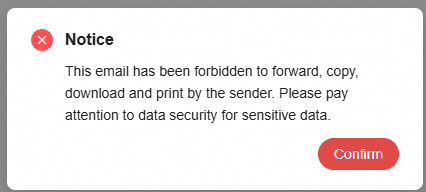
Forward,Copy,Download, andPrintbuttons are disabled. The buttons are either grayed out or return an error when clicked.Attempting to forward the message from within the client will result in an error.
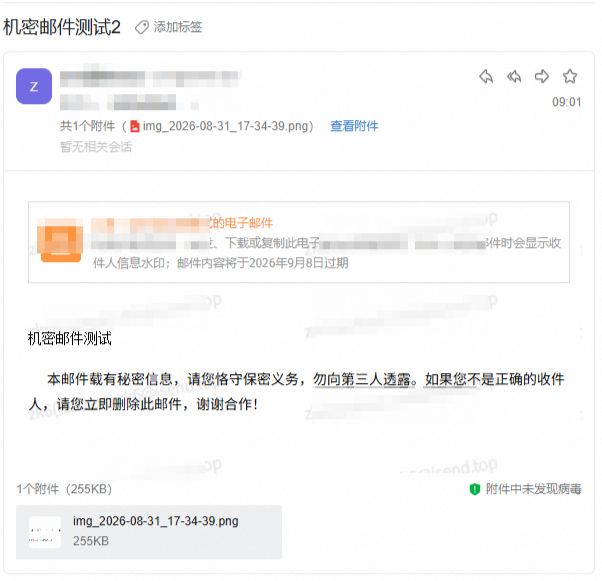
The reading view displays a personal watermark.
If the sender has set a password, the recipient must enter it to view the message.
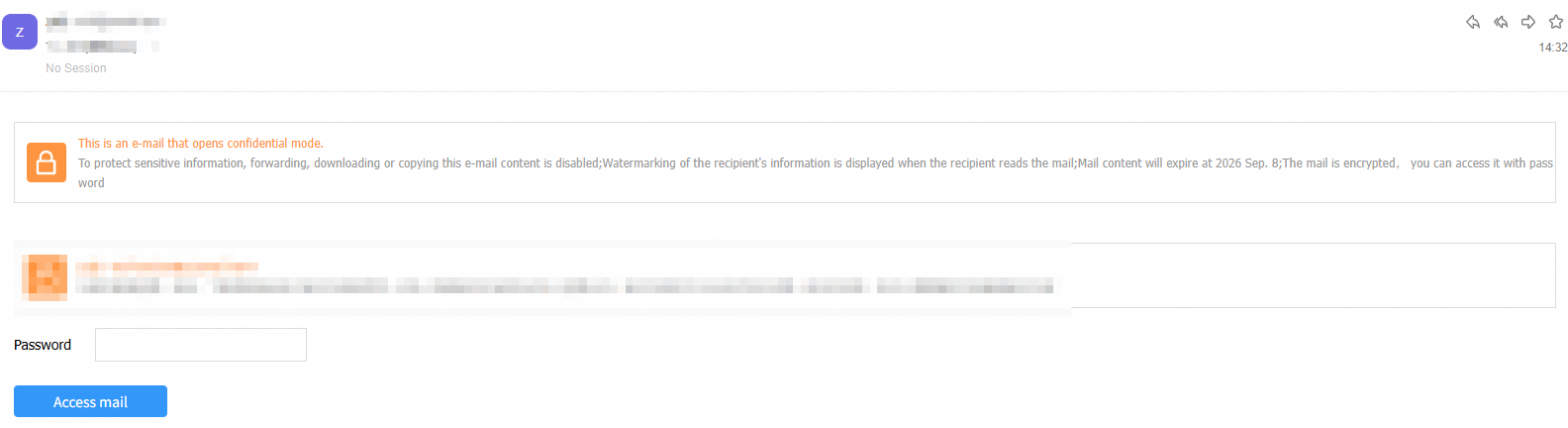

On third-party clients (such as Outlook, Foxmail, and others):
Recipients receive a notification email that directs them to view the message in the Alibaba Cloud Mail Security Center.
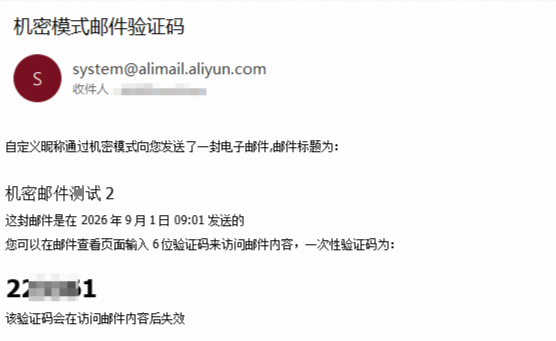
When they click to view the message, they must verify their identity by entering an authorization code or the password set by the sender to access the content.