Security statistics
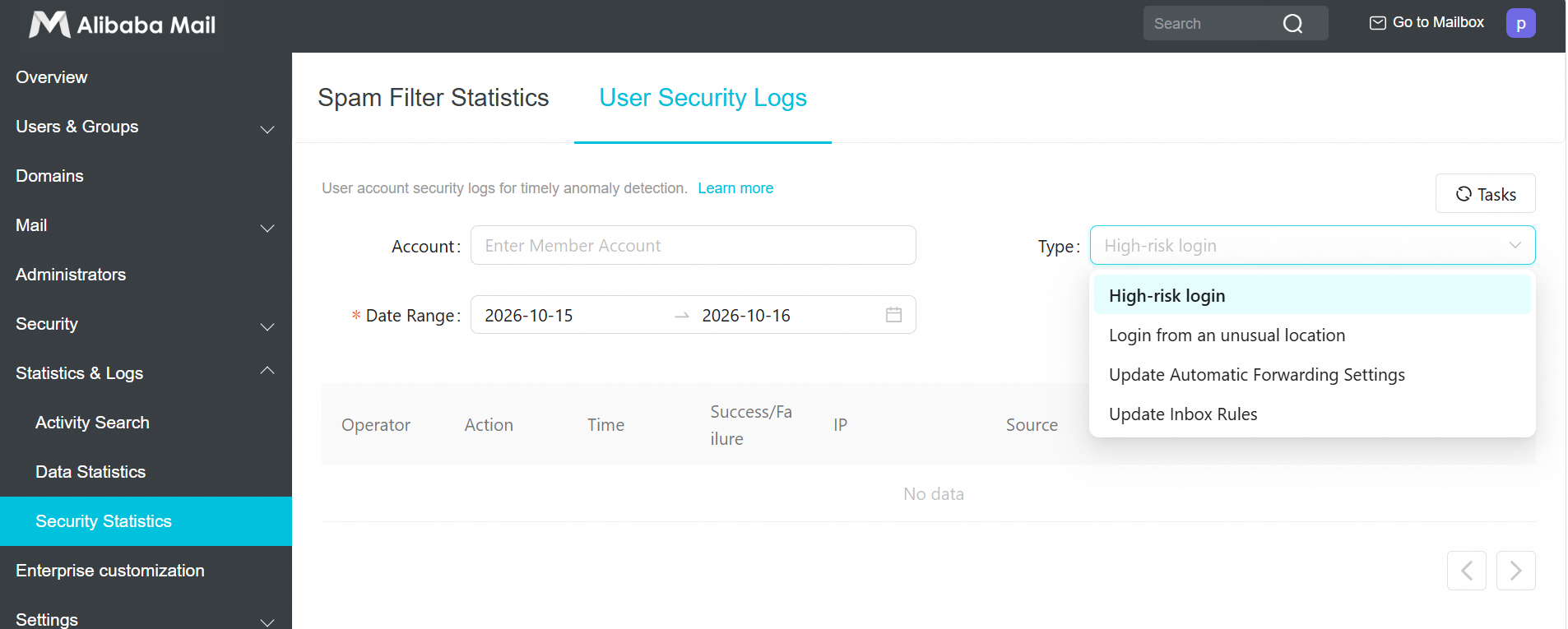
The Alibaba Mail Admin Console logs security-related events for email accounts. Email administrators can use the security statistics feature to view event records for anti-spam filtering, high-risk logins, abnormal logins, and updates to auto-forwarding settings and inbox rules for accounts in their organization.
1. Anti-spam filtering statistics
Alibaba Mail automatically identifies spam. If the anti-spam level is set to "High", Alibaba Mail does not deliver emails classified as spam to the user's inbox. The anti-spam filtering statistics feature shows the number of spam emails and the spam filtering rate. You can export this data as a CSV file.
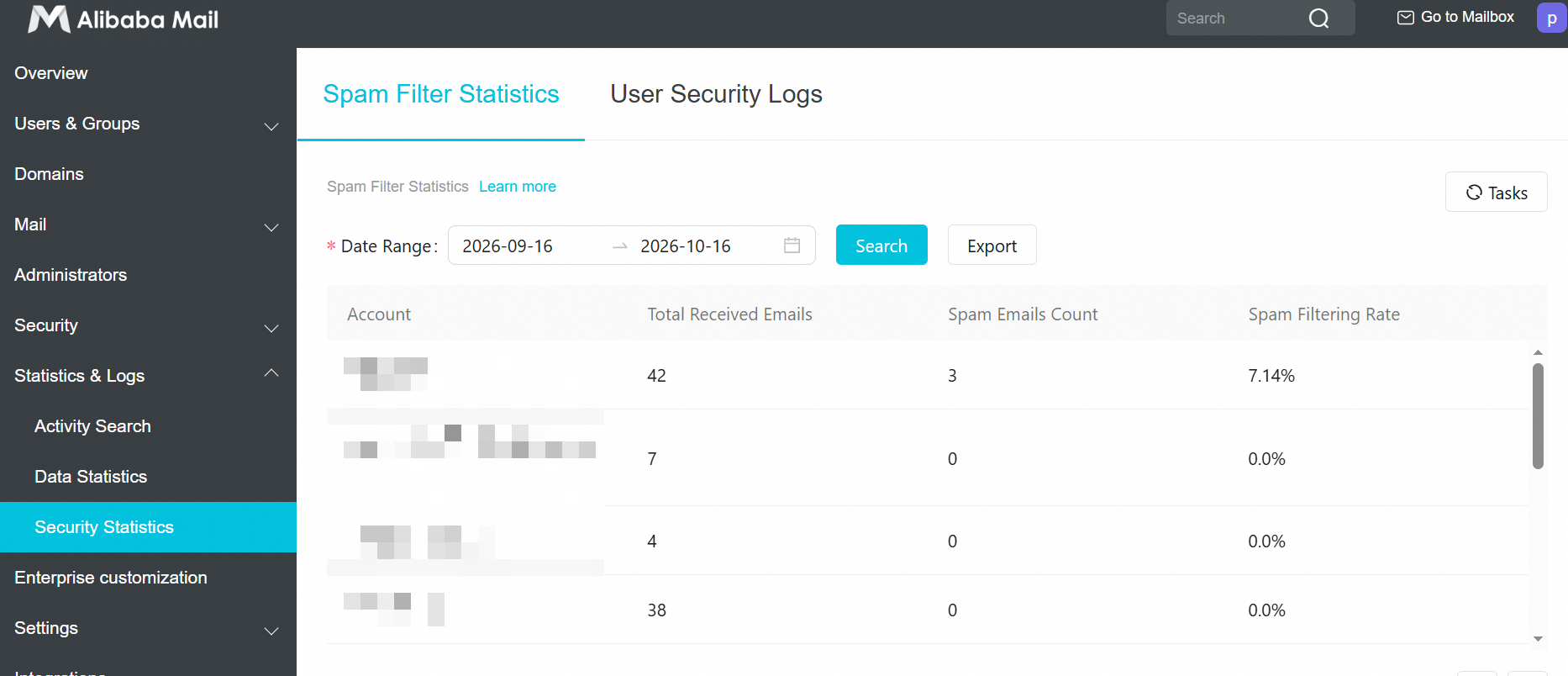
The total email count is based on emails from the previous day.
Data refreshes daily and excludes statistics from the current day.
2. User security log
On the User security log page in the Alibaba Mail Admin Console, email administrators can view event records for accounts in their domain, such as high-risk logins, abnormal logins, and updates to auto-forwarding settings and inbox rules, for a specified time range within the last six months. You can export the data as a CSV file.