Self-service Analysis Configuration
Updated at:
Select the data source tables to include in Self-service Analysis. The selected tables are connected to Quick BI.
Note
Before you configure self-service analysis, authorize Quick Audience to use the ad hoc analysis capabilities of Quick BI. For more information, see Quick BI Authorization Configuration.
Procedure
-
In the upper-right corner
 of the page, choose Workspace > Workspace> Self-Service Analysis Configuration.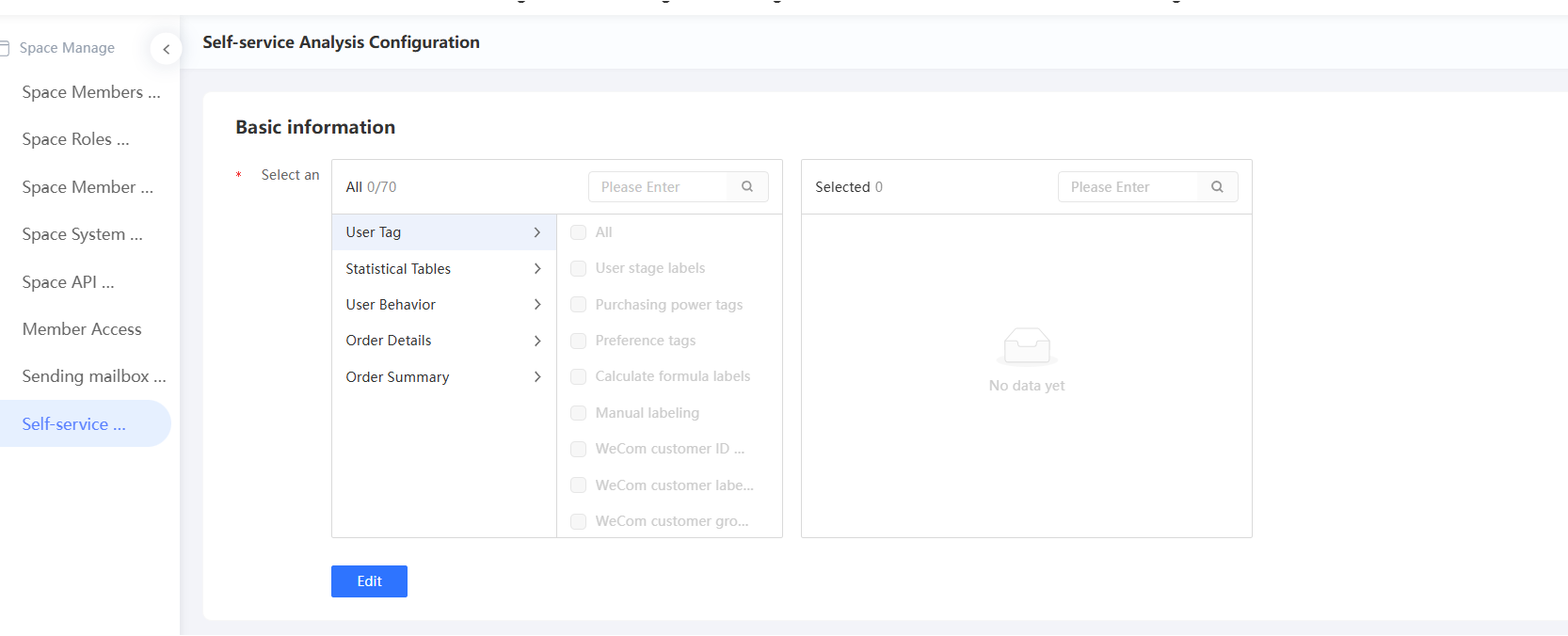
-
In the lower part of the page, click Edit.
-
Select the required import table (imported table), as shown in the following figure. Multiple choices are supported.

-
Click Save.
Is this page helpful?