How to view or download the original email source
Alibaba Mail lets you obtain the original source of an email from the web client or from a third-party client such as Outlook. These methods are alternatives that differ in the output they produce, so choose the one that matches what you need.
Choose a method
Use one of the following methods to obtain the original source of an email. The methods are alternatives, not sequential steps.
| Method | Where you perform it | What you get |
| Download the email as an .eml file (Recommended) | Alibaba Mail web client | The email is saved to your computer as an .eml file, which you open in a text editor. |
| View the original email source | Alibaba Mail web client | The original content of the email in the web client, which you can copy and save separately. |
| View the email header | Third-party client, such as Outlook | The message header information only, which you can copy and save separately. |
Prerequisites
Both web client methods require the following:
Log on to the Alibaba Mail web client.
Open the email whose original source you want to obtain. Both web client methods start with a right-click in the message body, so the email must be open in the reading view before you begin.
Download the email as an .eml file
Download the email from the Alibaba Mail web client to keep the original source as a file on your computer. This is the recommended method when you need to store or hand over the source rather than read it once.
In the reading view of the open email, right-click a blank area in the message body.
Click Download Email.
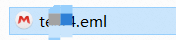
The email is saved to your computer as an .eml file.
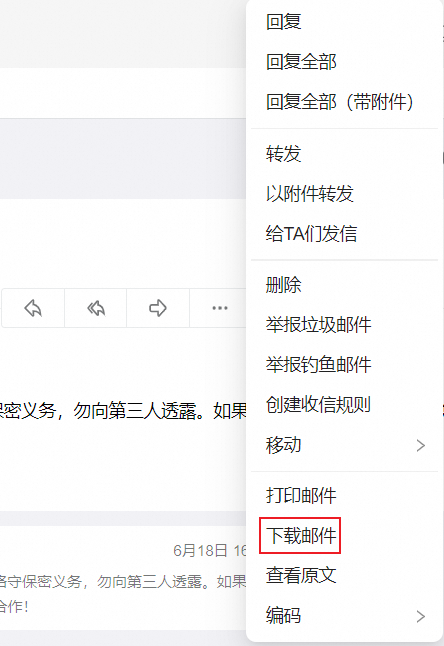
Open the .eml file in a text editor to view the original content.
View the original email source in the web client
View the original source directly in the Alibaba Mail web client when you need to read the source or copy part of it, without downloading a file.
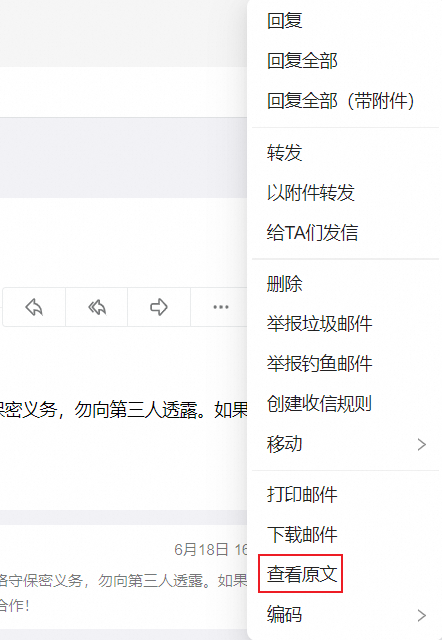
In the reading view of the open email, right-click a blank area in the message body.
Click View Original.
You can copy the original content and save it separately.
View the email header in a third-party client
A third-party client such as Outlook gives you the message header information, not the complete original source. To obtain the complete source, use one of the Alibaba Mail web client methods instead.
Open the email in a third-party client, such as Outlook.
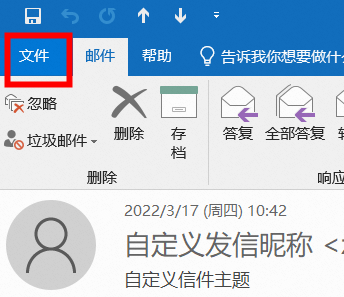
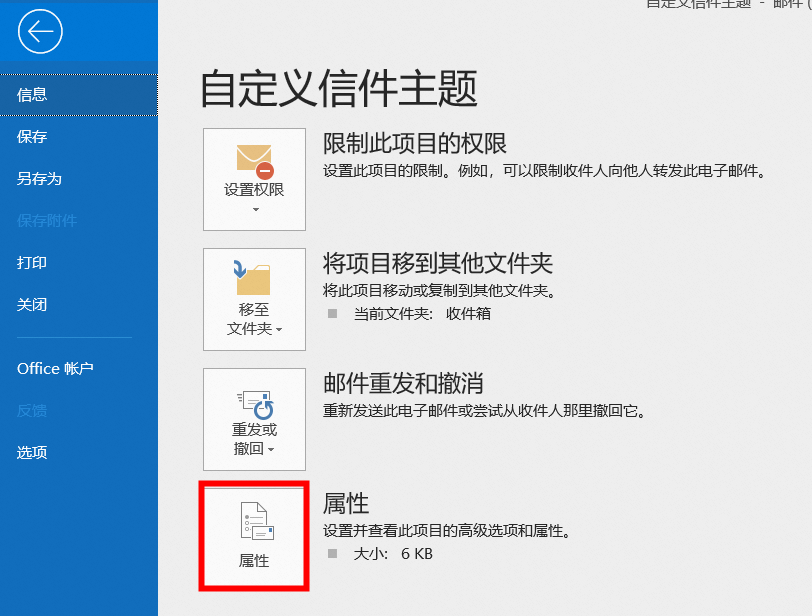
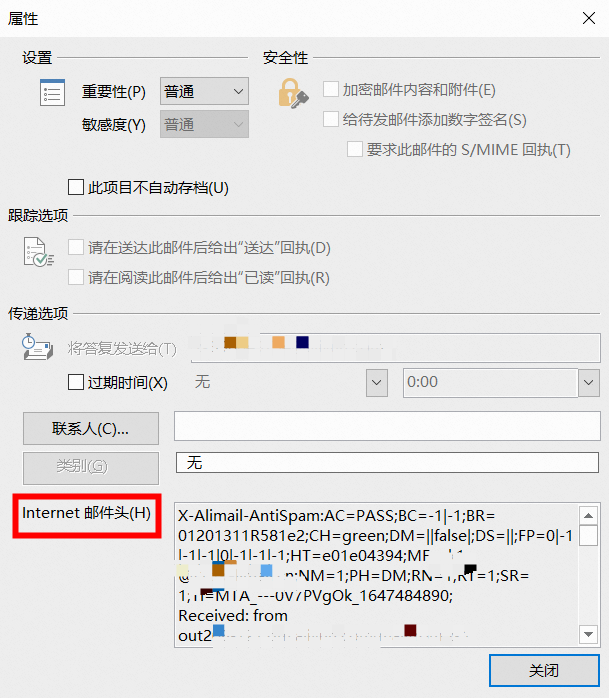
Display the message header information of the email.
Copy the message header information and save it separately.
The following screenshots show the message header information in Outlook.