Fetch and return a JavaScript file
Use EdgeRoutine to fetch a JavaScript file from a remote URL and return its contents to the client.
Code
/**
 * This example fetches a JavaScript file from a URL and returns its contents to the client.
 * For testing, replace the 'someHost' value with your own.
 */
const someHost = "https://demo.aliyundoc.com/alipay/qrcode/1.0.3/"
const url = someHost + "qrcode.js"
/**
 * The gatherResponse function asynchronously reads the entire response stream.
 * It handles different content types by parsing JSON, reading text, or returning a blob for other formats.
 * Use `await` when calling this function to ensure the entire response body is processed.
 */
async function gatherResponse(response) {
  const headers = response.headers
  const contentType = headers.get("content-type") || ""
  if (contentType.includes("application/json")) {
    return JSON.stringify(await response.json())
  } else if (contentType.includes("application/text")) {
    return response.text()
  } else if (contentType.includes("text/html;charset=UTF-8")) {
    return response.text()
  } else {
    return response.blob()
  }
}

async function handleRequest() {
  const init = {
    headers: {
      "content-type": "application/json;charset=UTF-8",
    },
  }
  const response = await fetch(url, init)
  const results = await gatherResponse(response)
  return new Response(results, init)
}

addEventListener("fetch", event => {
  return event.respondWith(handleRequest())
})
Result
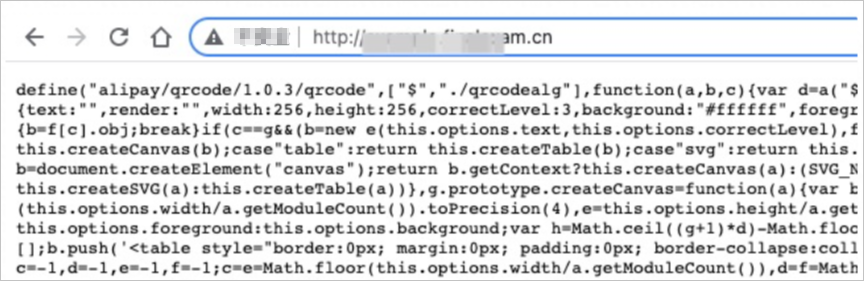
EdgeRoutine fetches the file at https://demo.aliyundoc.com/alipay/qrcode/1.0.3/qrcode.js and returns the response to the client.