Edge Functions let you host lightweight static websites directly on ESA points of presence (PoPs), reducing origin server load and delivering low-latency responses. This example shows how to return a custom HTML page.
Sample code
-
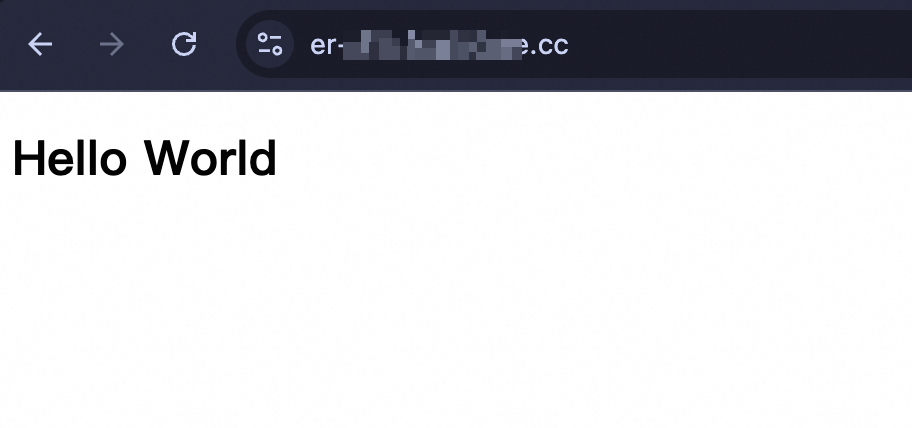
Result: The function returns a custom HTML page.
-
Language:
JavaScript -
Sample code:
// Define the HTML for the response.
// You can replace this with your own HTML content.
const html = `<!DOCTYPE html>
<body>
  <h1>Hello World</h1>
</body>`

async function handleRequest(request) {
  return new Response(html, {
    headers: {
      "content-type": "text/html;charset=UTF-8",
    },
  })
}

export default {
  async fetch(request) {
    return handleRequest(request);
  }
};
Deployment result
After deployment, navigate to the URL bound to your Edge Function or the routable IP address you configured. The browser displays an HTML page with Hello World.
该文章对您有帮助吗?