Develop WDL flow applications using a local IDE
This topic describes how to use Visual Studio Code as a local Integrated Development Environment (IDE). Install the WDL extension to develop and test WDL flows, and then publish them to a gene analysis platform.
Prepare the local development environment
Go to the official Visual Studio Code website to download and install the application. Then, install the WDL extension in VS Code to start developing WDL flows.
Develop and test WDL flows
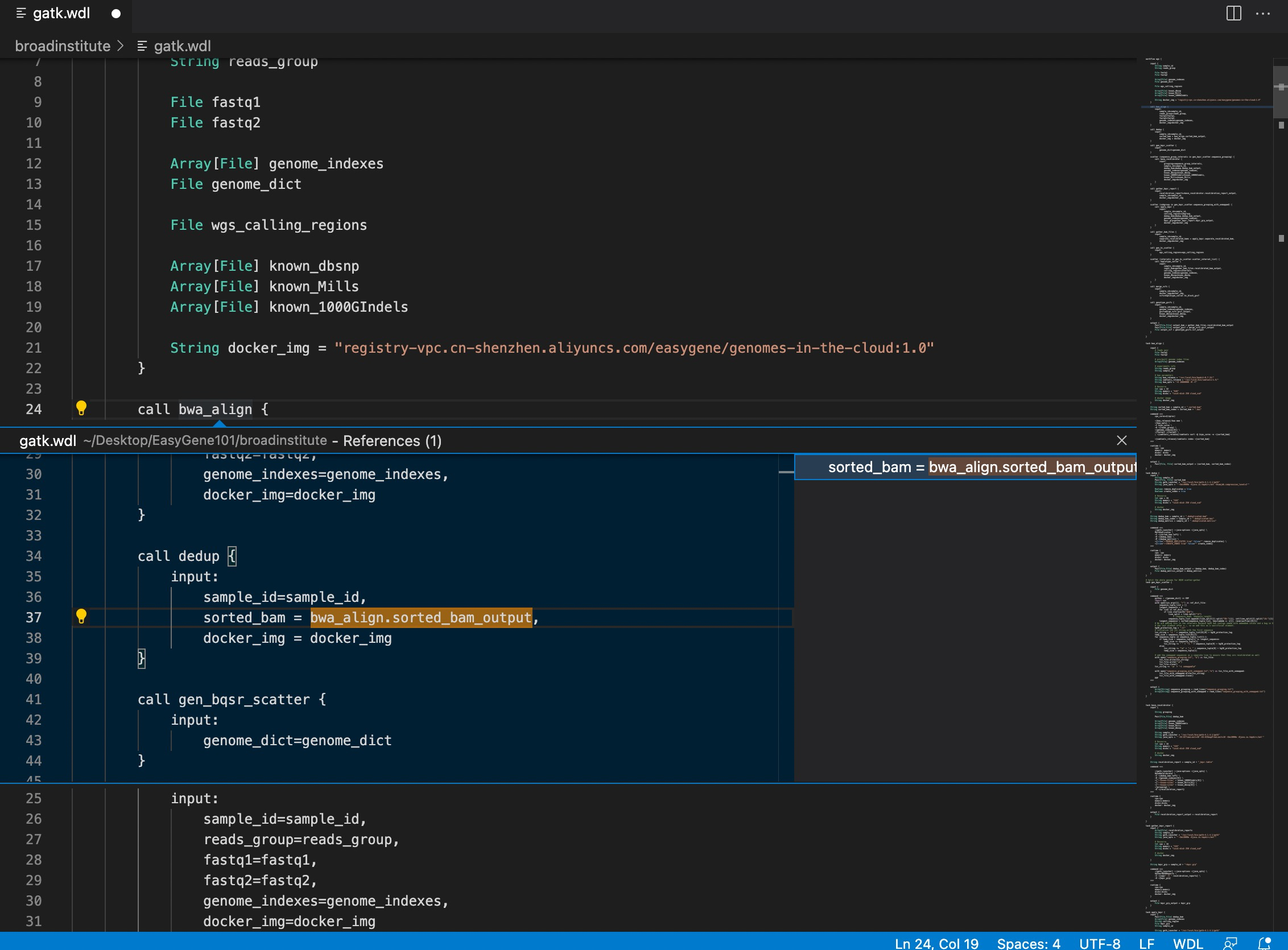
The IDE provides features such as WDL syntax highlighting, syntax checking, and task definition and reference navigation to help you develop WDL flows accurately and efficiently. It also supports configuring a callable Cromwell API address to debug your flows locally.
Upload to the gene analysis platform
The Alibaba Cloud gene analysis platform is compatible with runtime properties from local environments and High-Performance Computing (HPC) clusters, such as CPU, memory, disks, and Docker. After a flow passes local development and testing, no modifications are required. You can copy the WDL file and paste it into a new application in your workspace.