Create an account and complete verification
Before you can use Alibaba Gov Cloud products, you must create an Alibaba Cloud account and complete the required verification process.
Background information
Create an account: Alibaba Gov Cloud accounts cannot be used to access public cloud resources. You must create a new account for your Alibaba Gov Cloud services.
Identity verification: This process determines the ownership of an Alibaba Cloud account. Identity verification is required to ensure that the account belongs to a government entity, such as a government agency, public institution, or state-owned enterprise.
For more information about Alibaba Gov Cloud accounts, see Alibaba Electronic Gov Cloud account system.
Procedure
Create an account.
Go to the Alibaba Cloud official website.
In the top-right corner of the page, click Free Account.
Follow the on-screen instructions to enter your account information and complete the registration.
(Optional) Follow the on-screen instructions to link an email address and complete your account information.
Use a corporate email address.
NoteRemember your username and password. You will use them to log on to the Alibaba Cloud website and perform operations in the console.
Complete identity verification.
Use the username and password of the account that you created to log on to the Alibaba Cloud official website.
Click your username to go to the Alibaba Cloud Account Management page.
In the left navigation pane, click the Identity Verification tab. Then, select either Individual Verification or Enterprise/Government Verification.
On the page that opens, select a verification method and click Verify Now.
NoteIf you select Enterprise Bank Card Information Verification, you must provide your corporate bank account information. Alibaba Cloud makes a small deposit to this account. To complete the verification, you must enter the deposit amount in the next step.
Follow the on-screen instructions to complete the verification information.
Complete Alibaba Gov Cloud verification.
Use the username and password of the account that you created to log on to the Alibaba Cloud official website.
On the Alibaba Gov Cloud page, in the Create an account and complete verification section, click Apply to Use.
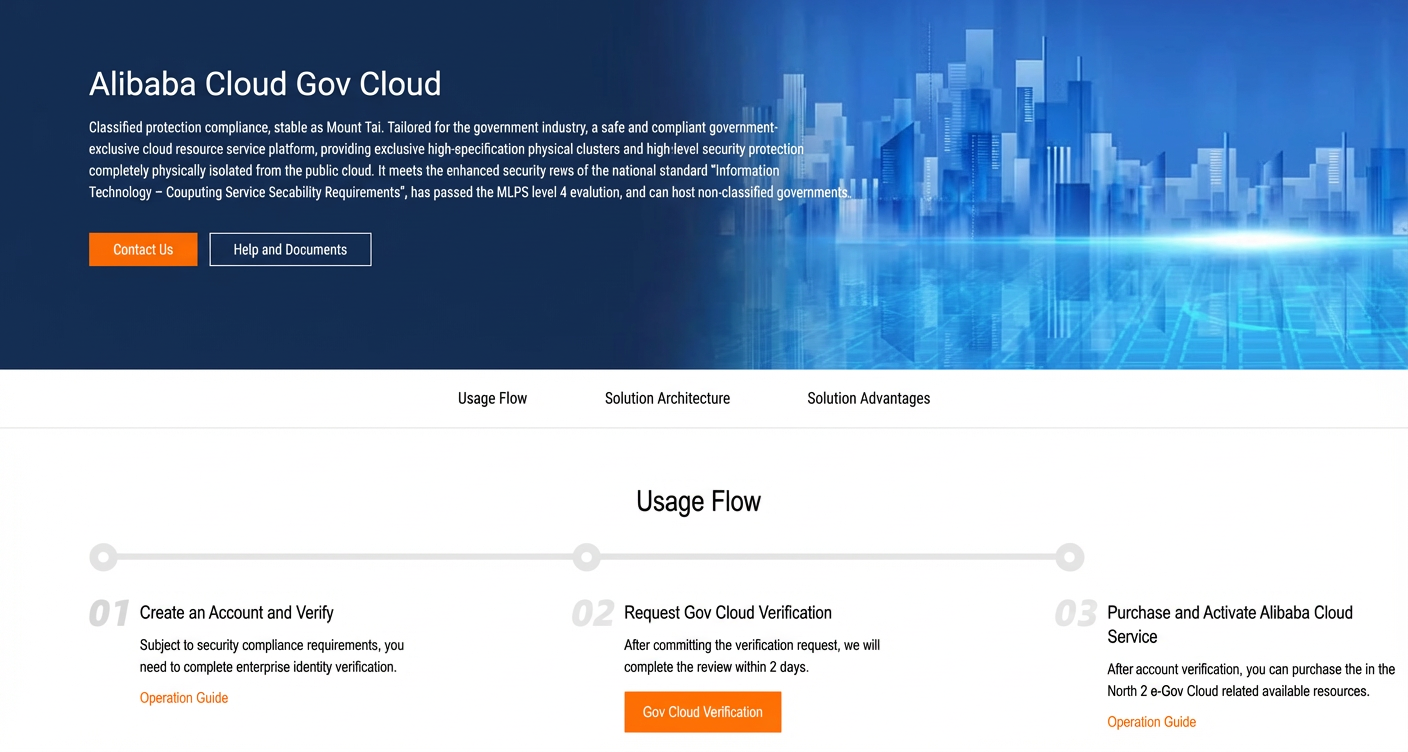 On the page that opens, complete the Alibaba Electronic Gov Cloud Platform application form and click Submit.