Quick Start for ApsaraDB for HBase Performance-enhanced Edition (Lindorm)
This topic describes how to purchase an ApsaraDB for HBase Performance-enhanced Edition cluster in the console and connect to it. This enables you to use and manage the cluster.
Scenarios
This quick start is intended for first-time users of ApsaraDB for HBase Performance-enhanced Edition.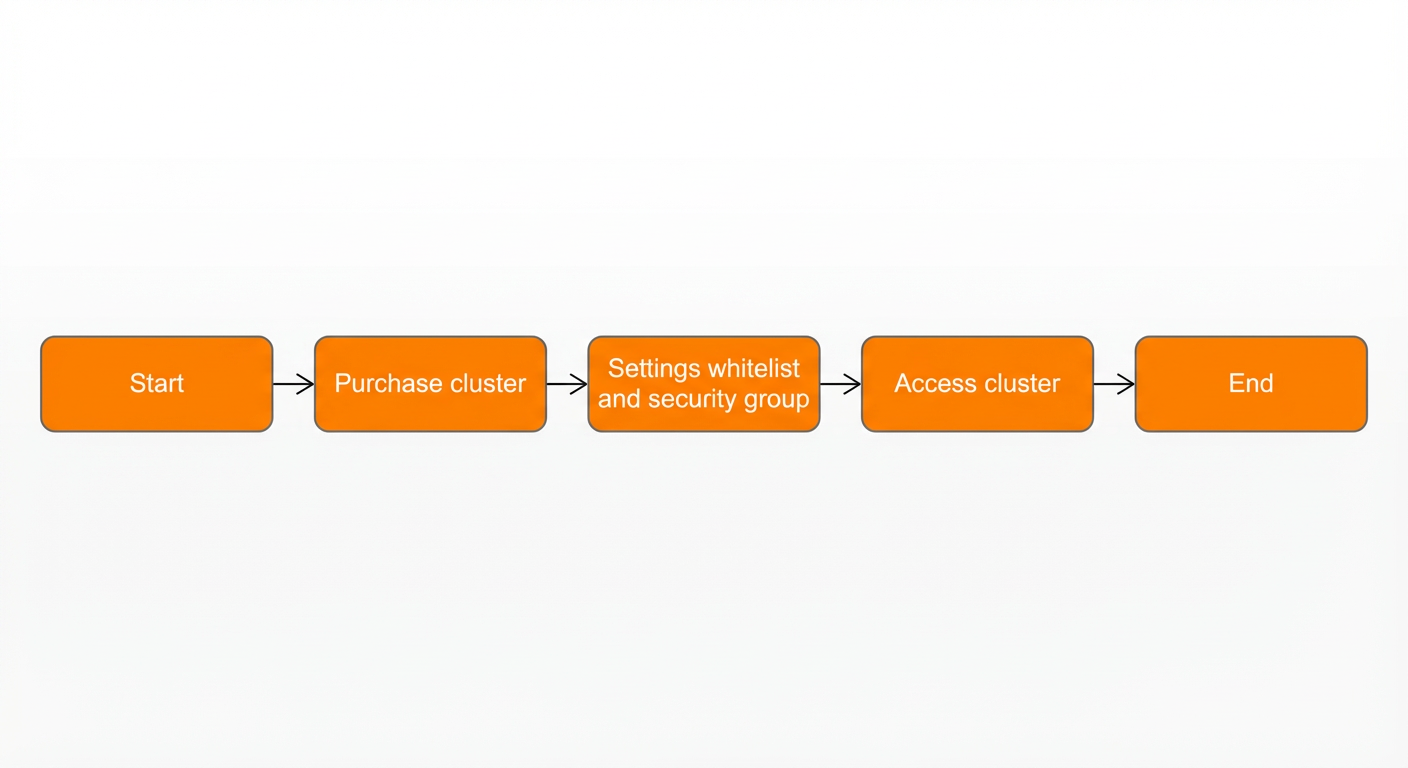
Workflow
The initialization workflow for ApsaraDB for HBase Performance-enhanced Edition is shown in the preceding figure.
Purchase a cluster: Configure the required instance specifications, storage, and other information.
Configure a whitelist: Add the IP addresses that are allowed to access the ApsaraDB instance to a whitelist or a security group. This improves database access security and prevents access from unauthorized external addresses.
Access the cluster: Connect to ApsaraDB for HBase Performance-enhanced Edition using the Java API, HBase Shell, or multi-language APIs.