HBase Standard Edition Quick Start
Get an ApsaraDB for HBase Standard Edition cluster up and running in three steps: purchase a cluster, configure access control, and connect a client.
This guide covers the initial setup of ApsaraDB for HBase Standard Edition. By the end, you will have a running cluster that your application can connect to.
Process overview
The following figure shows the initialization process for ApsaraDB for HBase Standard Edition.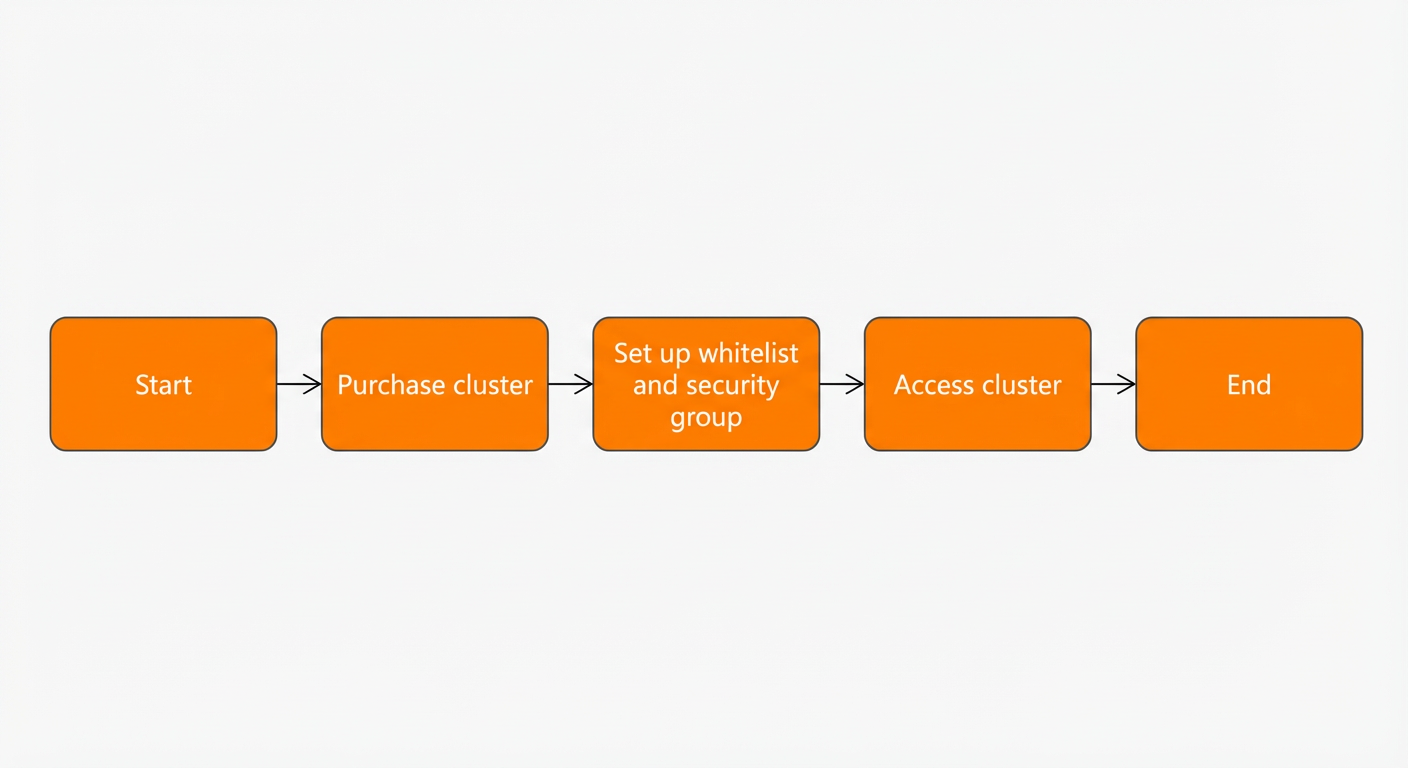
Purchase a cluster: Select the instance specifications, storage capacity, and other settings that match your workload requirements.
Configure a whitelist: Add your client IP addresses to a whitelist or security group to control which hosts can reach the cluster.
Access the cluster: Connect using an open source community client or an Alibaba Cloud-customized HBase client. To download the client and its dependencies, see Download HBase Java SDK.