Manage groups
Updated at:
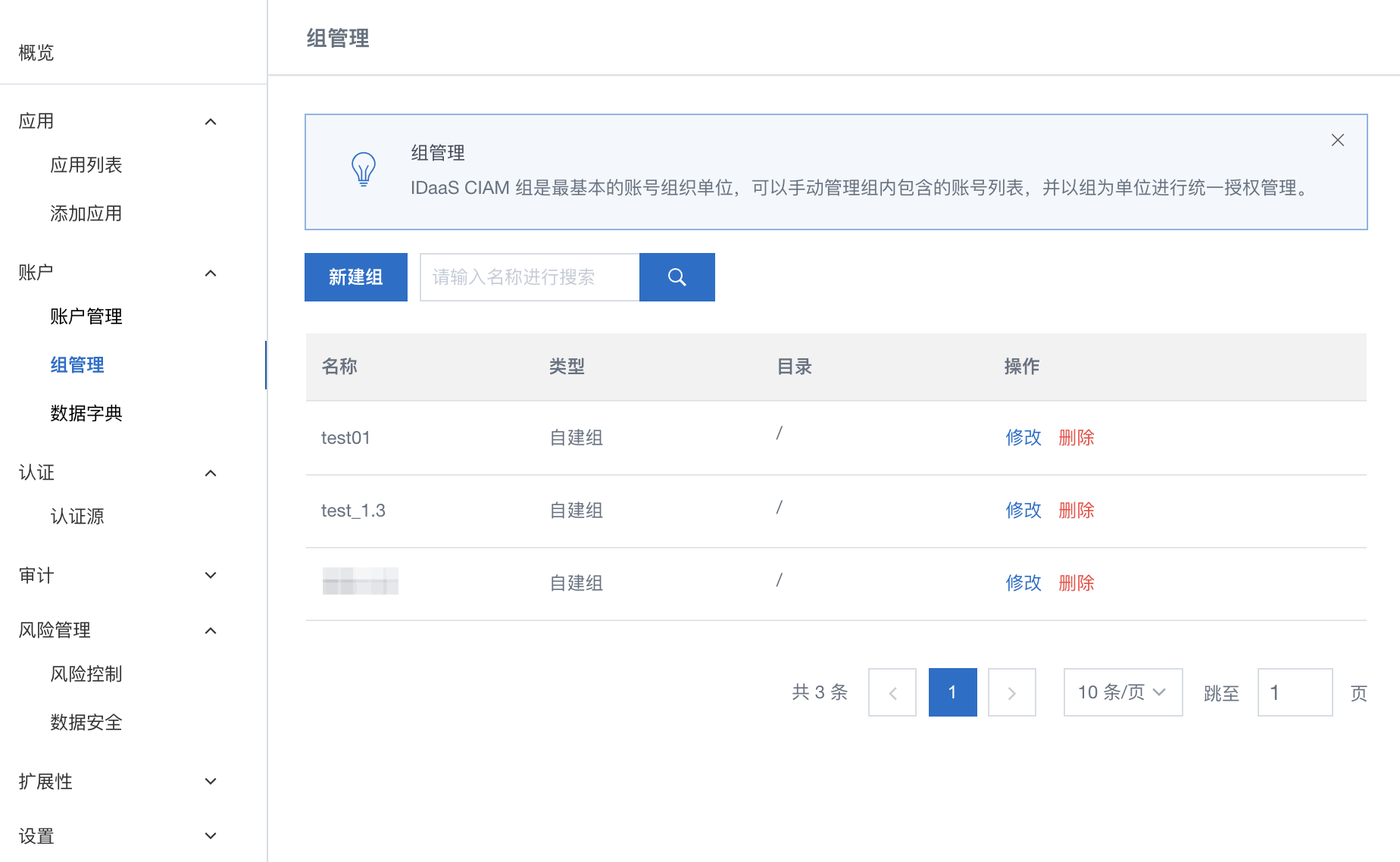
Groups let you authorize applications for all members at once, instead of managing access account by account. When you add an account to a group, it inherits the group's application authorizations automatically.
Application authorization controls which applications an account can access. For more information, see Grant users access to applications.
Prerequisites
Before you begin, ensure that you have:
-
An IDaaS instance
-
[To be confirmed: :the role or permission required to manage group members]
Manage group members
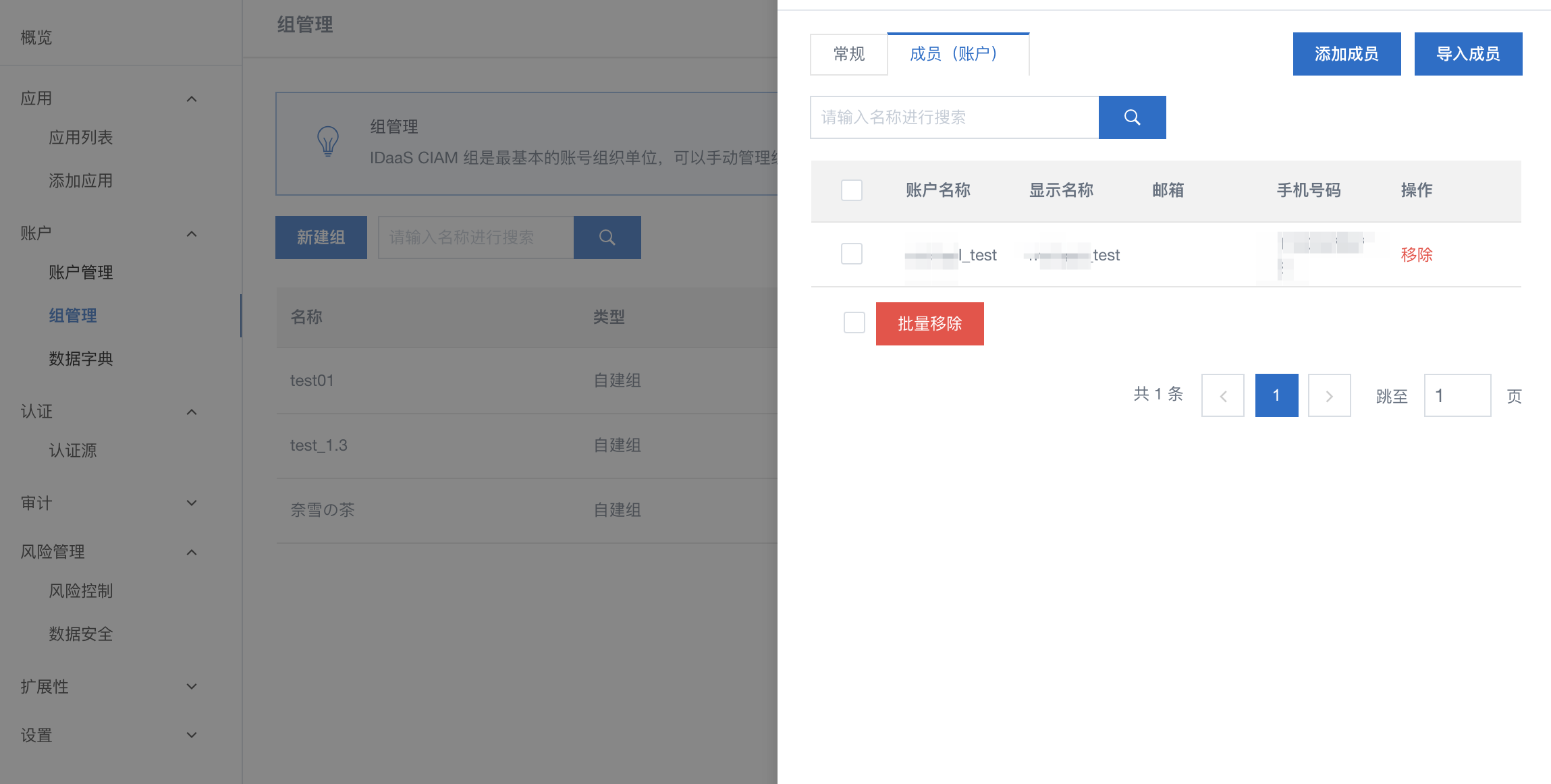
In the group menu, go to the Modify > Members (Accounts) tab to add or remove members. You can also add or delete members in batch.
What's next
-
Grant users access to applications
Is this page helpful?