Real-time Conversational AI Overview
Real-time Conversational AI enables efficient audio and video interactions between AI agents and users.
Product introduction
Real-time Conversational AI helps you build audio and video calling applications between AI agents and users. Configure a custom AI agent through a visual interface and deploy it in under 10 minutes. The AI agent connects to users over the ApsaraVideo Real-time Communication (ARTC) network and supports scenarios such as online customer service, AI assistants, AI companions, matchmaking assistants, and virtual teachers.
Capabilities
An AI agent engages with users through audio and video calls, message conversations, and AI-powered outbound and inbound phone calls. Configure workflows to enable the following capabilities:
Audio and video calls
Voice Calls Speak with the AI assistant by voice.
| Digital Human Calls Interact with digital humans through video for a more realistic experience.
| Visual Understanding Calls The agent combines voice and video input for contextual feedback.
| Video Calls Digital humans use visual understanding for bidirectional video calls with users. |
Audio and video calls Quick Start. A voice call workflow requires only three nodes.
| |||

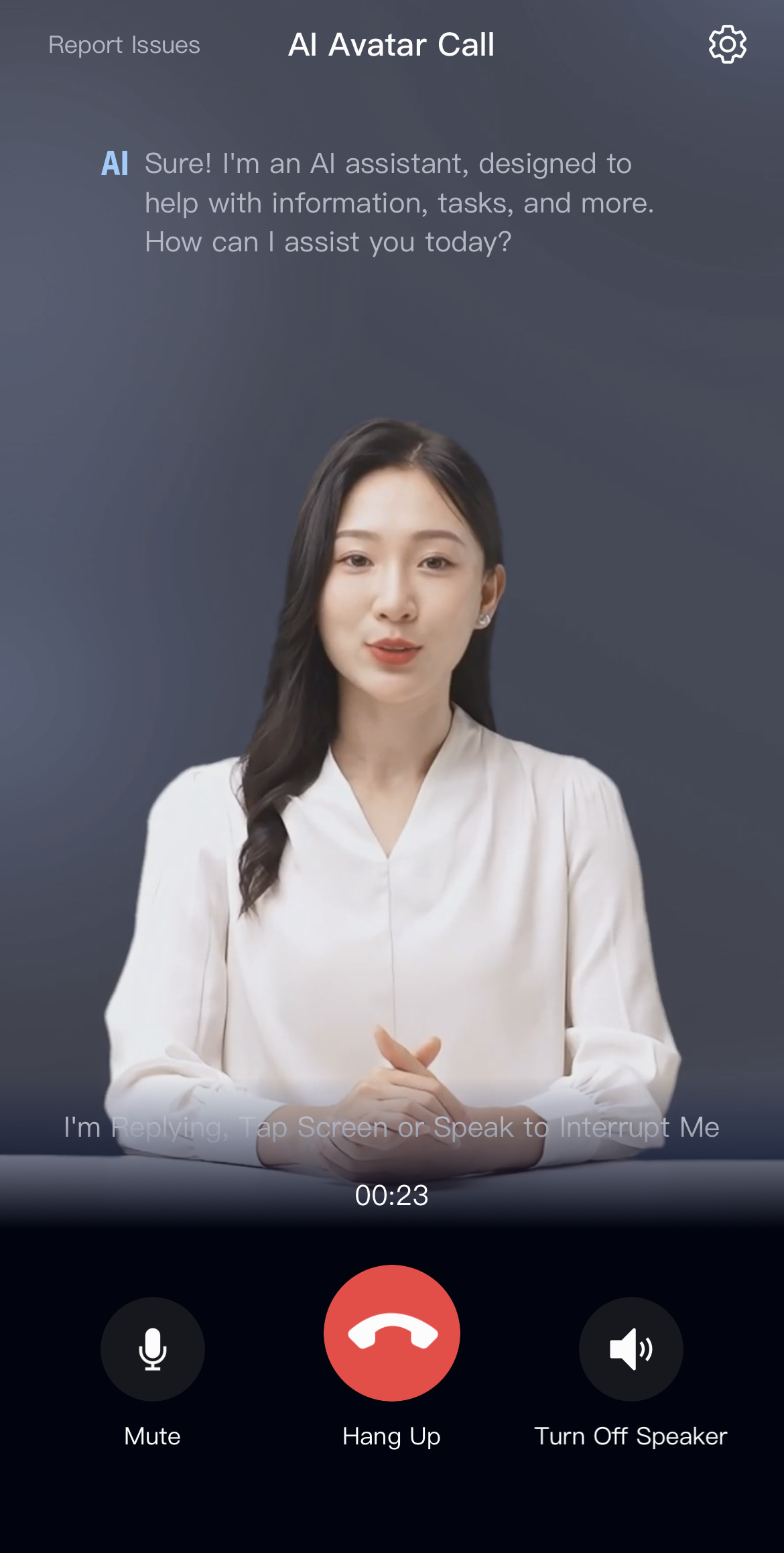
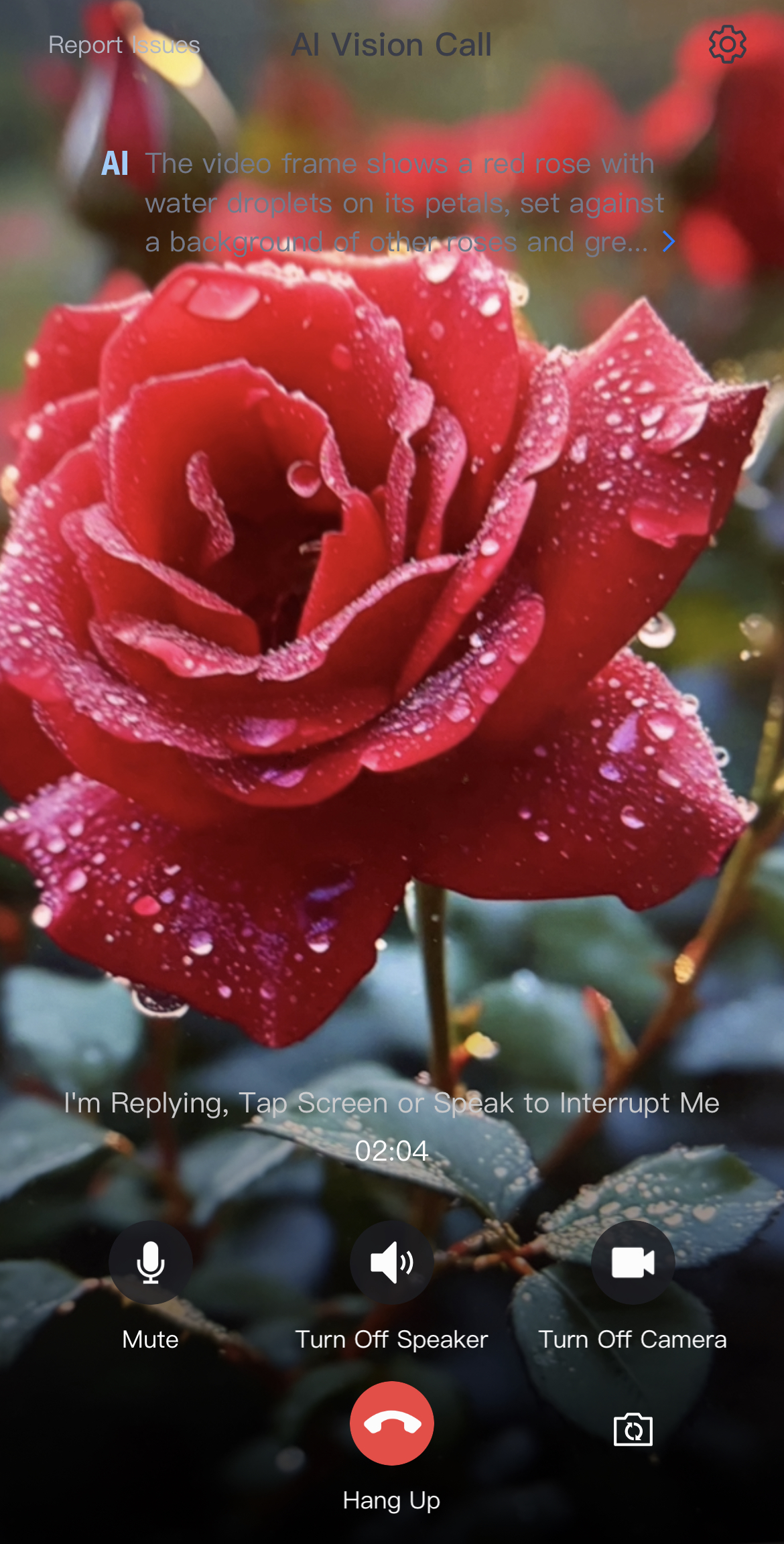

Different call types are bound to different workflows. To switch from a Voice Call to another call type such as Visual Understanding Calls, end the current call first, then start a new call using an AI agent ID bound to the target workflow type. For API usage, see Audio and video calls Quick Start.
Chat messages
Chat with the AI agent by voice or text in a dialog box.
|
|
A chat message workflow uses the following configuration.
| |


AI outbound and inbound phone calls
AI voice agents support phone calls over both RTC and telephony. A single AI agent handles multiple lines, enabling multi-line AI calls from one system.
AI phone calls function smoothly even with background noise, such as music or table tapping.
Outbound and inbound phone calls Quick Start.
An outbound or inbound call workflow requires only three nodes.

Go to the AI Experience Center to try Real-time Conversational AI. | Go to the Demo experience to explore all these capabilities. |
Latest updates
Zero-loss speech segmentationThe AI knows when to speak. The agent detects when a user finishes speaking and avoids interrupting during pauses. Built on Alibaba Cloud's semantic segmentation technology, it delivers natural interaction with low latency and up to 95% accuracy. | AI Acoustics V2.5Full-duplex dialogue in noisy environments. Compared to V2.0, AI Acoustics V2.5 further reduces far-field voice interference and supports smooth, full-duplex dialogue in offices, cafeterias, malls, and streets. |
Note Semantic segmentation detects when the user has finished speaking before the agent replies. | Note The AI dialogue remains smooth and is unaffected by noisy environments. |
Terms
SessionId | A developer-defined unique identifier for chat records. Examples:
|
Chat messages | Users interact with the AI agent by voice or text in a chat dialog box to ask questions or get information. |
Voice calls | Users speak with the AI assistant to get timely information and support. |
3D digital human calls | 3D digital humans simulate virtual characters with voice interaction, body language, and facial expressions for improved realism and engagement. |
Visual understanding calls | Fuses live camera feeds and voice commands through multimodal interaction for precise, intuitive, and personalized feedback beyond voice-only or text-only communication. |
Video calls | Video calls combine digital humans and visual understanding. Both parties appear on screen, and the digital human understands and responds to the user’s video feed. |
Interactive messages | Interactive messages improve communication between users and enhance engagement during live streaming. |
Real-Time Communication (ARTC) | Alibaba Cloud ARTC uses WebRTC and 3,200+ global nodes to deliver high-availability, high-quality, ultra-low-latency audio and video calls between users and AI agents. Real-Time Communication overview. |
Real-time workflow | A core part of an AI agent, built by dragging and dropping AI components such as speech-to-text, large language models, text-to-speech, and Alibaba Cloud's vector database. The AI agent runs each workflow step in order. |
AI agent | A highly realistic, cloud-based user, prebuilt or custom-created, that interacts with end users through audio and video. |
Benefits
Global high availability and low latency: Alibaba Cloud's real-time audio-video network spans 3,200+ global nodes with QoS optimization, ensuring smooth AI agent calls worldwide.
Easy integration and debugging: Plug AI components — speech-to-text, large language models, text-to-speech, and vector databases — into your workflow for fast launches and easy debugging.
Human-like behavior: Intelligent noise reduction, interruption detection, and speech segmentation make AI agents behave more like humans.
Easy integration: Four integration methods let you choose the best fit for your scenario.
How it works

A user starts a real-time audio-video call with a cloud-based AI agent using an SDK.
The AI agent receives the user's audio and video input, runs the workflow, and generates a response.
The AI agent pushes the response stream to the ARTC network. The user subscribes to and plays the stream, completing the conversation.
Each AIAgentId is bound to a specific workflow. You cannot switch the AIAgentId during an ongoing call, and UpdateAIAgentInstance does not support modifying the AIAgentId parameter. To switch to a different AI agent, call StopAIAgentInstance to stop the current call first, and then call StartAIAgentInstance or GenerateAIAgentCall to start the target AI agent.
Features
Feature | Description |
Real-time workflow | Build AI agent workflows using a visual, drag-and-drop interface.
|
AI agent outbound calls | The AI agent dials users directly using carrier lines for telemarketing and notifications. Outbound and inbound phone calls Quick Start. |
Custom AI agent appearance | Upload an image to represent your AI agent during voice calls. |
AI agent emotion recognition | The AI agent detects the user’s current emotion and replies with emotional context. |
Welcome message | Set a welcome message in the console. The AI agent speaks it when a conversation starts. |
Proactive announcements | Your business server uses OpenAPI to trigger audio-video output from the AI agent. |
Real-time captions | Display conversation text in real time on the end user’s interface. |
Intelligent noise reduction | The AI agent filters background noise from the user side. When multiple people speak at once, it captures the loudest voice first. |
Intelligent interruption detection | The AI agent detects when a user tries to interrupt during a conversation. |
Intelligent Sentence Segmentation | The AI agent splits long or complex sentences automatically to improve readability. |
Per-sentence audio callbacks | Configure audio callbacks in the console to store real-time audio data in OSS. |
Walkie-talkie mode | Enable walkie-talkie mode at startup or during a call. Press a button to talk with the AI agent. |
ASR hotwords | Define business-specific hotwords to improve speech recognition accuracy. |
Voiceprint noise reduction | In group conversations, the AI agent identifies and preserves the main speaker’s voiceprint while reducing irrelevant noise. |
Live agent takeover | When the AI agent cannot handle a request or a key decision is needed, transfer the conversation to a live agent. |
Graceful shutdown | When your business server stops an AI agent, let it finish its current response before shutting down to avoid abrupt interruptions. |
Data archiving | Convert AI agent conversations to text and retrieve them through APIs. Store audio-video recordings in OSS or ApsaraVideo VOD. |
Billing
FAQ
How do I connect a large language model deployed on Alibaba Cloud Model Studio to my AI agent?
My client returns “AgentNotFound” when starting chat messages.
My client returns “UnsupportedWorkflowType” when starting chat messages.
Contact us
For product questions or support, search for DingTalk group number 106730016696 and join the group.