Build and run the iOS Push SDK demo
Build, run, and test the basic iOS Push SDK demo app.
Download the demo
Download the latest Push SDK demo source code and installation package from SDK download.
Build the demo
Prerequisites
Item | Requirement |
OS version | iOS 8.0 or later. |
Phone model | iPhone 7 or later. |
CPU architecture | ARM64. |
Integration tool | Xcode 8.0 or later. |
Bitcode | Disabled. |
Run the demo source code
Download and unzip the iOS demo from SDK download.
The Demo directory structure section describes the project layout.
Open AlivcLivePusherDemo.xcodeproj in Xcode. On the General tab, verify the Display Name (ApsaraVideo Live 4.3.0), Deployment Target (iOS 9.0), supported devices (iPhone and iPad), and device orientation (Portrait, Landscape Left, Landscape Right).
Run the project to launch the demo.
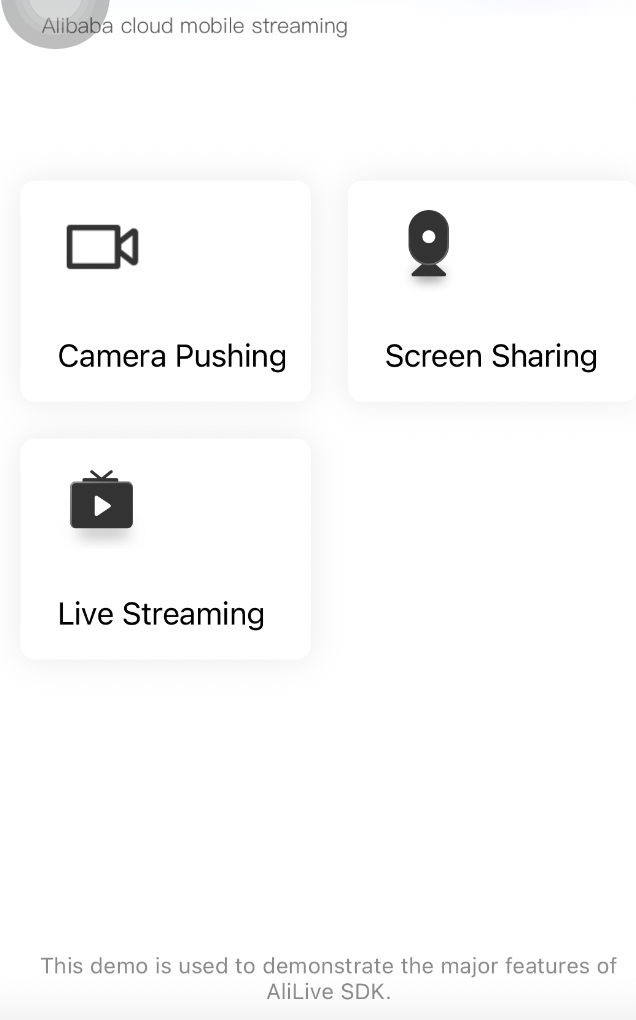
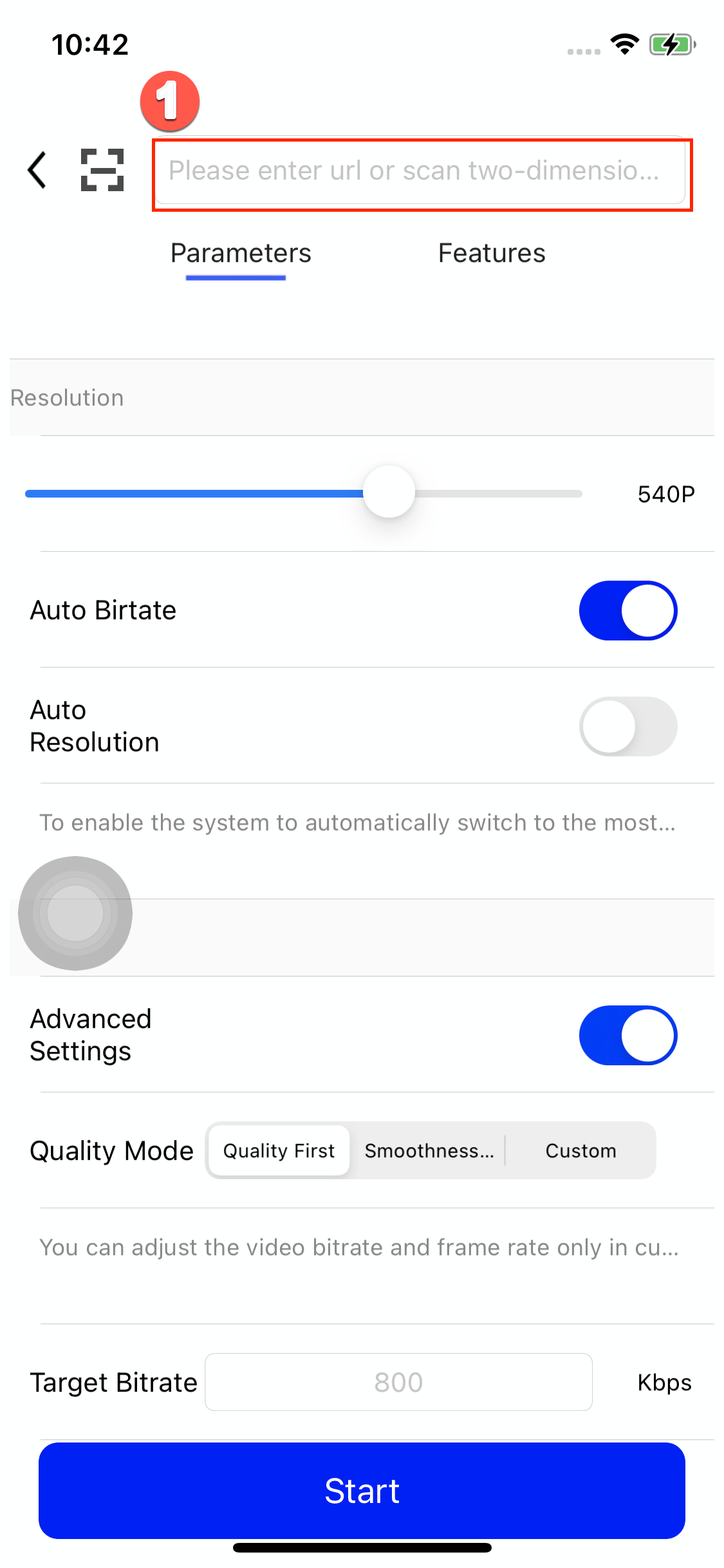
Enter a valid RTMP ingest URL in the field marked ① in the figure. After stream ingest starts, use ApsaraVideo Player SDK, FFplay, or VLC to test playback.
Demo directory structure
The demo project contains the AlivcLiveBroadcast, AlivcLivePusherDemo, and AlivcLivePusherDemo.xcodeproj directories. AlivcLivePusherDemo includes AppDelegate.h/m, Controllers, Models, Views, Resources, SDK, and Tools. The SDK directory holds all required framework libraries.
Contents of the SDK directory:
Library file | Description |
| Push SDK |
| Queen SDK |
| ApsaraVideo Player SDK |
FAQ
Compilation error
If you encounter the Building for iOS, but the linked and embedded framework XXX.framework' was built for iOS + iOS Simulator compilation error, follow these steps:
Click the Xcode menu.
Choose File > Workspace Settings.
Change Build System to Legacy Build System.
How do I get an ingest URL?
Follow the steps in Generate ingest and streaming URLs.
What should I do if the demo fails to ingest a stream?
Use the troubleshooting tool to check if the ingest URL is valid.
How do I get information about active streams?
View and manage active streams on the Active Streams tab of the stream management page.
How do I play a stream?
After stream ingest starts, test playback with ApsaraVideo Player SDK, FFplay, or VLC using a streaming URL from Generate ingest and streaming URLs.
When using RTMP for playback, disconnect the Xcode debugger and run the app directly.