Console home page
The Alibaba Cloud global console home page is a powerful tool for managing multiple products across various scenarios.
The Alibaba Cloud global console home page connects you to Alibaba Cloud services through a graphical user interface (GUI) on PCs and mobile apps, making the cloud easier to use. The console improves your efficiency in resource management, service monitoring, security and compliance, and cost optimization. It also provides organization management features to help your business run more stably and securely on Alibaba Cloud.
Function introduction
The Alibaba Cloud global console home page is resource-centric, providing efficient and reliable management for Alibaba Cloud products. This design improves your efficiency during cloud migration and usage.
Product consoles with multiple entry points and fragmented experiences can be difficult to use. To address this, we optimized the Alibaba Cloud global console home page. Based on the Cloud Excellence Framework and focusing on real-world work scenarios, the console now provides scenario-based management services. These services include global control, resource management, stability, security and compliance, and expenses and costs, helping you solve your most critical problems on the cloud.
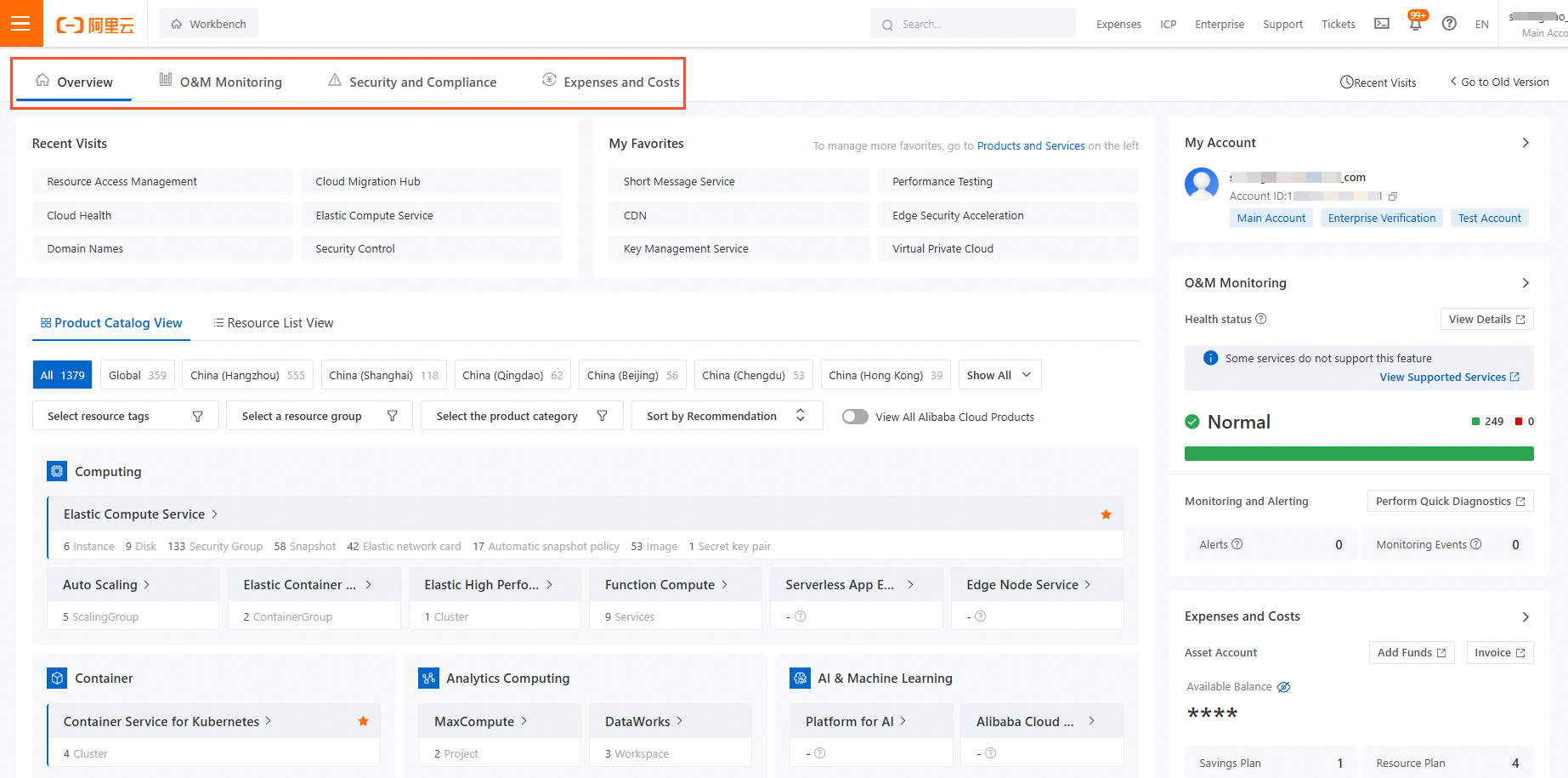
Overview page (New version)
Global resource control scenario: Access global resources faster
Interaction and technical optimizations surface the most relevant information, covering scenarios related to resources, stability, security, costs, and benefits. This design helps you find resources quickly.
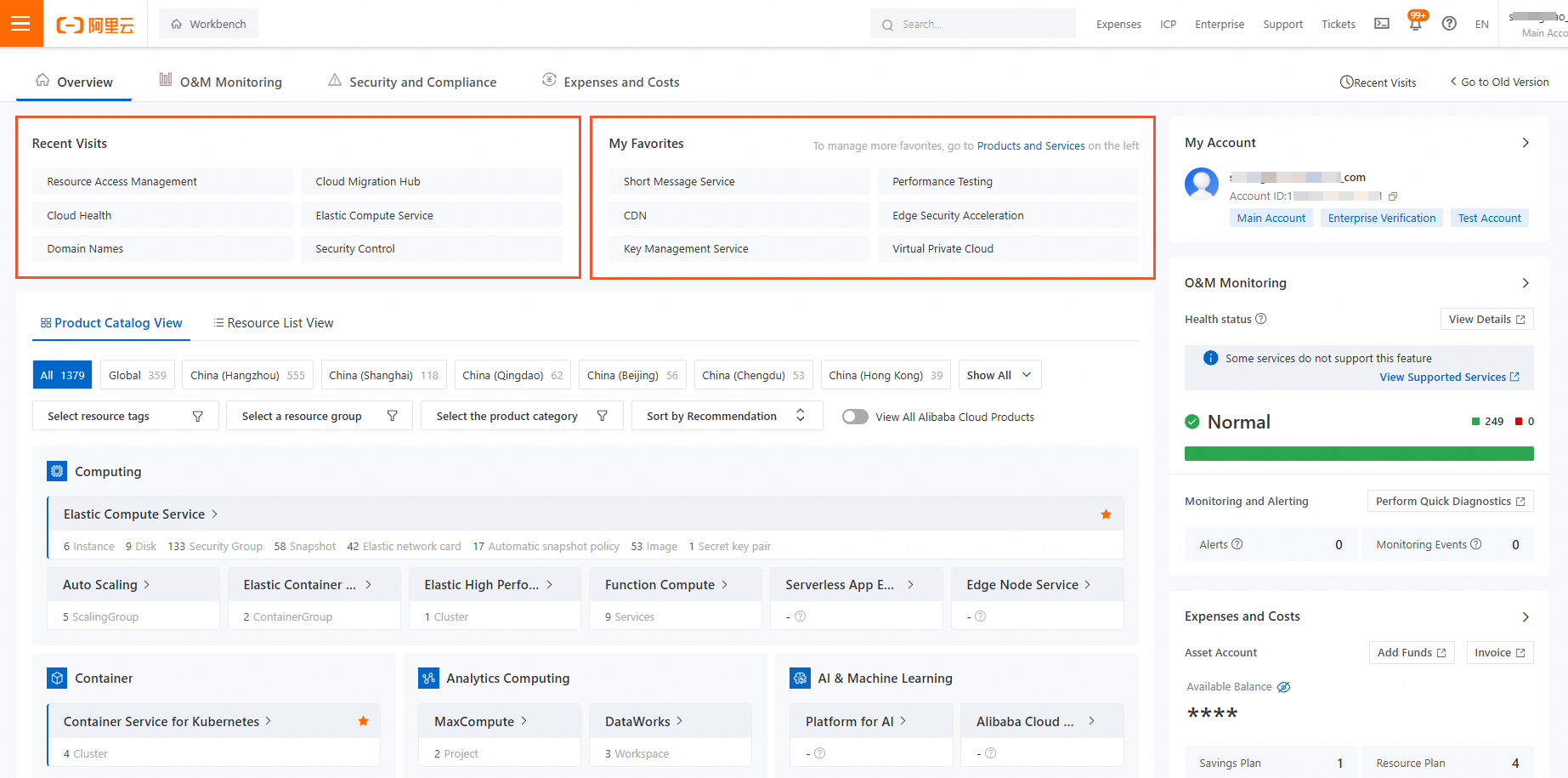
Recently visited: Displays quick links to the Alibaba Cloud service consoles that you recently accessed.
My favorites: Displays quick links to the Alibaba Cloud service consoles that you have added to your favorites.
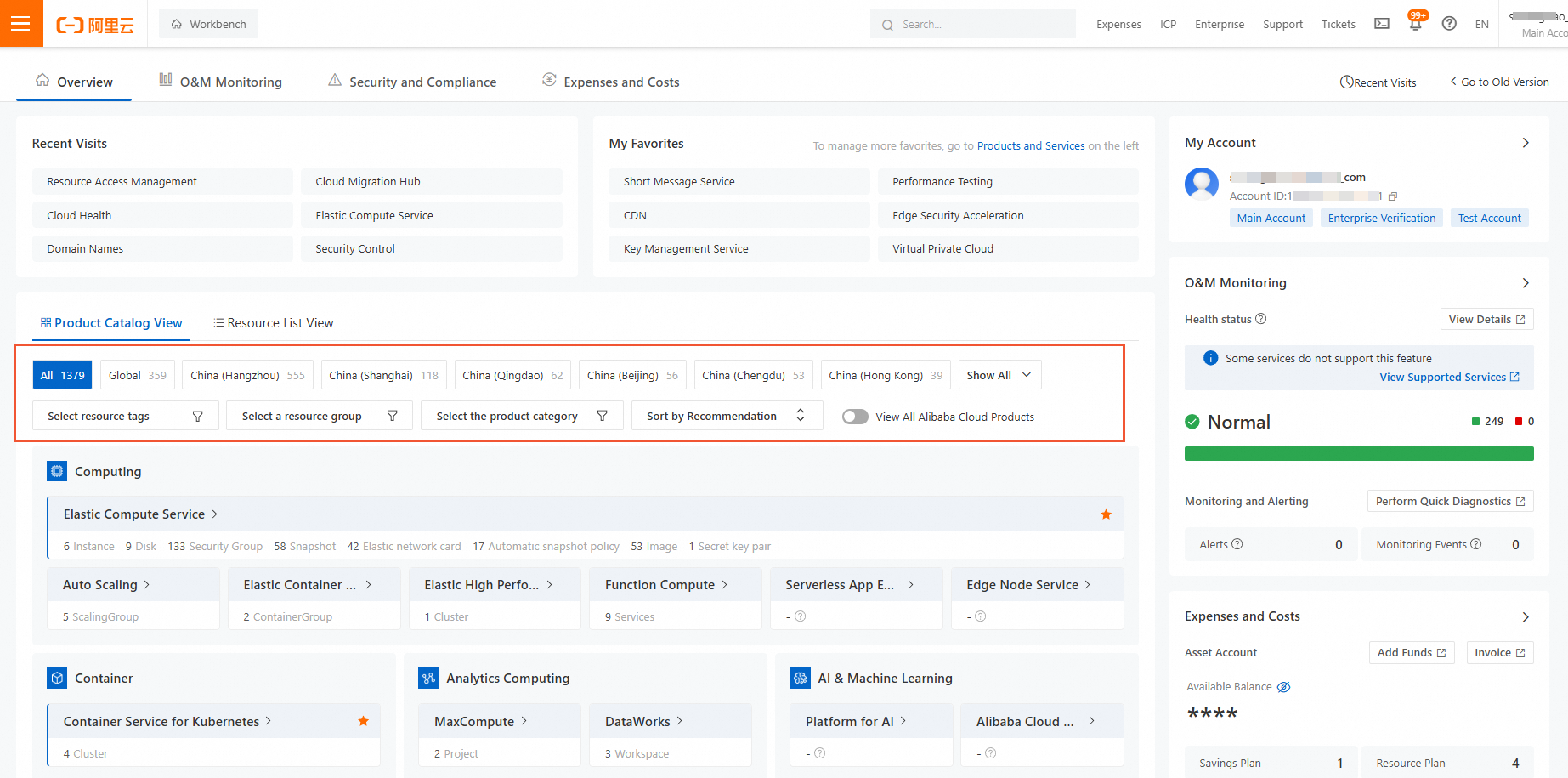
Resource overview: Highlights the products and resources that you own. It provides powerful filtering options to filter resources by dimensions such as region, tag, and resource type.
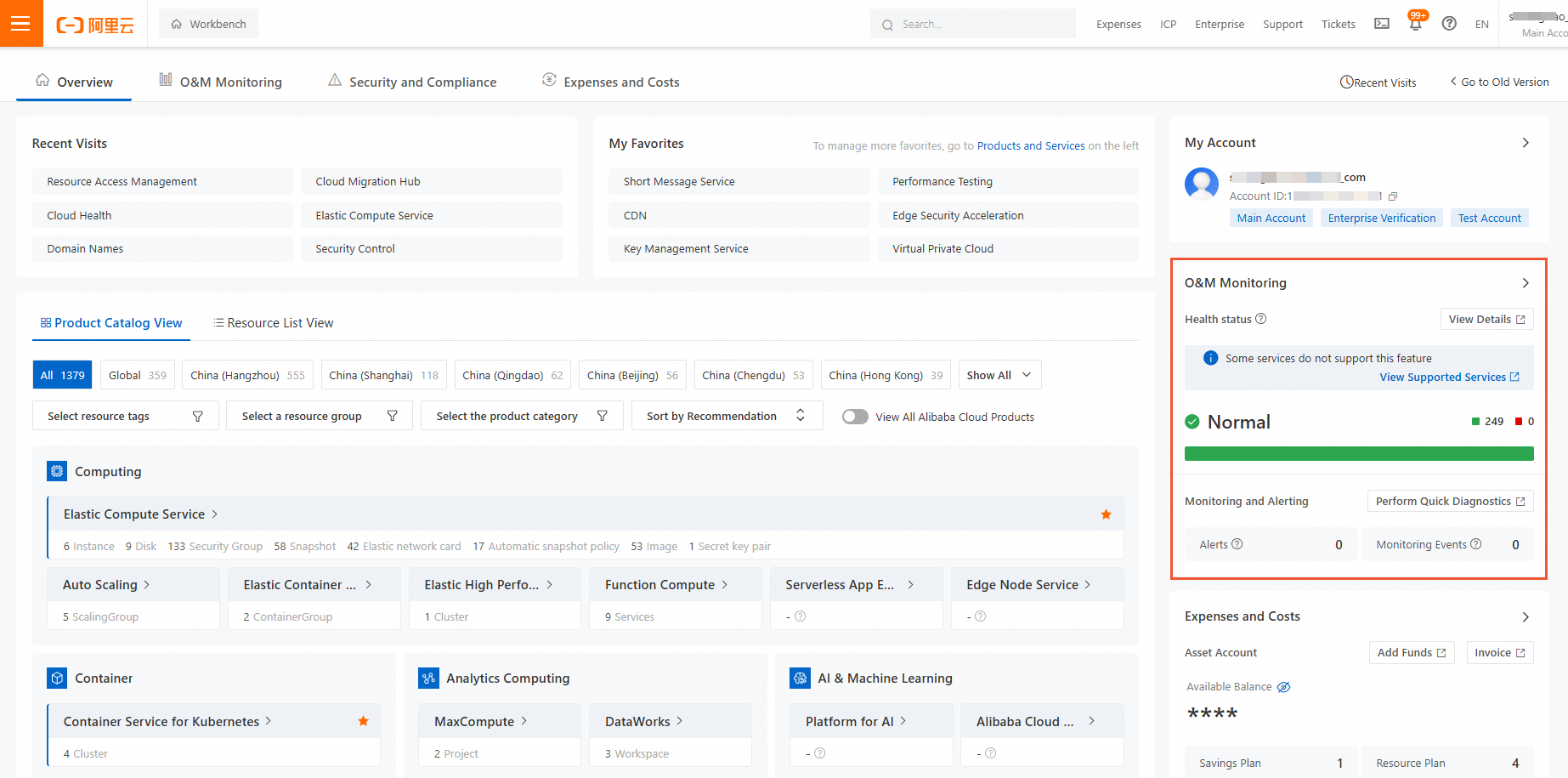
Monitoring and alerts: Displays global active alerts and product monitoring events to help you quickly identify issues. It also shows the instance-level health status of the underlying platform.
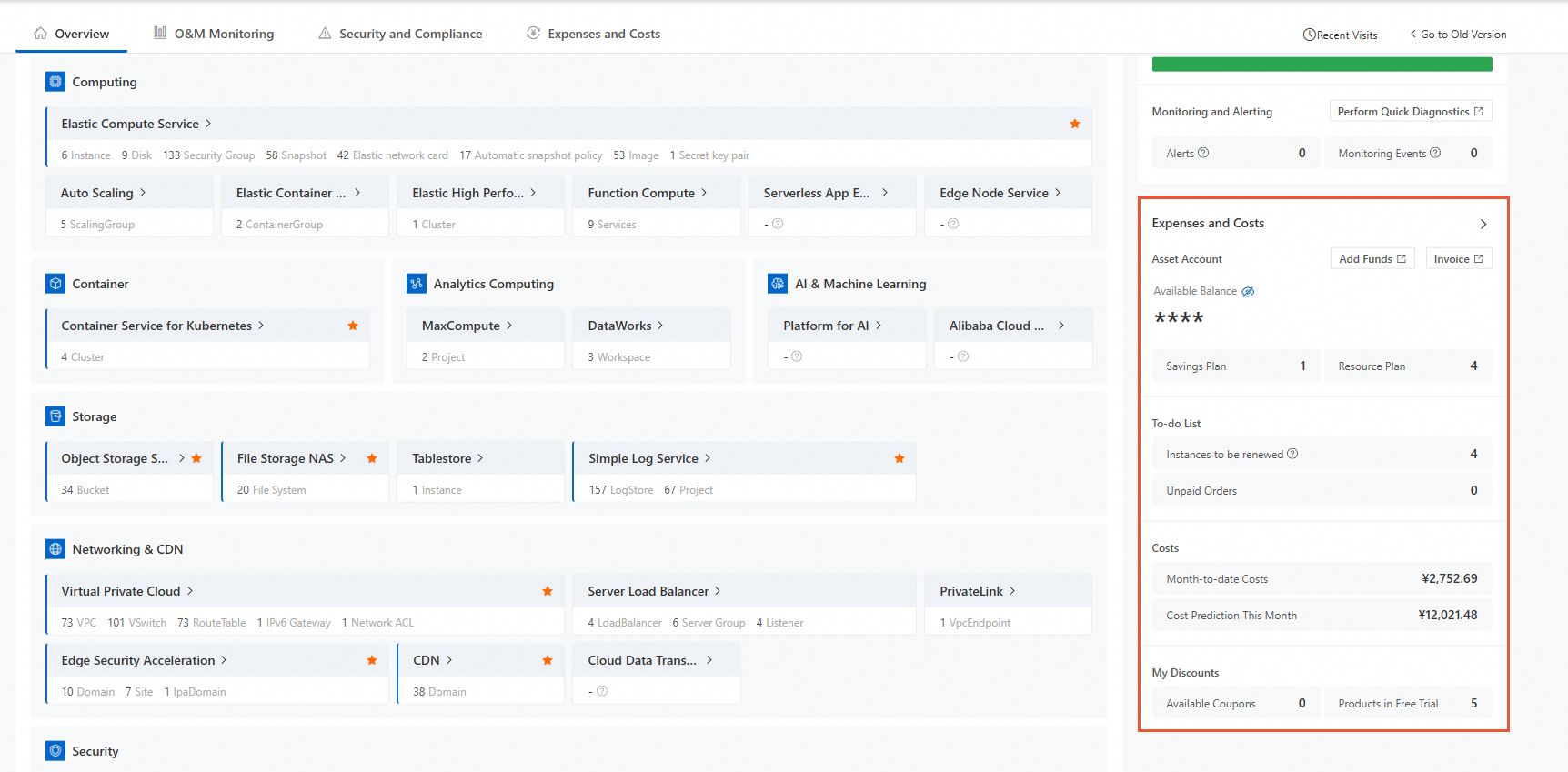
Expenses and costs overview: Displays expense data, such as current available credit, savings plans, resource plans, the number of unpaid orders, and the number of orders pending renewal. It also shows cost data, such as this month's costs, end-of-month cost prediction, and cost health score. Benefit information, such as available coupons and products available for trial, is also displayed.
Overview page (Old version)
Service monitoring scenario: Quickly locate and resolve anomalies
The console provides platform-level stability monitoring and resource-level O&M monitoring to improve the efficiency of daily troubleshooting:
System stability: Indicates the stability of the business systems that you build on Alibaba Cloud using event metrics from services such as CloudMonitor. This primarily shows how cloud product resources affect business stability.
Cloud platform stability: Shows cloud product resources that are unavailable because of underlying platform stability issues. It also shows ongoing service events on Alibaba Cloud.
Stability threats: Performs system threat inspections based on the Cloud Excellence Architecture. This helps you discover potential threats related to performance efficiency, business stability, and service limits.
Alibaba Cloud service diagnosis: You can view the health status of resources. You can also perform cross-product diagnostics based on typical diagnostic scenarios provided by the service diagnosis feature.
Cloud resource health status: Shows the health status of the underlying platform for your cloud resources. It displays alerts for any resource-level anomalies at the platform layer.
Security and compliance scenario: Understand your security posture
The console provides professional and convenient threat detection and response services. A global perspective helps you understand the security posture of your cloud assets:
Security score: Automatically analyzes the threat posture of your ECS instances, containers, and website assets. It checks for risks such as cyberattacks, mining, and ransomware. It also provides a one-stop solution for threat response.
Security protection: Provides an analysis of your current asset security configurations. It also analyzes defenses against viruses, brute-force attacks, and cyberattacks.
Security risk: Provides information about your cloud assets, including alerts, vulnerabilities, baseline issues, and cyberattack risk trends. You can use these risk trends to guide your security O&M.
Expenses and costs scenario: Focus on end-to-end financial management capabilities
The Expenses and Costs section provides end-to-end financial management capabilities for your cloud journey. This helps you quickly understand your global financial data.
Overview: Displays data such as available credit, invoiceable amount, and amount pending repayment.
Cost insights: Helps you analyze your cost structure and identify areas for cost optimization by providing optimization suggestions.
Cost trends: Helps you analyze this month's cost trends and identify any abnormal costs.
Top 5 costs: Displays the top five cost items by dimensions such as product, region, and cost center.