Database
This topic describes the built-in database.
Console management
In the Moflow Management Console, you can view the database for the current workspace on the Resources -> Database pane. Moflow provides a built-in database feature for each workspace.
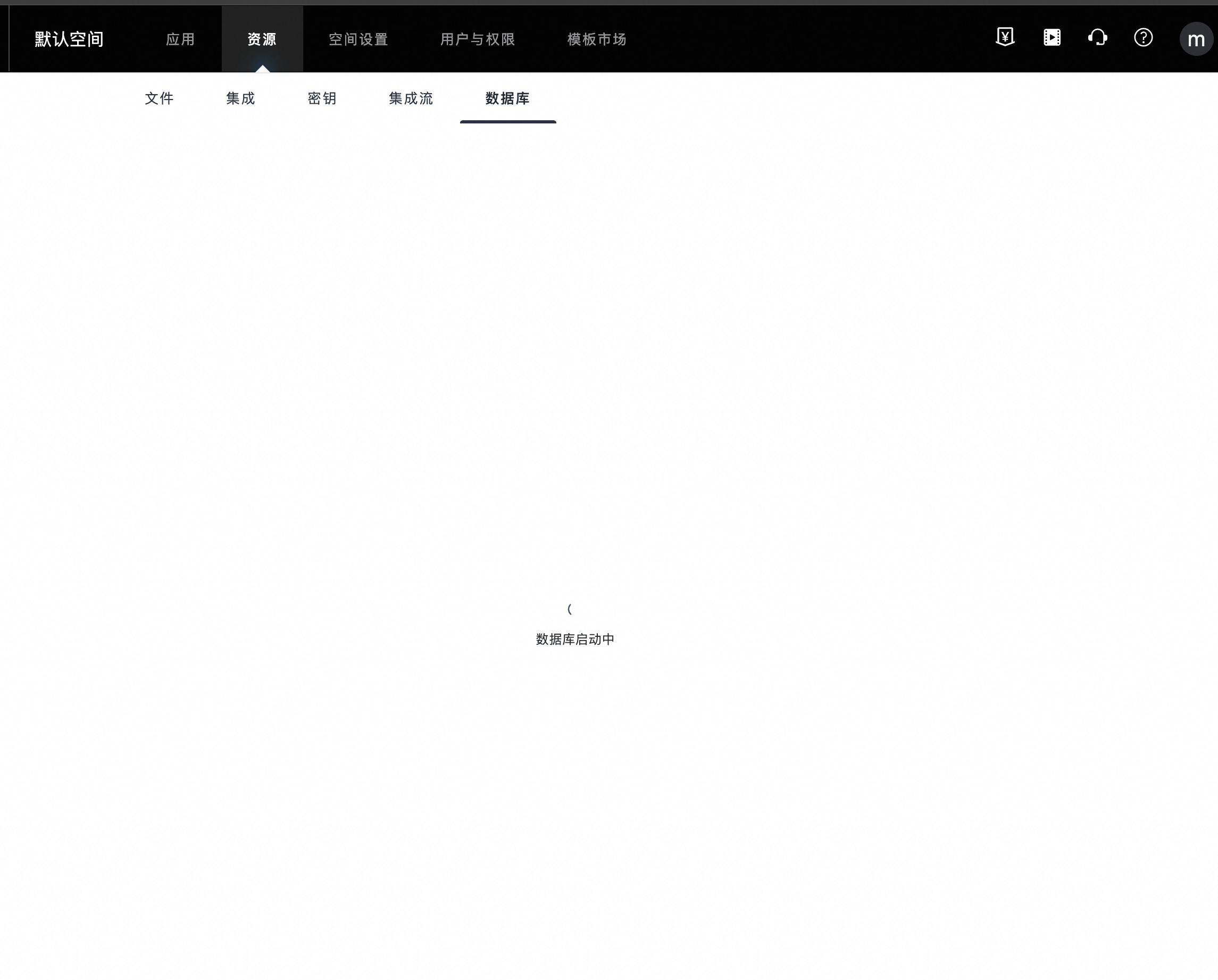
In the Free Edition, the database is used on demand and is revoked when idle. If the database is starting, wait for the process to complete. You can use the database features normally after it starts.
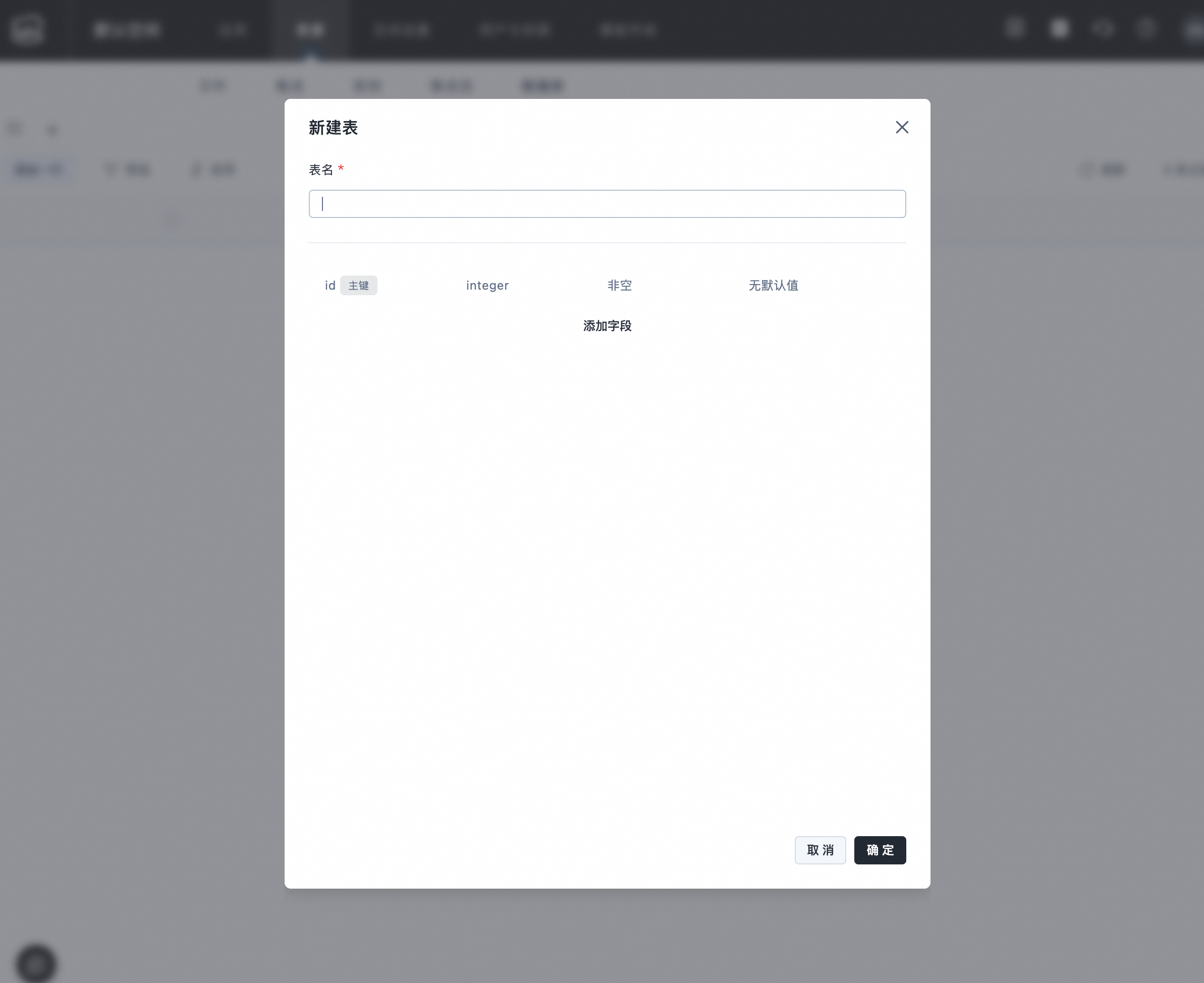
On the database pane, developers can define table schemas and manage data in tables.
Databases in paid editions are not revoked when idle and do not have a startup loading page. When a Free Edition database is revoked, its tables and data are not deleted. The previous data is visible after the database restarts.
Using the built-in database integration
In an application, you can use the System Built-in Database Integration to connect to the database in your workspace.
If the Free Edition database is starting, the following prompt is displayed. Wait for the startup process to complete.