Timeline
Introduction
The timeline component is a visualization tool that displays events, processes, or history in a time series.
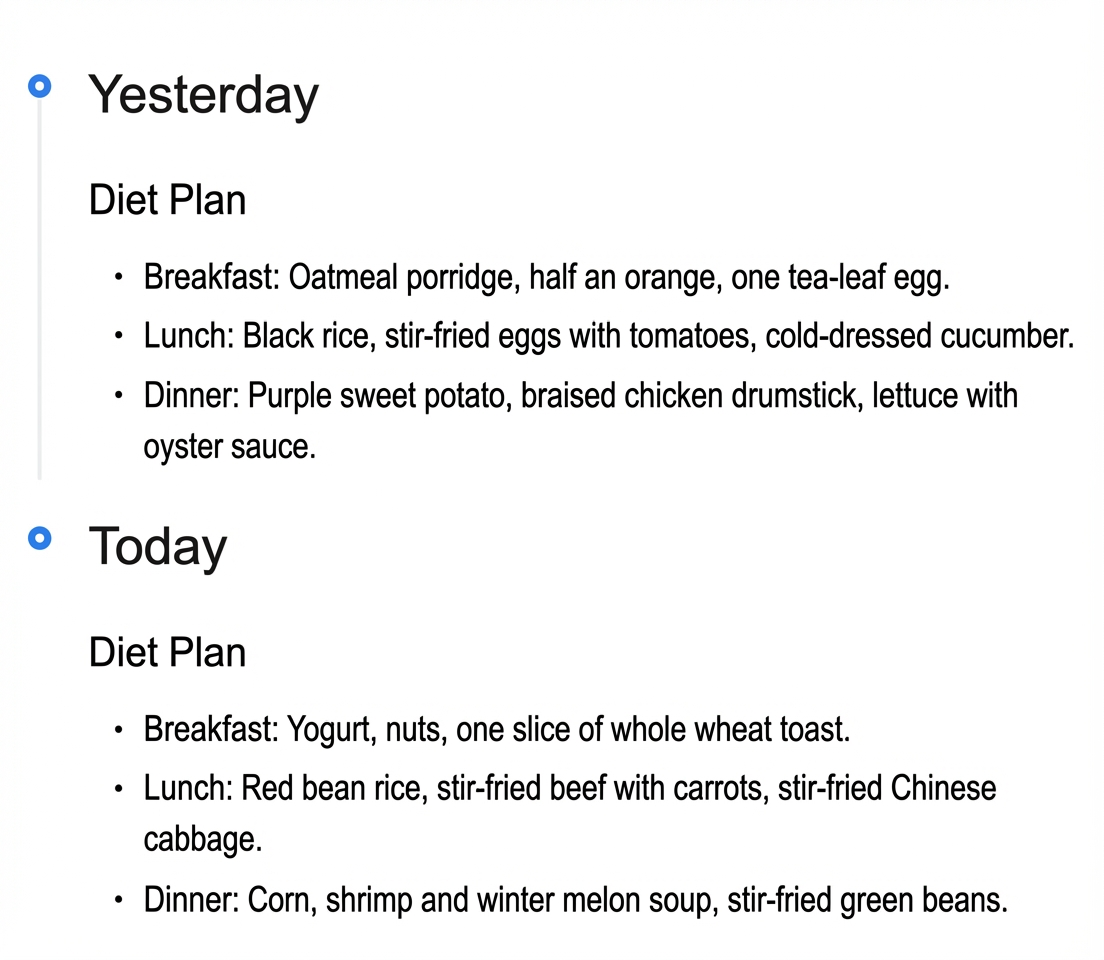
Configuration items
Category |
Configuration |
Example |
Description |
Content |
Data source |
The data source for the timeline. Mapping patterns are supported. |
|
Content/Time relative position |
The currently selected date. |
||
Interaction |
Hide |
Controls the default display state of the timeline. If this is set to |
|
Style |
Height |
For more information, see Common properties. |
|
Margin |
For more information, see Common properties. |
||
Reverse order |
Reverses the order of the data. |
||
Ghost node |
|
A ghost node usually represents an event after the current time point or the status of an incomplete process. |
|
Ghost node content |
|
The content of the ghost node. Markdown syntax is supported. For more information, see Markdown user guide. |
|
Enable enhanced rendering |
If you enable this option, the ghost node content supports HTML tag rendering. This might cause rendering conflicts with other components. |
||
Enable TOC |
If you enable this option, you can use |
||
Custom tags |
|
Lets you customize the rendering pattern for non-standard HTML tags, such as <tag> and <ref>. |
|
Ghost node timeline point |
The timeline point for the ghost node. |
||
CSS style |
Node background color |
The background color of the timeline axis points. |
|
Track color |
The color of the timeline track. |
||
Content text size |
The text size for the content part of the data source. |
||
Label text size |
The text size for the label part of the data source. |


Properties and methods
Name |
Type |
Example |
Description |
options |
array |
|
Read-only. The data source for the timeline. |