Learn media and retail article styles and formats
The Alibaba Cloud Model Studio application for learning media and retail article styles and formats lets you train a model on new text without writing any code. The application analyzes the style of your articles and then creates a large language model based on that style. You can use this model to write new articles in your custom style.
ImportantThe application for learning media and retail article styles and formats is free for a limited time. After your free quota is used, you are charged for the input and output tokens based on the model you call.
- For more information about the limited-time free trial for new users, see Limited-time free trial for new users.
- For more information about how tokens are calculated and the billing details for models, see Billable items.
Access the feature
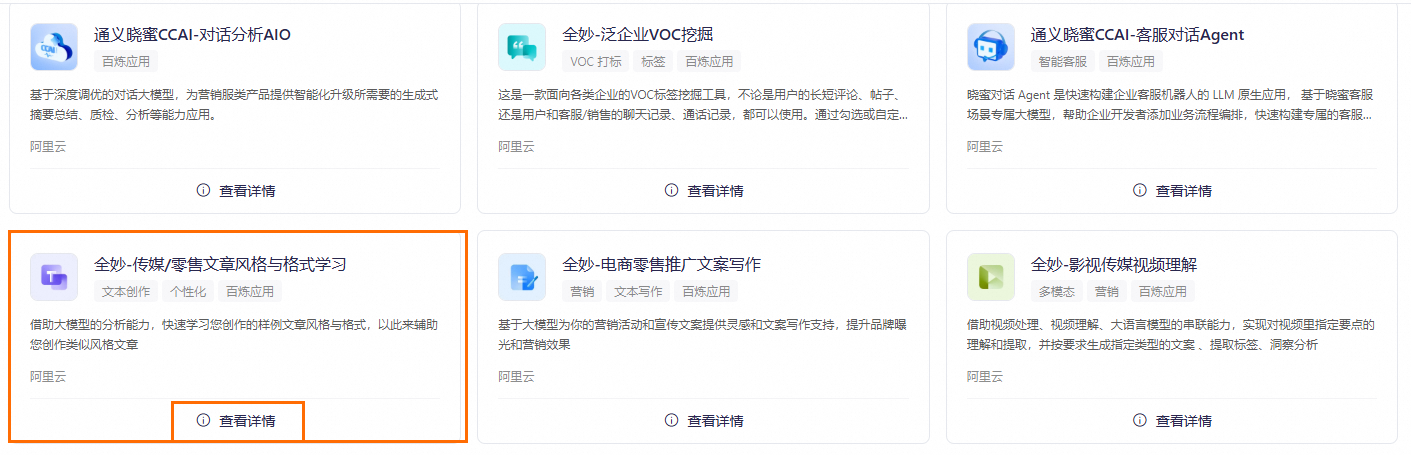
Go to the App Market page. On the Quanmiao - Learn media and retail article styles and formats card, click View Details to open the application console.
Features
Application details
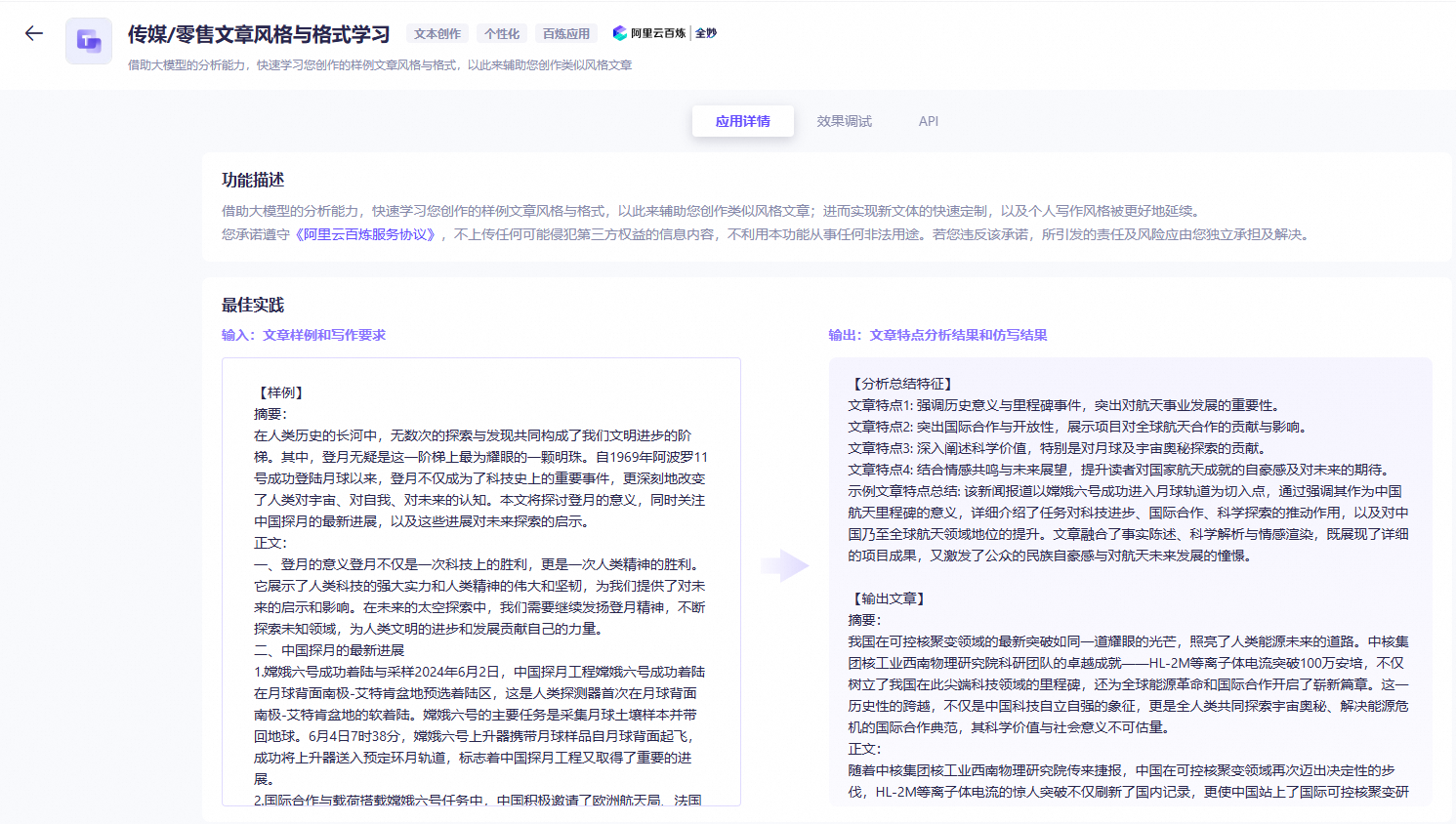
In the Media/Retail Article Style And Format Learning application, the Application Details tab displays the feature description, best practices, and billing rules.
Effect Debugging
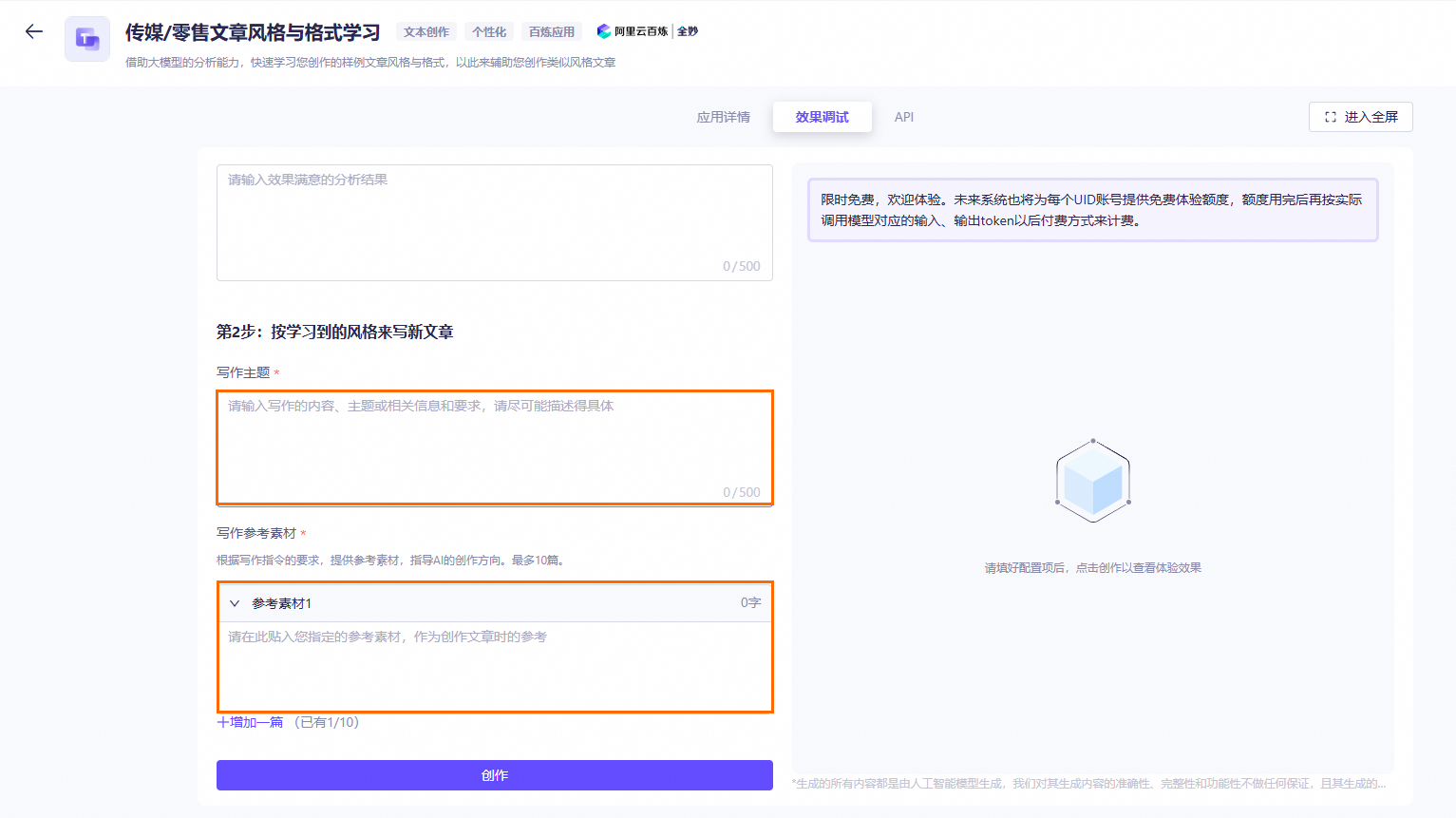
On the Test the effect tab, configure the following items and then click Create.
-
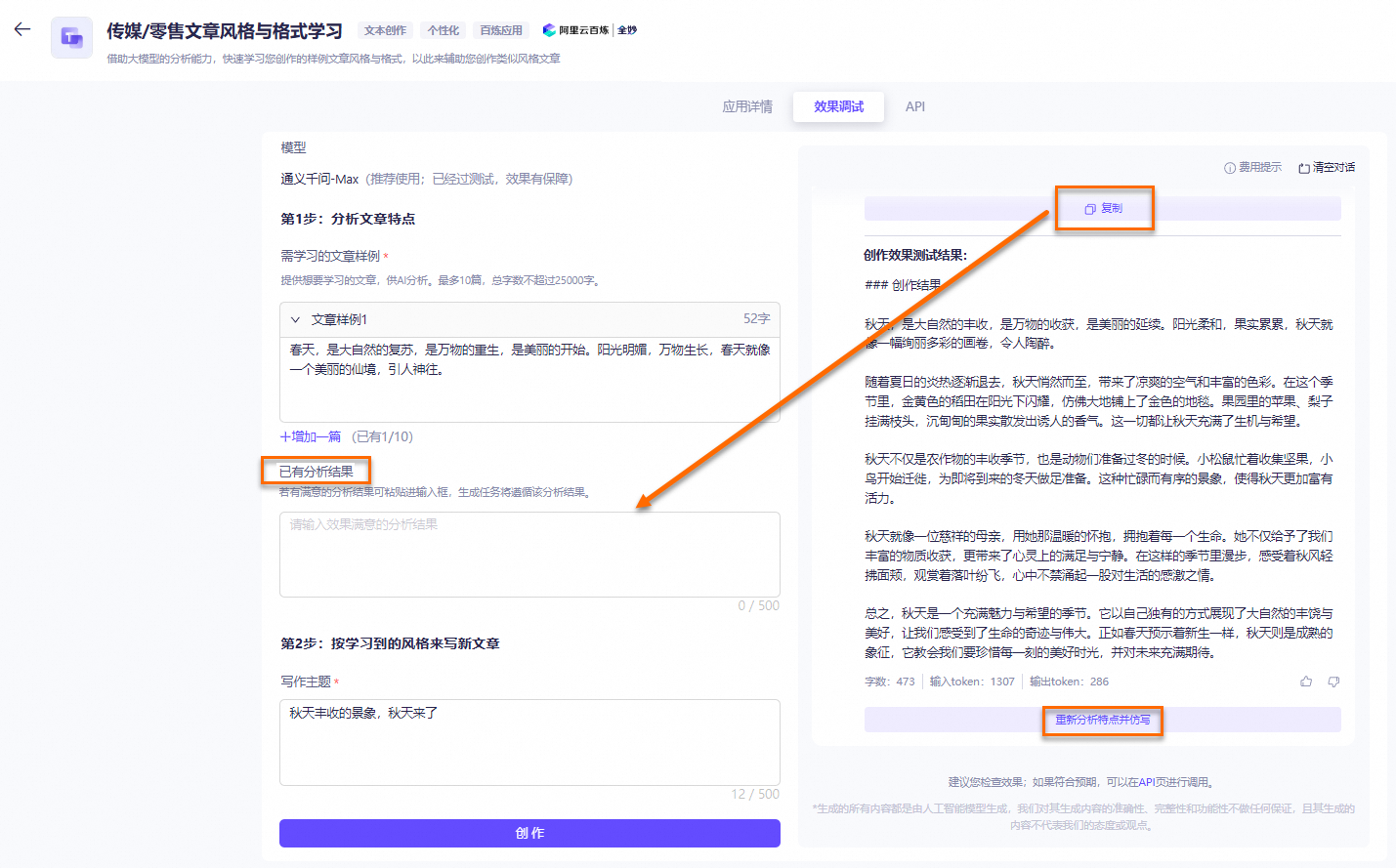
Model: The Qwen-Max model is used by default. This setting cannot be changed.
-
Enter the articles to learn from.
In the Article Sample text box, enter the articles for the model to analyze. You can add up to 10 articles. The total length of all articles cannot exceed 4,000 characters. To add another article, click
 Add one more and enter the text in the new Article Sample text box.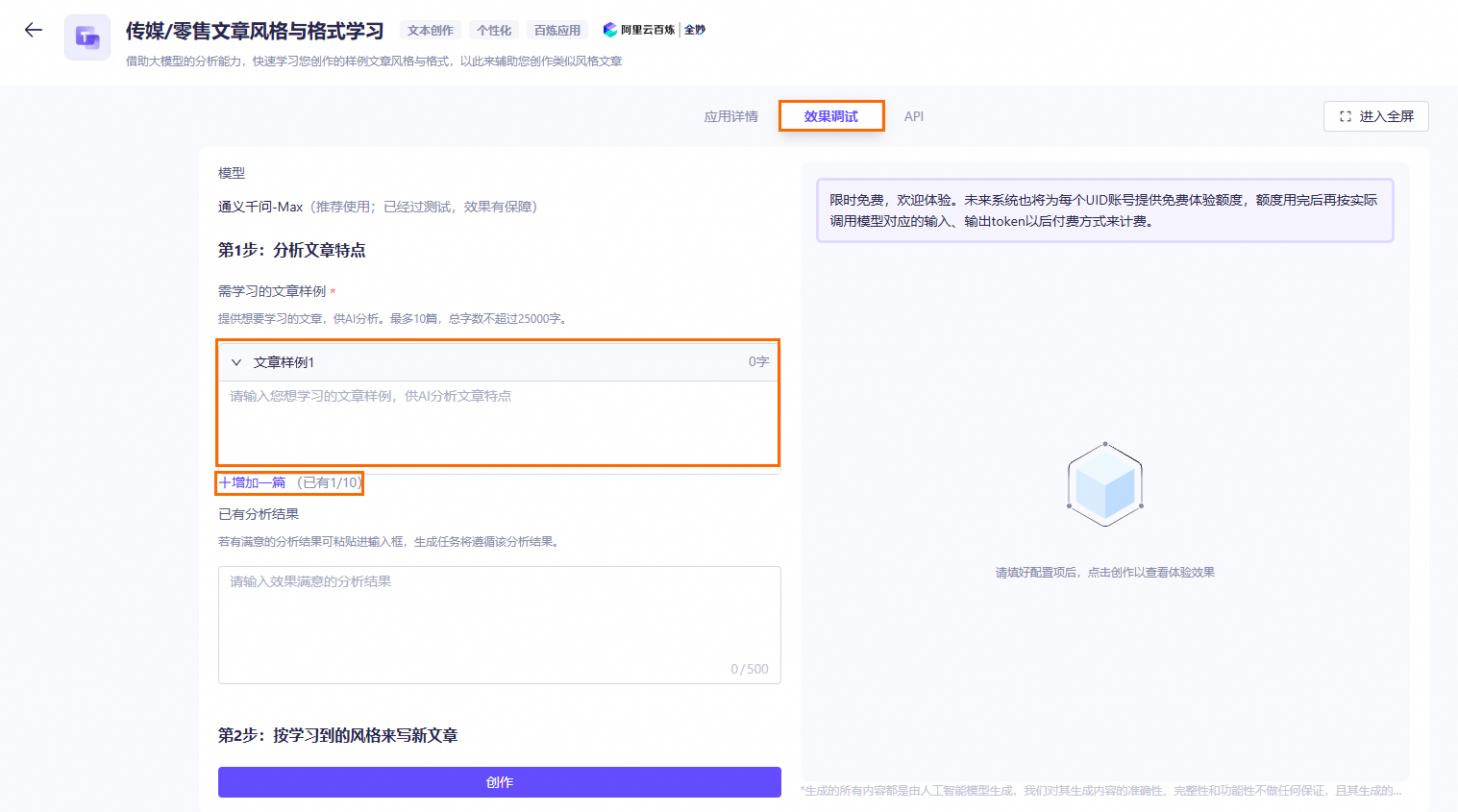
-
Test the learning effect.
- In the Writing Subject text box, enter a detailed and specific subject, content, or other requirements for the article.
- Add reference materials to guide the model's writing. You can add up to 10 materials. The total length of all materials cannot exceed 4,000 characters. To add another material, click Add one more and enter the text in the new Reference Material text box.

-
Click Create.
The model analyzes the style of the uploaded articles. When the analysis is complete, the style analysis and test results appear in the window on the right.
- If you are satisfied with the analysis and learning results, you can use them directly.
- If the results are not what you expect, click Re-analyze characteristics and learn. The model will then analyze the content and learn again.
- If you are not satisfied with only the learning results, you can copy the style analysis results into the Existing Analysis Results text box and then click Create. This action runs only the Test the learning effect step.
Important
- Generating the article characteristic analysis results and the learning effect test results both consume tokens.
- When you click Re-analyze characteristics and learn, generating the analysis and test results in the window on the right consumes tokens.
- If you execute only Step 2: Test Learning Results, generating the Article Feature Analysis Results in the right window does not consume tokens. However, generating the Learning Effect Test Results consumes tokens.
The following figure shows an example.
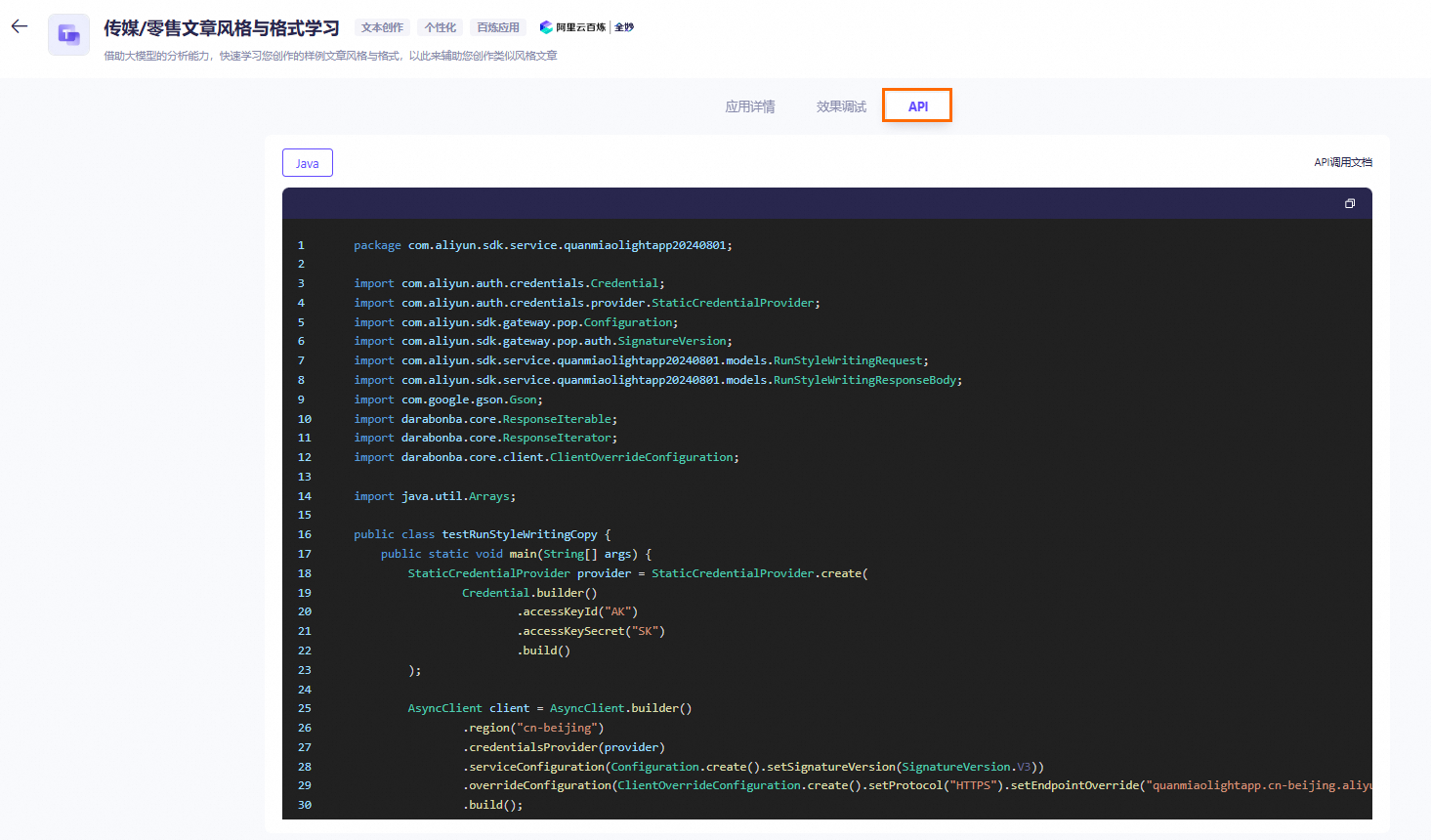
View API examples
After you test the effect, you can click the API tab to view the generated API examples.