FAQ
What should I do if I receive a 403 error message, such as"You are not authorized to do this operation"or" You are not authorized to perform this action ", when calling a QuanMiao Light App API operation?
This error occurs because the current account does not have permission to access QuanMiao Light App API operations. Try one of the following solutions:
-
Use your Alibaba Cloud account in the RAM console to grant the
AliyunQuanMiaoLightAppFullAccesssystem policy to your RAM user or RAM role. For more information, see Manage permissions for RAM users or Manage permissions for RAM roles.NoteYou can also grant the permission by calling the Add permissions for a specified user API operation.
-
Grant the RAM user or RAM role permissions for the Model Studio workspace. For more information, see Grant Model Studio workspace permissions to a RAM user or Grant workspace permissions to a RAM role.
-
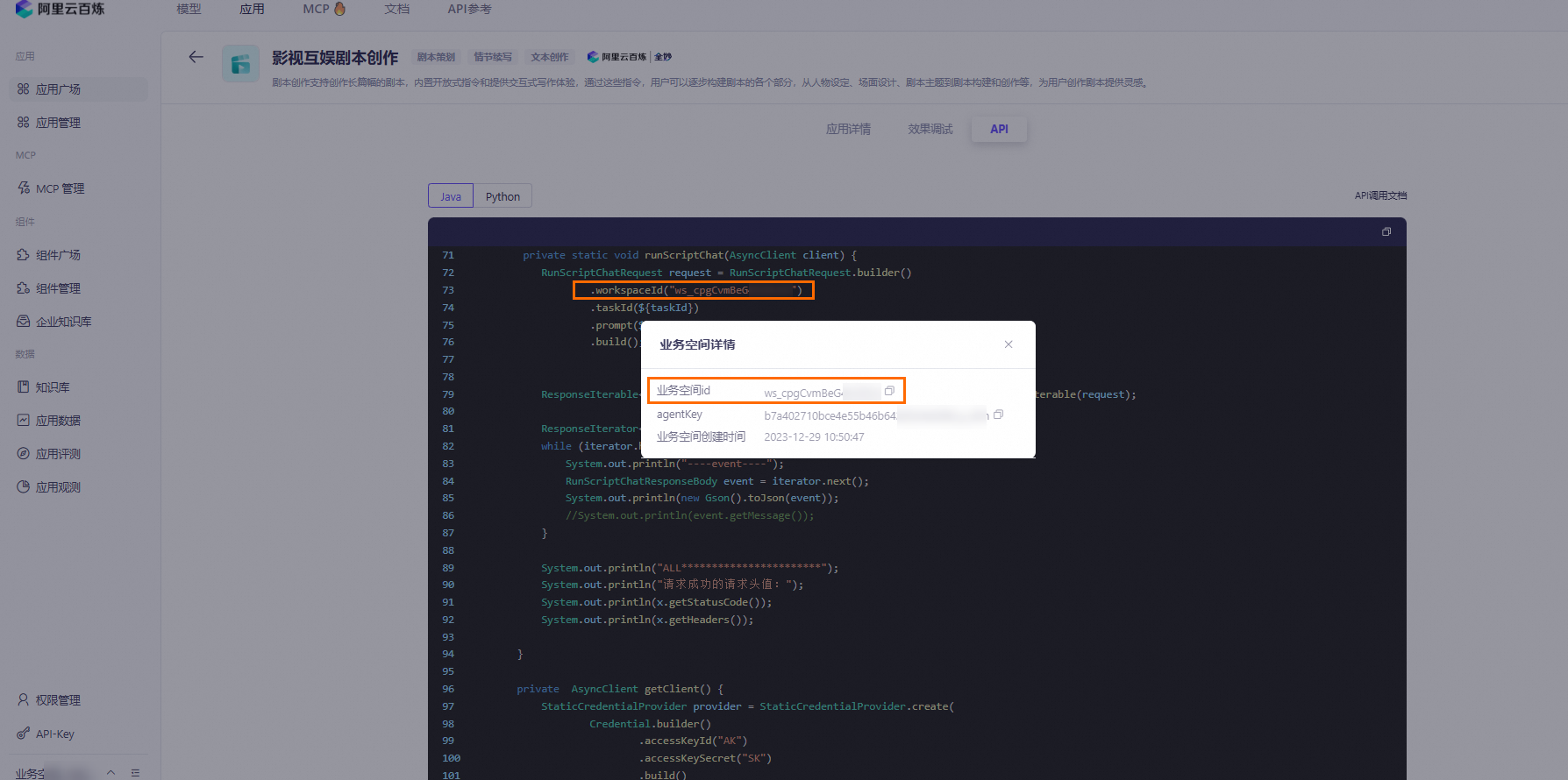
Check that workspaceId is set to the ID of the workspace to which your RAM user or RAM role has access.