Footwear model
Footwear Model Generation uses AI to place footwear onto the shoe area of a model template image, creating a new layout for scenarios such as product image design and virtual try-ons.
Important
- This document applies only to the Chinese mainland (Beijing) region. You must use an API key from this region.
- The shoemodel-v1 model is currently available for a free trial. After you use the free quota, you can no longer call the model. Paid options are not supported.
Introduction
The Footwear Model Generation feature uses multi-angle images of footwear to perform an AI try-on by redrawing the footwear onto the foot area of a model template. This process generates a realistic, high-fidelity image with a natural layout and rich details. It is useful for scenarios such as designing product images with models, creating AI try-ons for new footwear, and generating different layouts of models wearing shoes.
Features and benefits
- Industry-leading results: Generated images have precise semantic consistency. The AI-powered local creation produces natural layouts, rich details, high quality, and realistic results. The images maintain visual harmony and a professional appearance, with no signs of artificial synthesis.
- Stable and easy-to-use platform service: The service provides stable image generation responses during periods of high concurrency and high traffic. It offers a simple inference API that is easy to call, easy to integrate, and highly compatible.
Scenarios
- Footwear product design: In footwear product design, designers can use AI to explore innovative designs with unprecedented speed and precision. Designers can perform rapid AI try-ons for models with various types of footwear, such as vintage leather boots and futuristic sneakers. This process ensures that product images for every new item can be listed quickly.
- Creative new shoe try-on: When shopping for footwear, it can be difficult for customers to try on every style they like. With a creative new shoe try-on application, customers can upload a photo of themselves to virtually try on any new footwear style from the store. This feature lets them see how the footwear looks and matches their outfit, making the shopping experience more convenient and fun.
- Model apparel redrawing: You can easily change the footwear styles displayed by a model. The new footwear blends seamlessly with the model's clothing and background to create diverse fashion looks. This process saves costs and improves efficiency because it does not require reshoots. Model apparel redrawing helps brands respond quickly to market changes.
Model overview
| Model name | Free quota(View) | Billing unit price | Rate limiting (for Alibaba Cloud accounts and RAM users) | |
| QPS limit for task submission API | Number of concurrent tasks | |||
shoemodel-v1 | 500 images | For free trial only.
| 2 | 1 |
Getting started
Input limitsModel template image:
- Image aspect ratio: The ratio of the long edge to the short edge must be within the range of
[2:3, 3:2]. The recommended ratio is4:3. - Image format: JPEG, PNG, JPG, BMP, WEB, or AVIF.
- Image size: The recommended maximum image size is 5 MB.
Multi-angle footwear images:
- Image aspect ratio: The ratio of the long edge to the short edge must be within the range of
[2:3, 3:2]. A ratio of4:3, the same as the model template image, is recommended. - Image format: JPEG, PNG, JPG, BMP, WEB, or AVIF.
- Image size: The recommended maximum image size is 5 MB.
- Number of images: The number of multi-view images. The value must be less than 3.
URL:
- Chinese characters are not allowed.
Model template image (template_image_url) | Multi-angle footwear images (shoe_image_url) | Output |
|---|---|---|
|
|
|
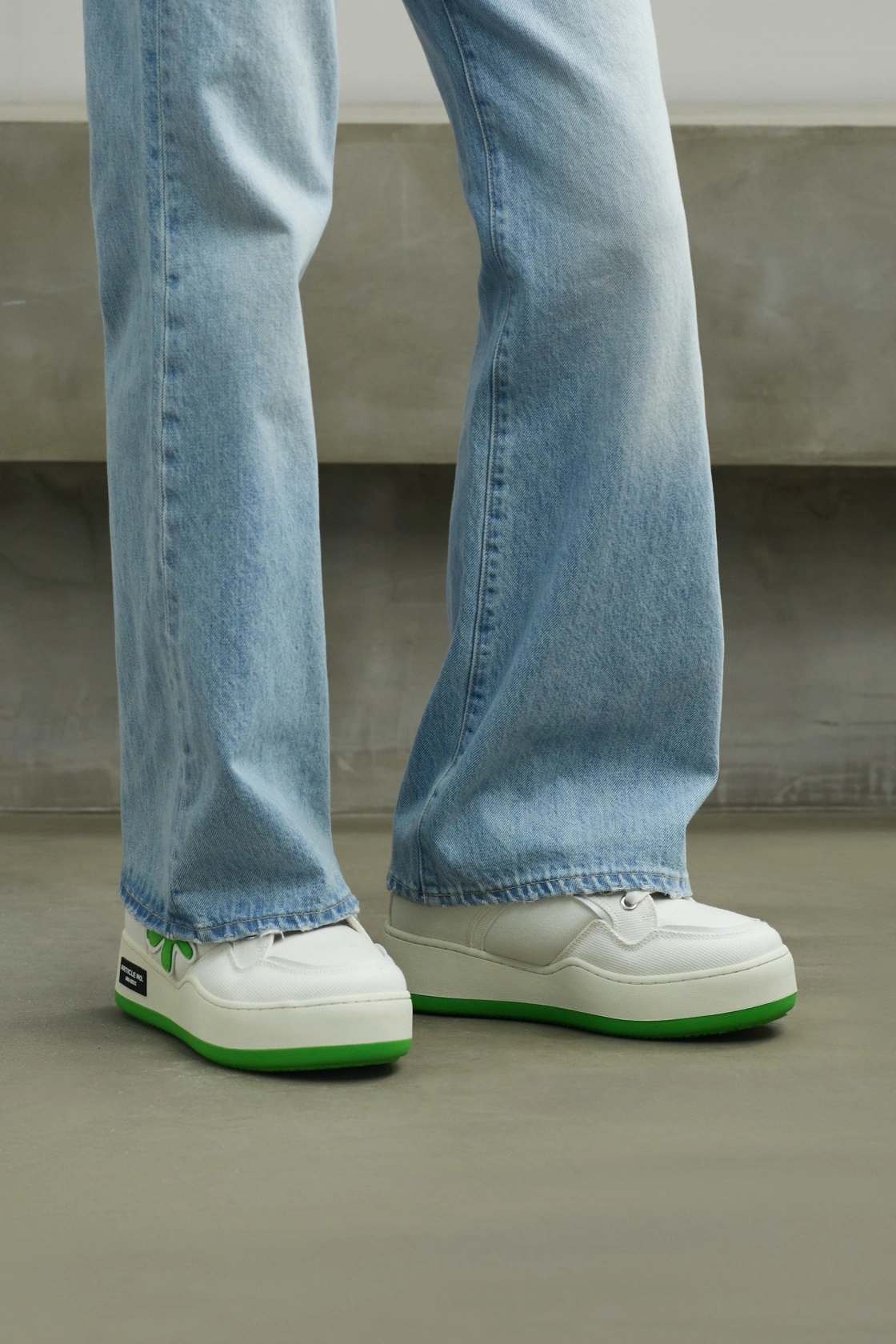
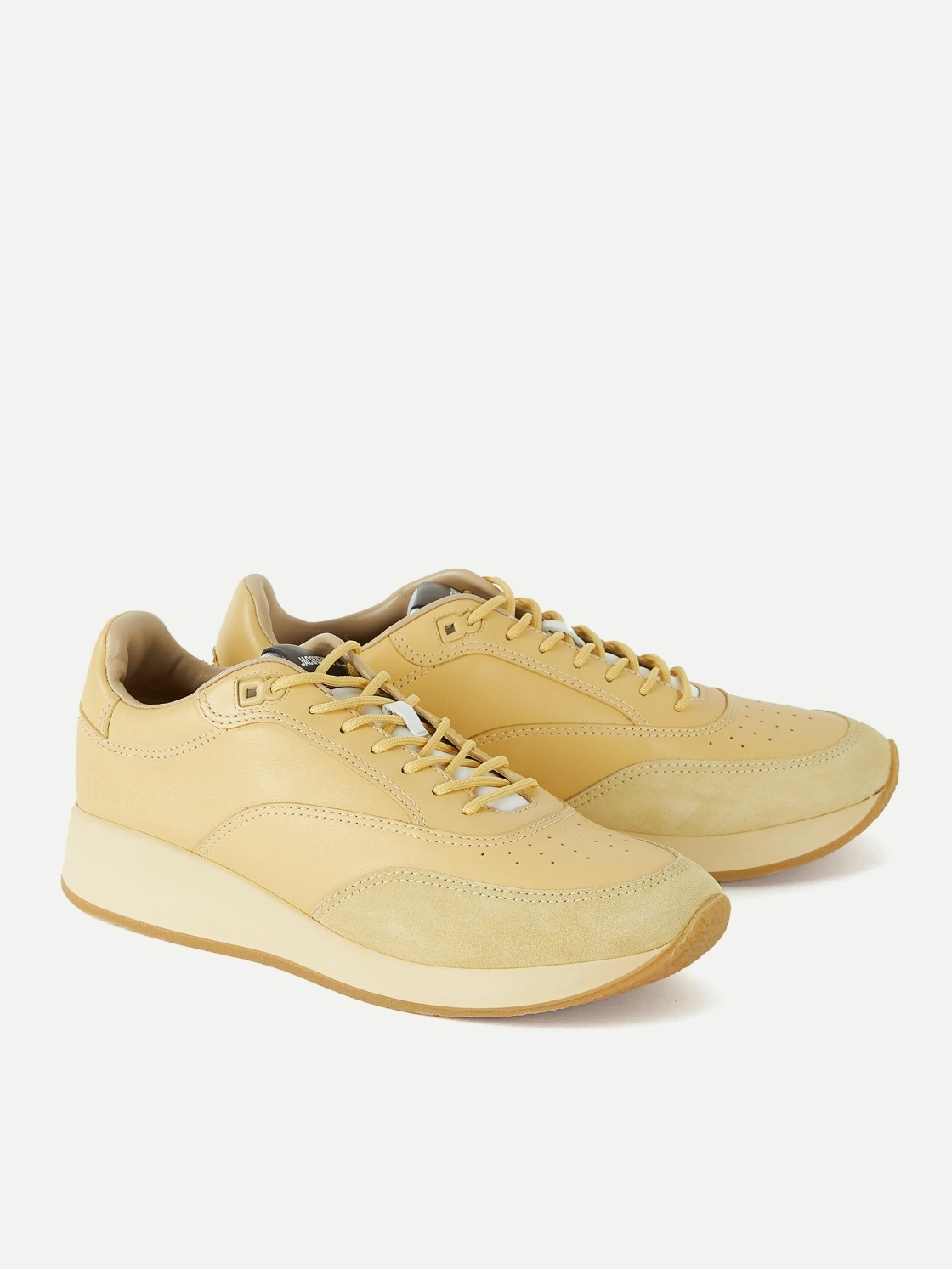
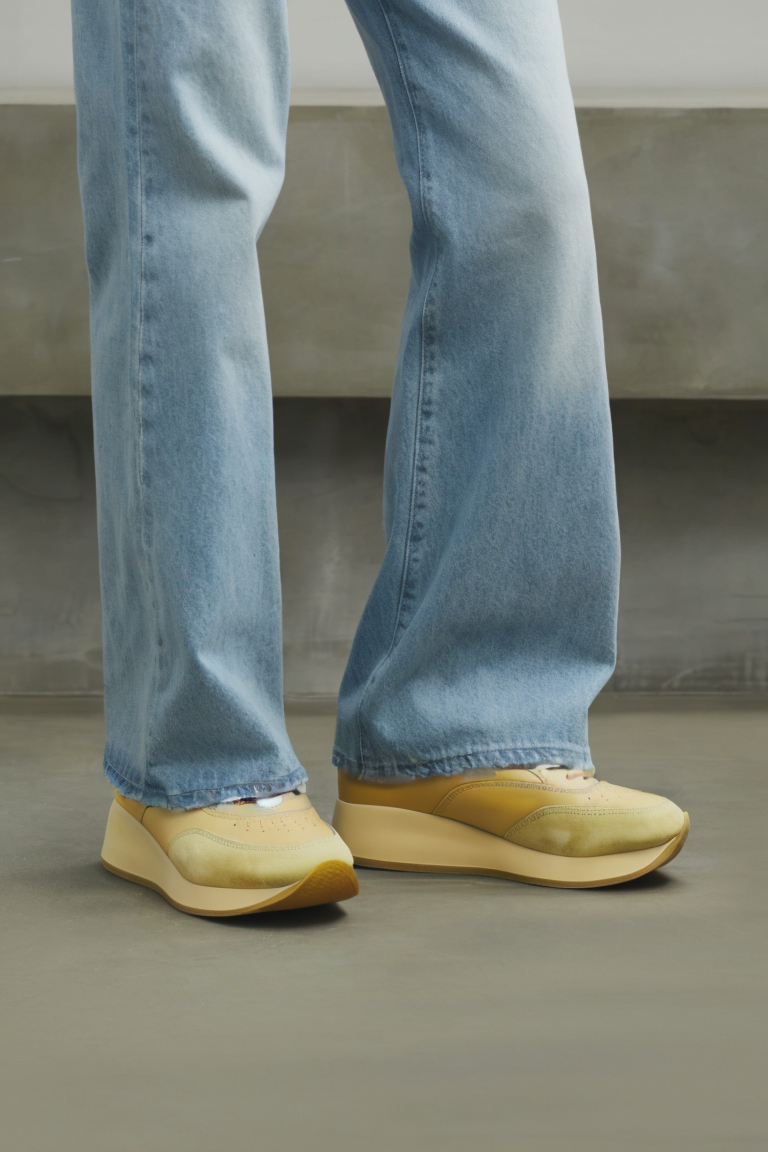
Because the model requires significant computation time, the sample code demonstrates how to make an asynchronous call to avoid request timeouts.
Obtain an API key and export the API key as an environment variable.
Replace {WorkspaceId} with your actual workspace ID.
curl
1. Create a footwear layout redrawing taskThe API returns a task ID. You can use this task ID to query the image generation result.
# China (Beijing) region. Replace {WorkspaceId} with your Bailian workspace ID. URLs vary by region.
curl --location 'https://{WorkspaceId}.cn-beijing.maas.aliyuncs.com/api/v1/services/aigc/virtualmodel/generation' \
--header 'X-DashScope-Async: enable' \
--header "Authorization: Bearer $DASHSCOPE_API_KEY" \
--header 'Content-Type: application/json' \
--data '{
    "model": "shoemodel-v1",
    "input": {
        "template_image_url": "https://help-static-aliyun-doc.aliyuncs.com/assets/img/zh-CN/8268778171/p809310.webp",
        "shoe_image_url": ["https://help-static-aliyun-doc.aliyuncs.com/assets/img/zh-CN/8268778171/p809301.webp"]
    },
    "parameters": {
        "n": 1
    }
}'
# China (Beijing) region. Replace {WorkspaceId} with your Bailian workspace ID. URLs vary by region.
curl -X GET \
--header 'Authorization: Bearer <YOUR-DASHSCOPE-API-KEY>' \
https://{WorkspaceId}.cn-beijing.maas.aliyuncs.com/api/v1/tasks/13b1848b-5493-4c0e-8c44-xxxxxxxxxxxx
Input examples
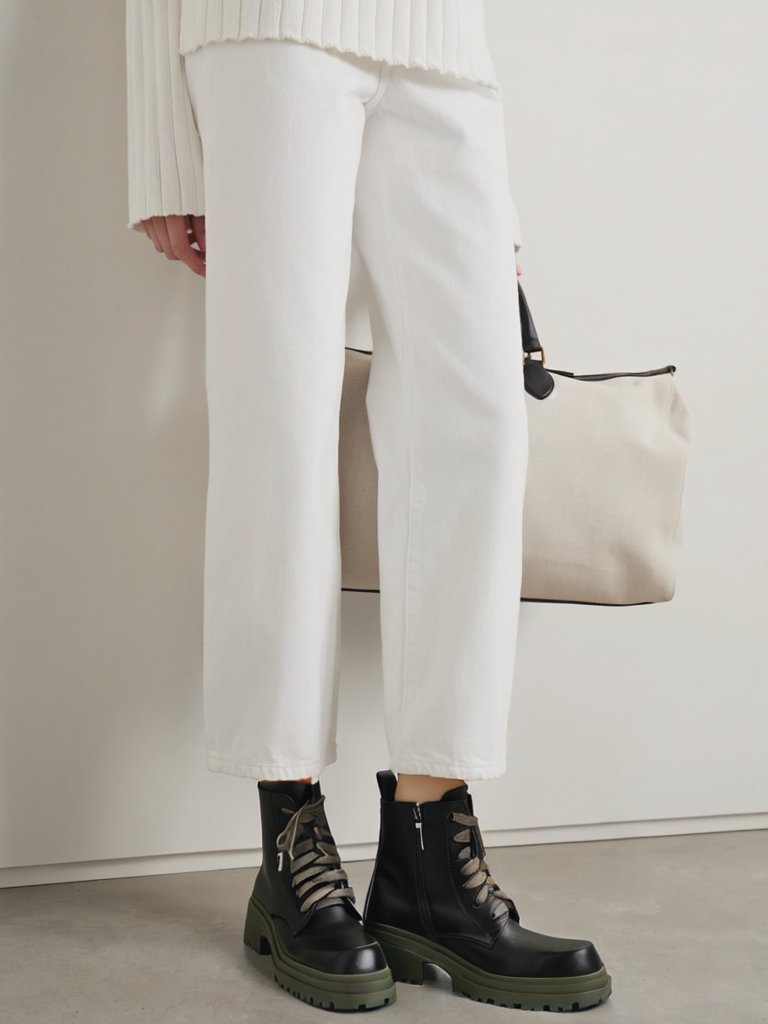
Correct input examples
Model template image | Footwear image | Output |
|---|---|---|
|
|
|
|
|
|
|
|
|
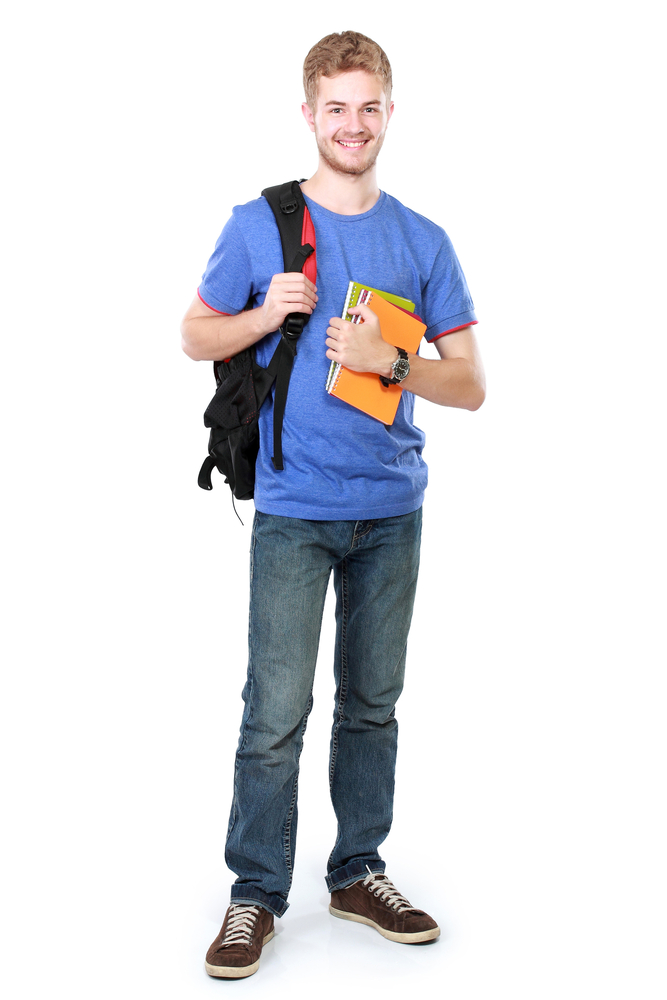
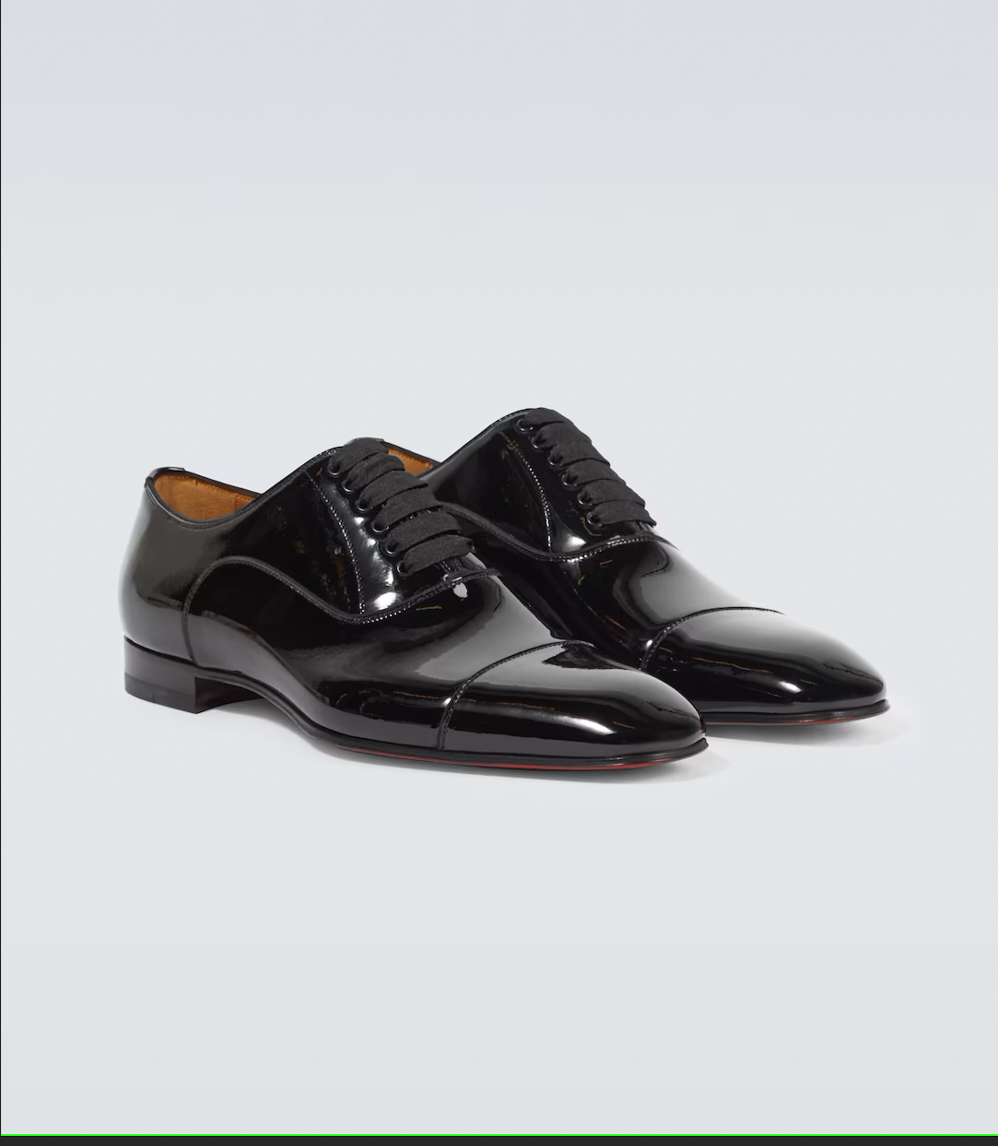
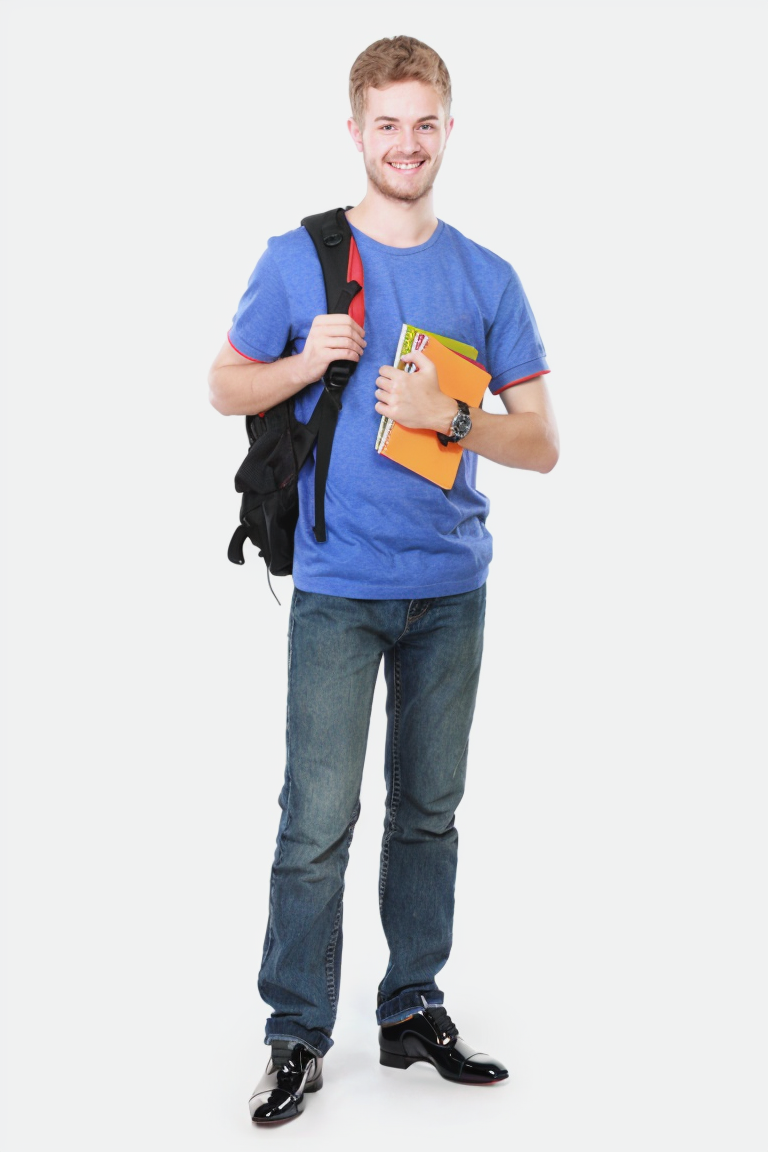
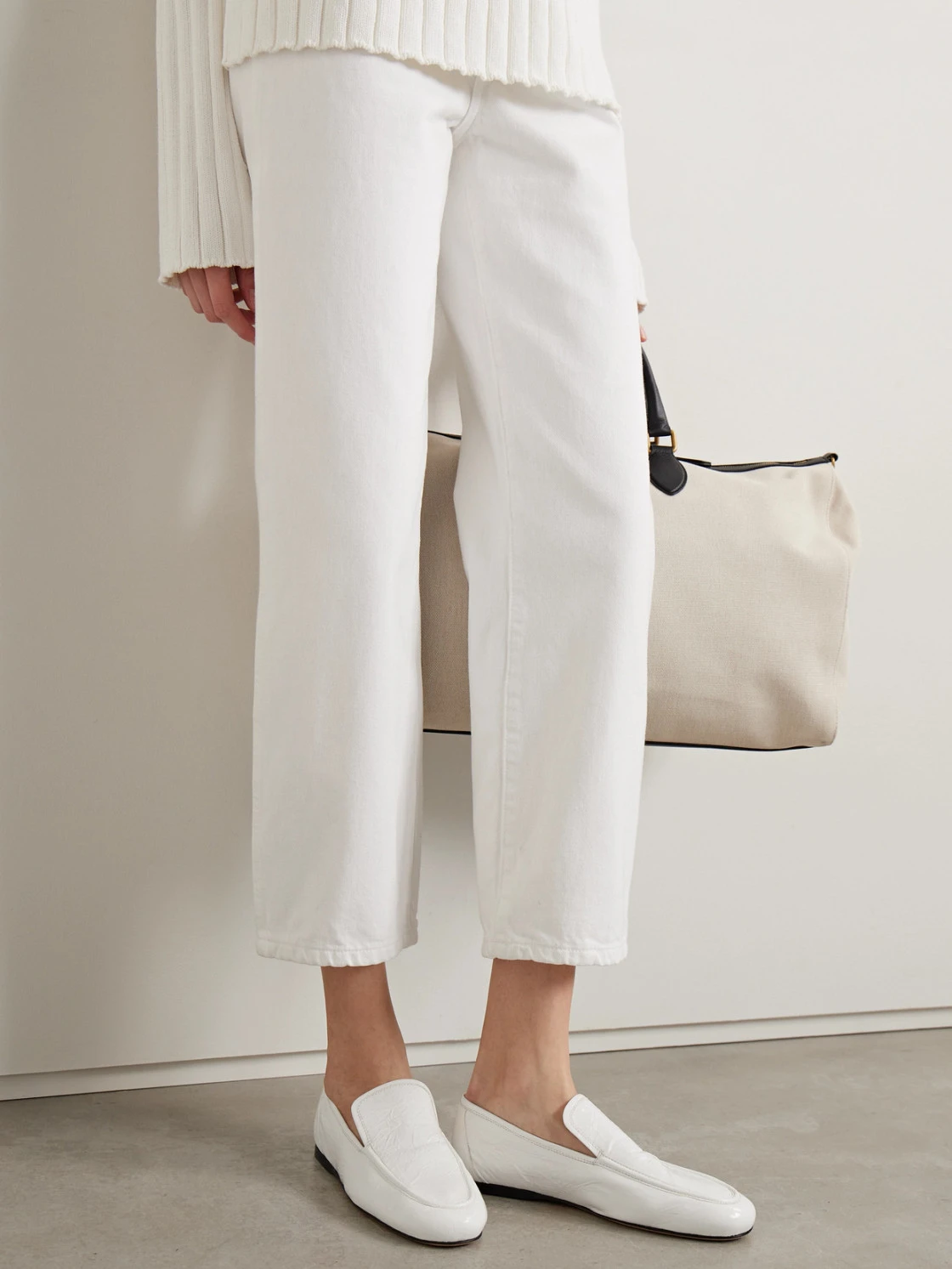
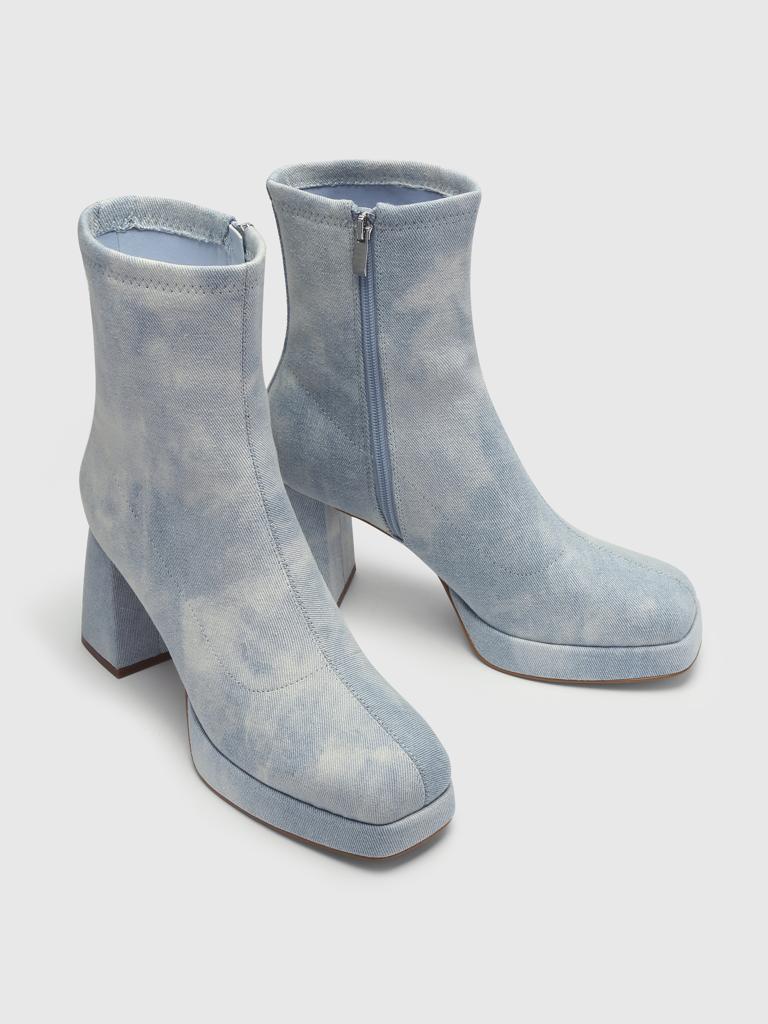
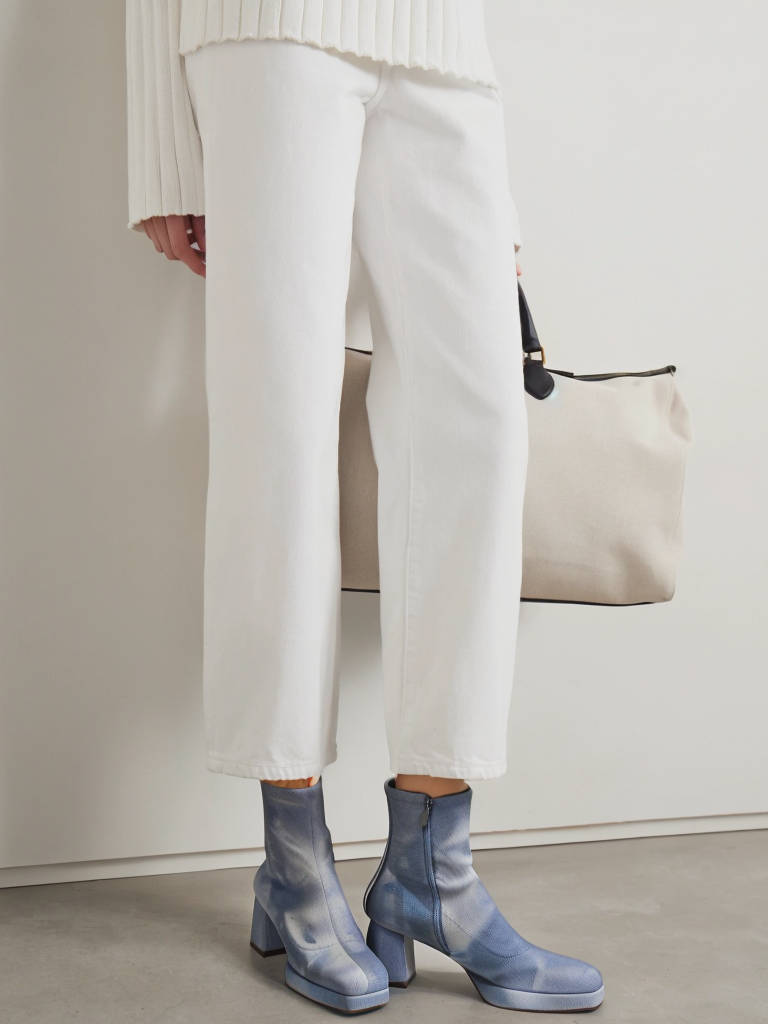
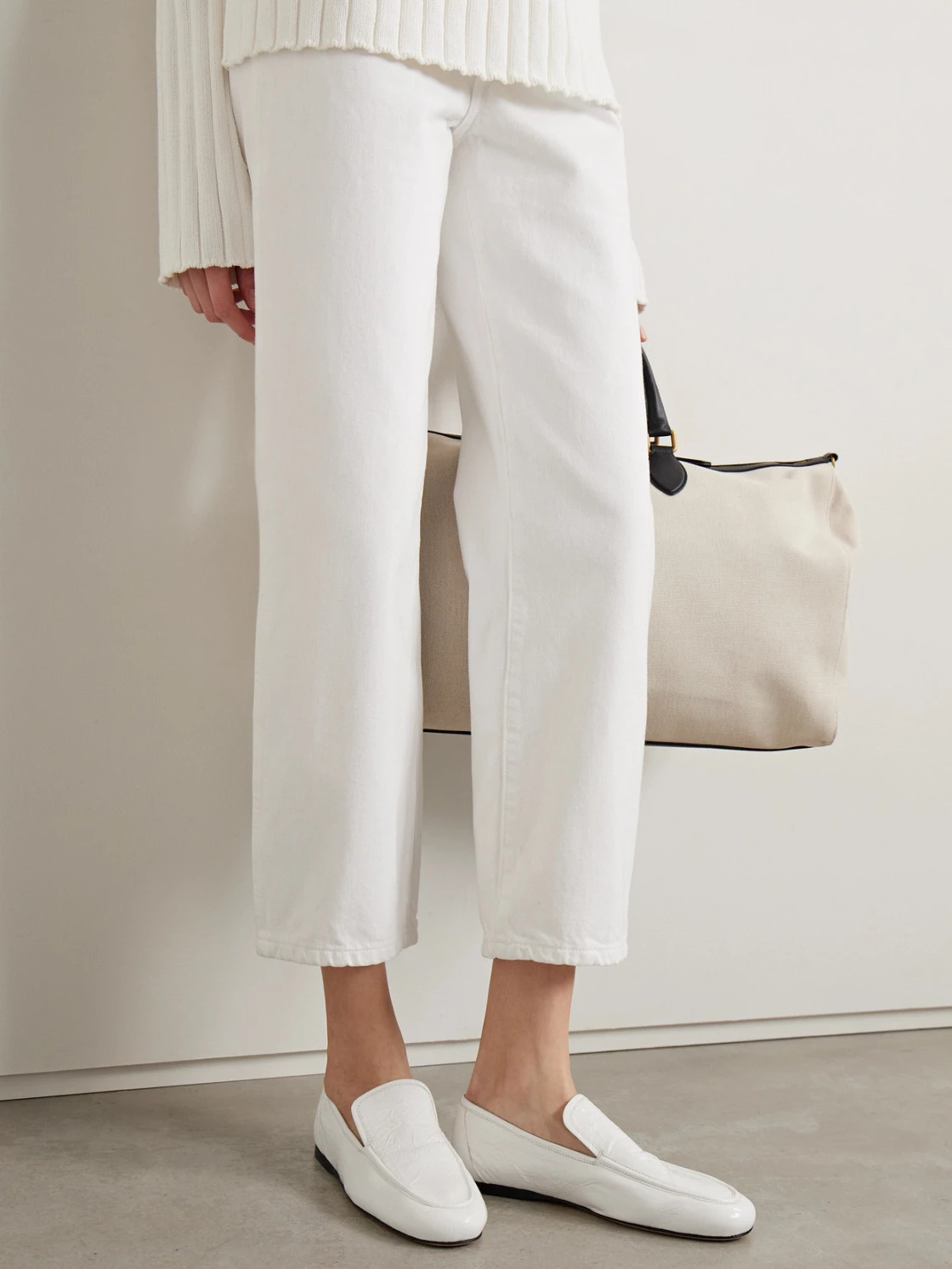
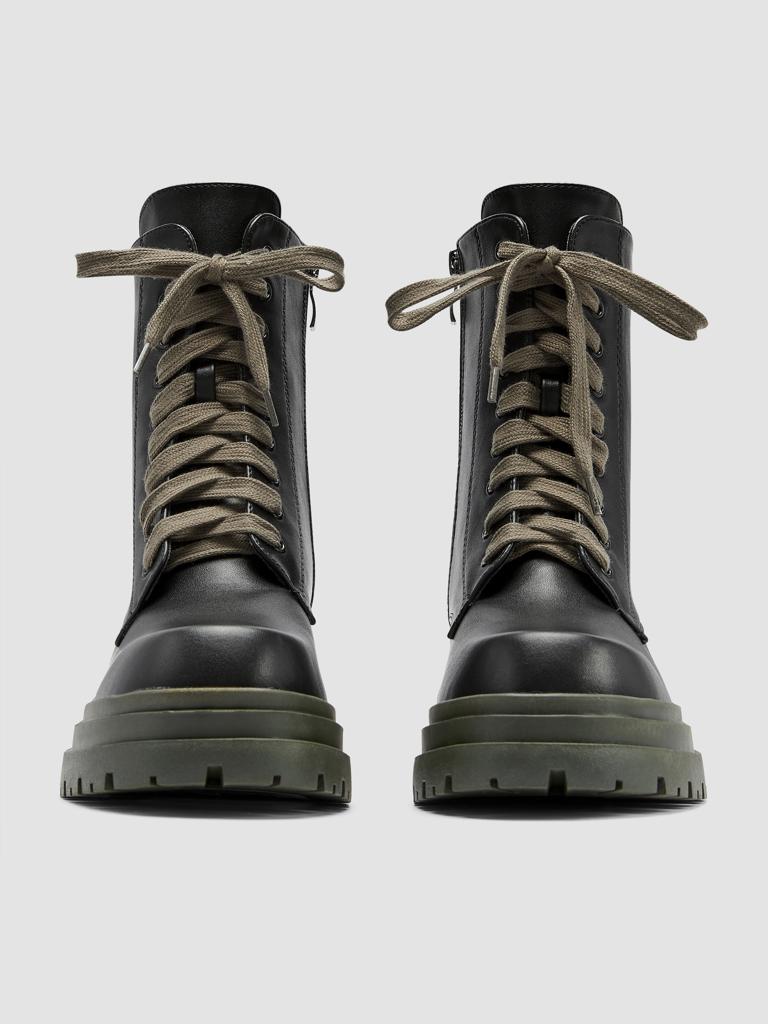
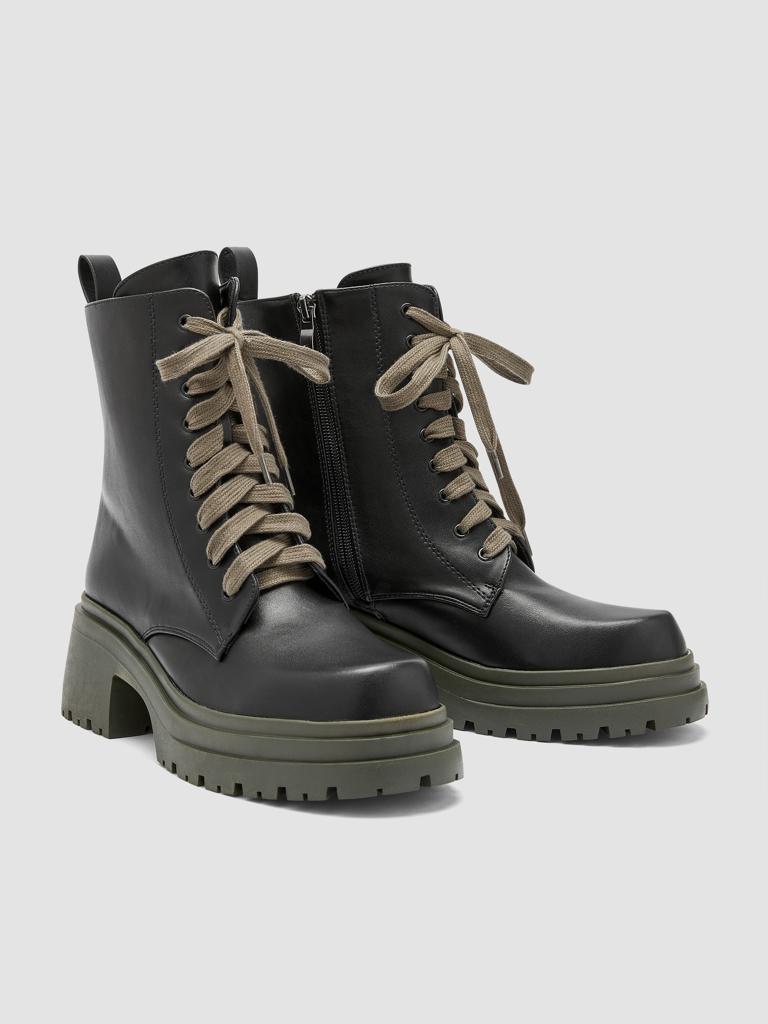
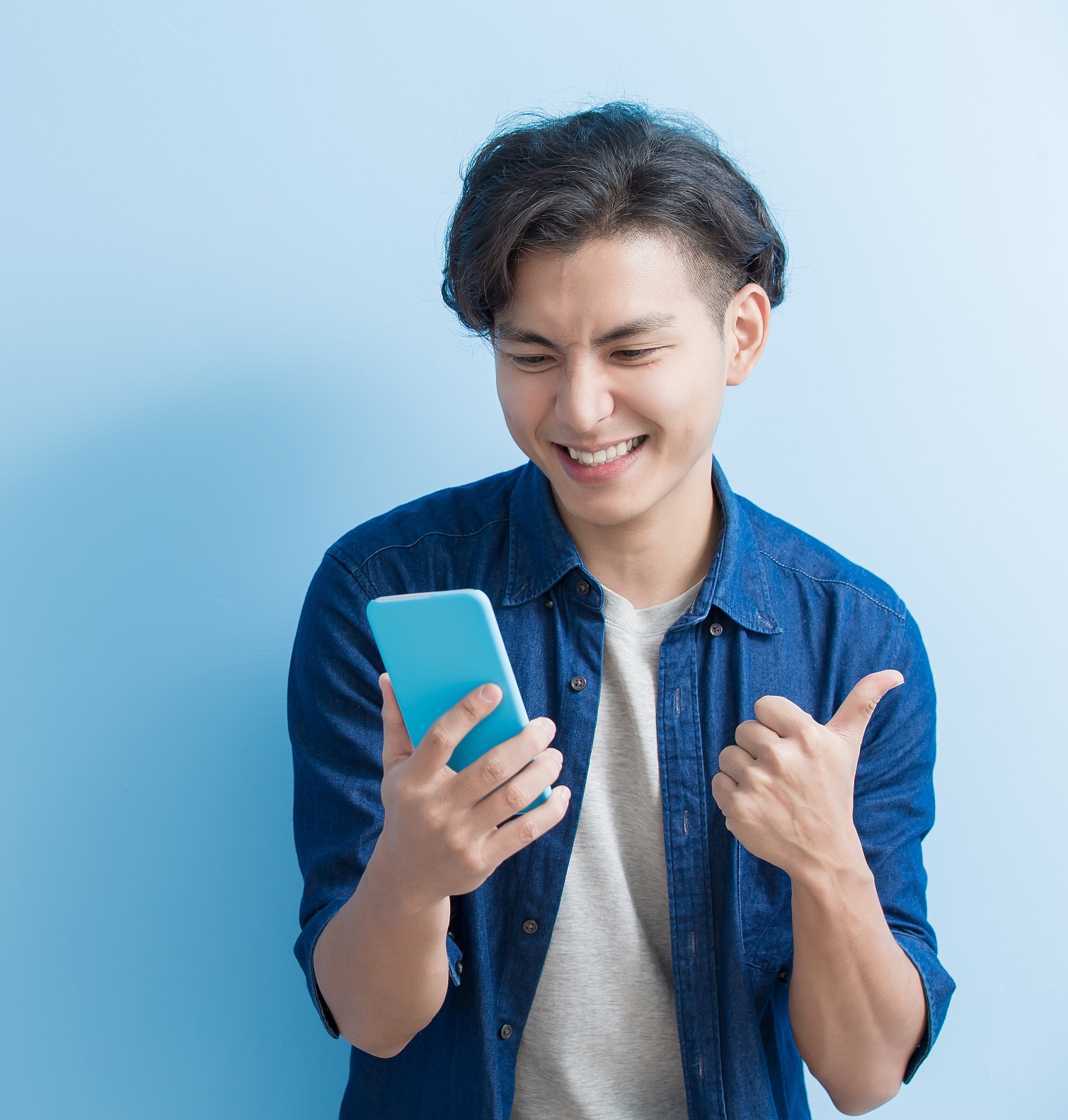
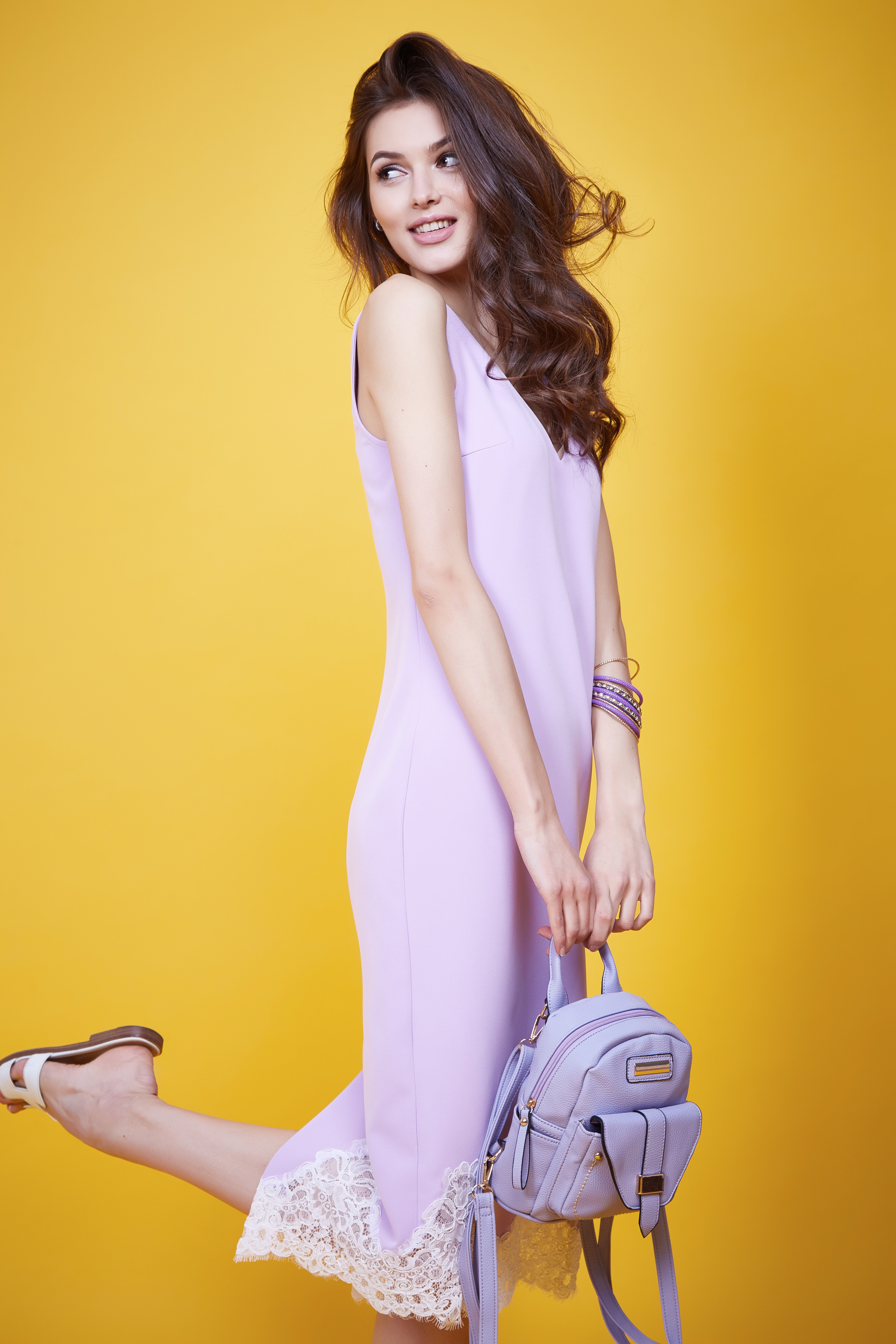
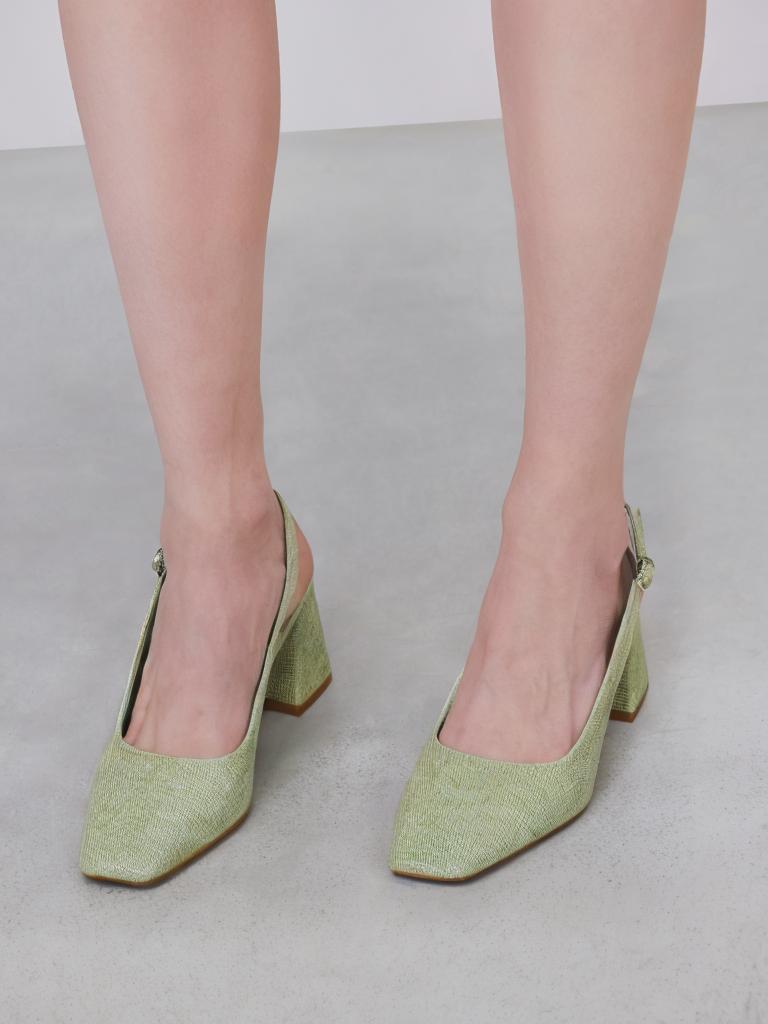
Incorrect input examples
No feet | Missing feet or unnatural standing pose | Missing knees or footwear too close to image borders |
|---|---|---|
|
|
|
API reference
For more information about the API input and output parameters, see Footwear model.