Tripo 3D model generation
Generate 3D models from Tripo models through Alibaba Cloud Model Studio. Three generation modes are supported: text-to-3D, single-image-to-3D, and multi-image-to-3D .
ImportantThis document applies only to the China (Beijing) region. Use an API key from this region.
Quick start
This example uses text-to-3D.
| Input prompt | Output preview |
A cute cat | 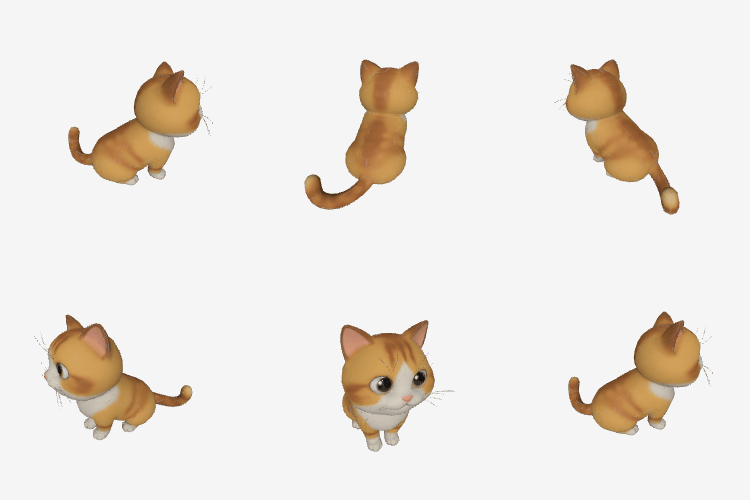
|
Before you begin, activate the Tripo model service, Create an API key, and Export API key as environment variable.
Step 1: Create a task and get the task ID
When calling, replace {WorkspaceId} with your actual workspace ID.
curl --location 'https://dashscope.aliyuncs.com/api/v1/services/aigc/video-generation/3d-generation' \
    -H 'X-DashScope-Async: enable' \
    -H "Authorization: Bearer $DASHSCOPE_API_KEY" \
    -H 'Content-Type: application/json' \
    -d '{
    "model": "Tripo/Tripo-P1.0",
    "input": {
        "prompt": "A cute cat"
    },
    "parameters": {
        "texture_quality": "standard"
    }
}'
Returns a task_id. Example: 0385dc79-5ff8-4d82-bcb6-xxxxxx.
Step 2: Query results by task ID
Replace {task_id} with the task_id value returned by the previous API call. The task_id is valid for queries for 24 hours, Replace {WorkspaceId} with your actual workspace ID.
curl -X GET https://{WorkspaceId}.cn-beijing.maas.aliyuncs.com/api/v1/tasks/{task_id} \
--header "Authorization: Bearer $DASHSCOPE_API_KEY"
Task status flow:
PENDING(queued) →RUNNING(processing) →SUCCEEDED(completed) /FAILED(failed).
Sample output3D generation typically takes several minutes. We recommend a polling interval of 15 seconds. To use event notifications instead of polling, see Configure asynchronous task callbacks.
{
    "request_id": "c1209113-8437-424f-a386-xxxxxx",
    "output": {
        "task_id": "966cebcd-dedc-4962-af88-xxxxxx",
        "task_status": "SUCCEEDED",
        "results": [
            {
                "pbr_model_url": "https://openapi.cdn.tripo3d.com/xxxx.glb?auth_key=xxxx",  // PBR 3D model (GLB), expires in 2 hours
                "rendered_image_url": "https://openapi.cdn.tripo3d.com/xxxx.webp?auth_key=xxxx"  // Rendered preview image, expires in 2 hours
            }
        ]
        ...
    },
    ...
}
Model overview
Model | Capabilities | Max polygon count | Speed | Use cases |
|---|---|---|---|---|
Tripo/Tripo-H3.1 | Text-to-3D Single-image-to-3D Multi-image-to-3D | 2,000,000 | Slower | Film-quality rendering, high-precision digital assets |
Tripo/Tripo-P1.0 | Text-to-3D Single-image-to-3D Multi-image-to-3D | 20,000 | Faster | Quick preview, gaming/AR, real-time applications |
If you are unsure which model to use, start with Tripo-P1.0 for quick validation, then use Tripo-H3.1 for a high-precision version.
Core capabilities
The three modes use the same endpoint but differ by fields in input. The prompt, image, and images fields are mutually exclusive — only one can be used per request.
Text-to-3D
Pass a text prompt via prompt to describe the 3D model you want to generate. Supports multiple languages (Chinese, English, etc.).
| Input prompt | Output preview |
A red sports car | 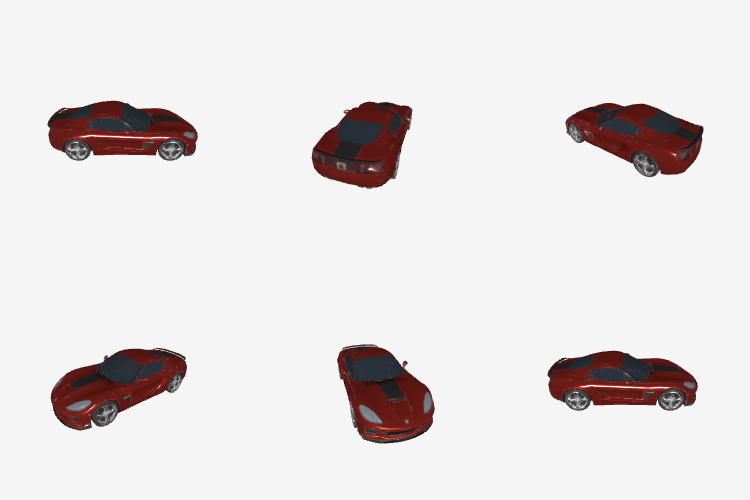
|
curl --location 'https://dashscope.aliyuncs.com/api/v1/services/aigc/video-generation/3d-generation' \
    -H 'X-DashScope-Async: enable' \
    -H "Authorization: Bearer $DASHSCOPE_API_KEY" \
    -H 'Content-Type: application/json' \
    -d '{
    "model": "Tripo/Tripo-P1.0",
    "input": {
        "prompt": "A red sports car"
    },
    "parameters": {
        "texture_quality": "standard"
    }
}'
Single-image-to-3D
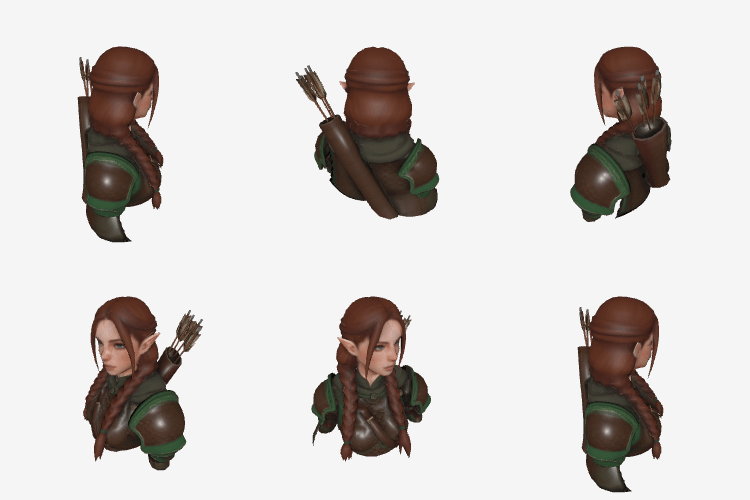
Pass the URL of a single image via image to generate a 3D model from it.
Image requirements: JPEG or PNG, 20–6,000 pixels in width and height (recommended > 256 pixels), up to 20 MB.
| Input image (single) | Output preview |
 | 
|
curl --location 'https://dashscope.aliyuncs.com/api/v1/services/aigc/video-generation/3d-generation' \
    -H 'X-DashScope-Async: enable' \
    -H "Authorization: Bearer $DASHSCOPE_API_KEY" \
    -H 'Content-Type: application/json' \
    -d '{
    "model": "Tripo/Tripo-P1.0",
    "input": {
        "image": "https://help-static-aliyun-doc.aliyuncs.com/file-manage-files/zh-CN/20260424/cfbxhg/tripo-single.jpg"
    },
    "parameters": {
        "texture_quality": "standard"
    }
}'
Multi-image-to-3D
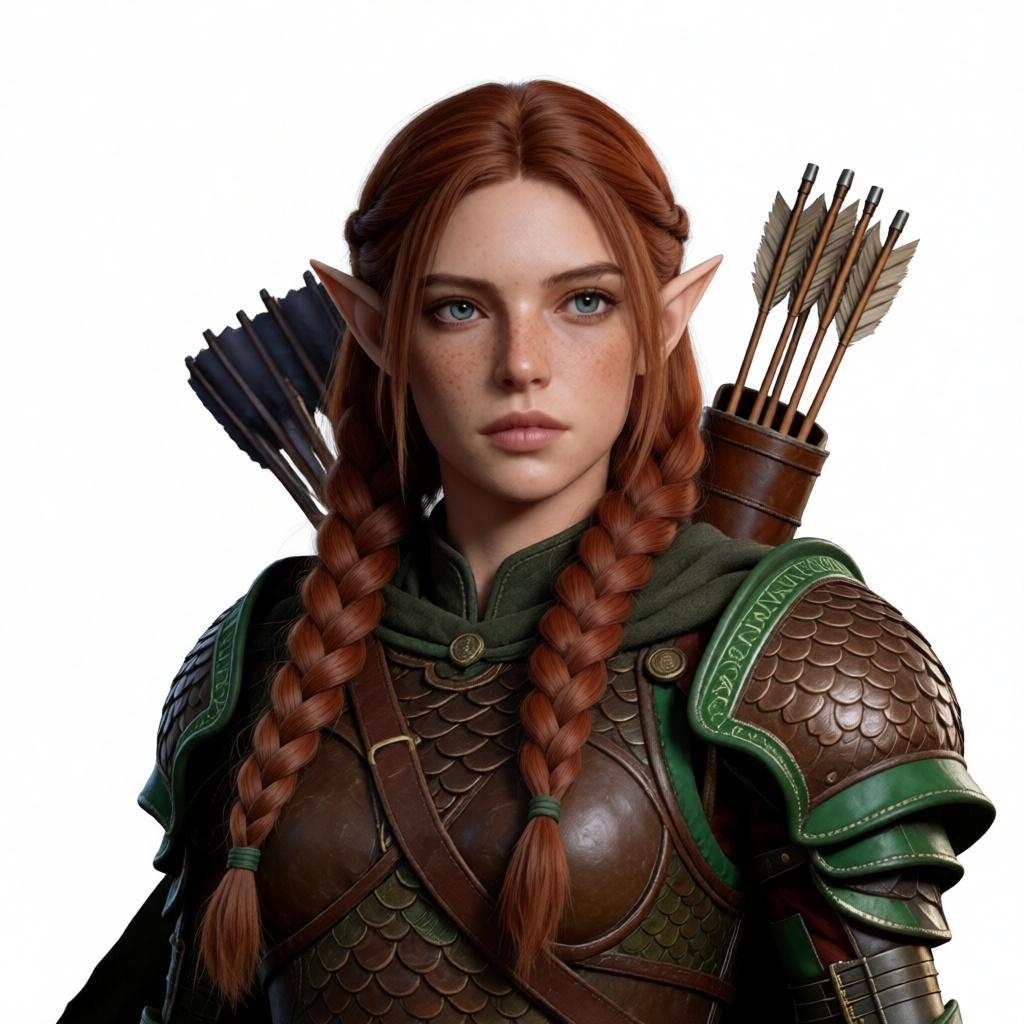
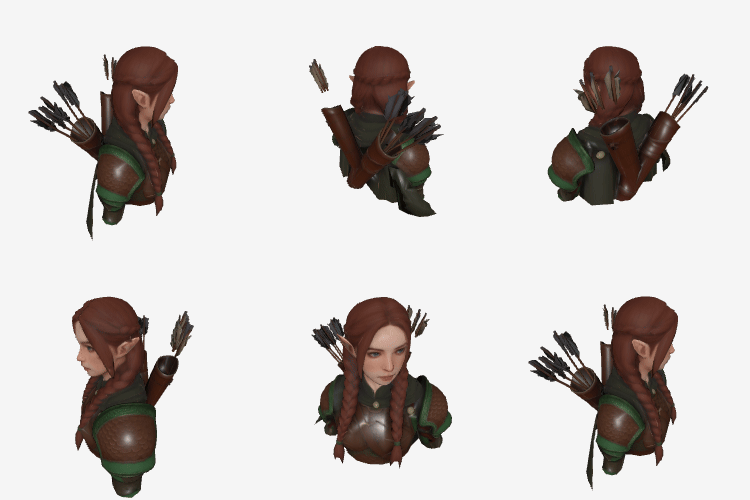
Pass a URL list of 2–4 multi-angle images via images to generate a higher-fidelity 3D model. Images do not need to have the same resolution or aspect ratio. Each image must meet the same format requirements as single-image-to-3D.
| Input images (multiple) | Output preview |
 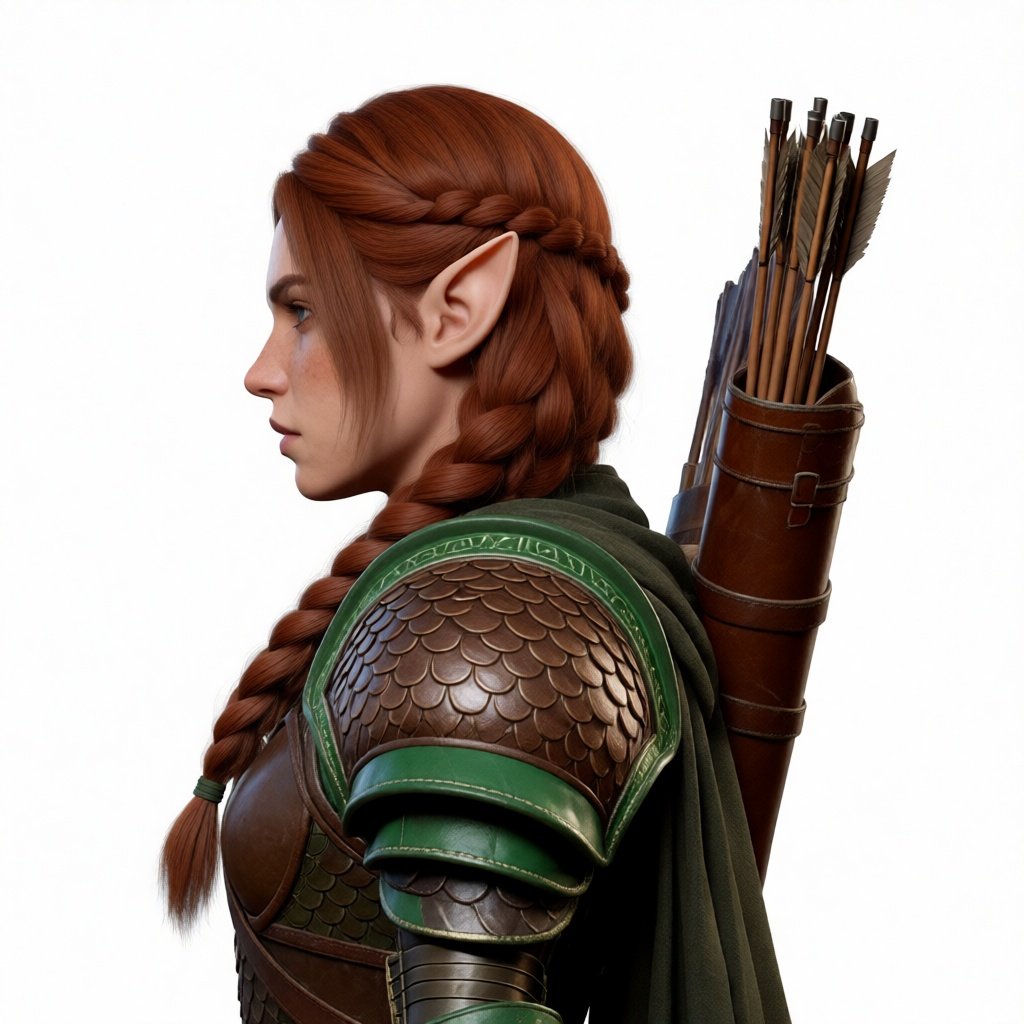 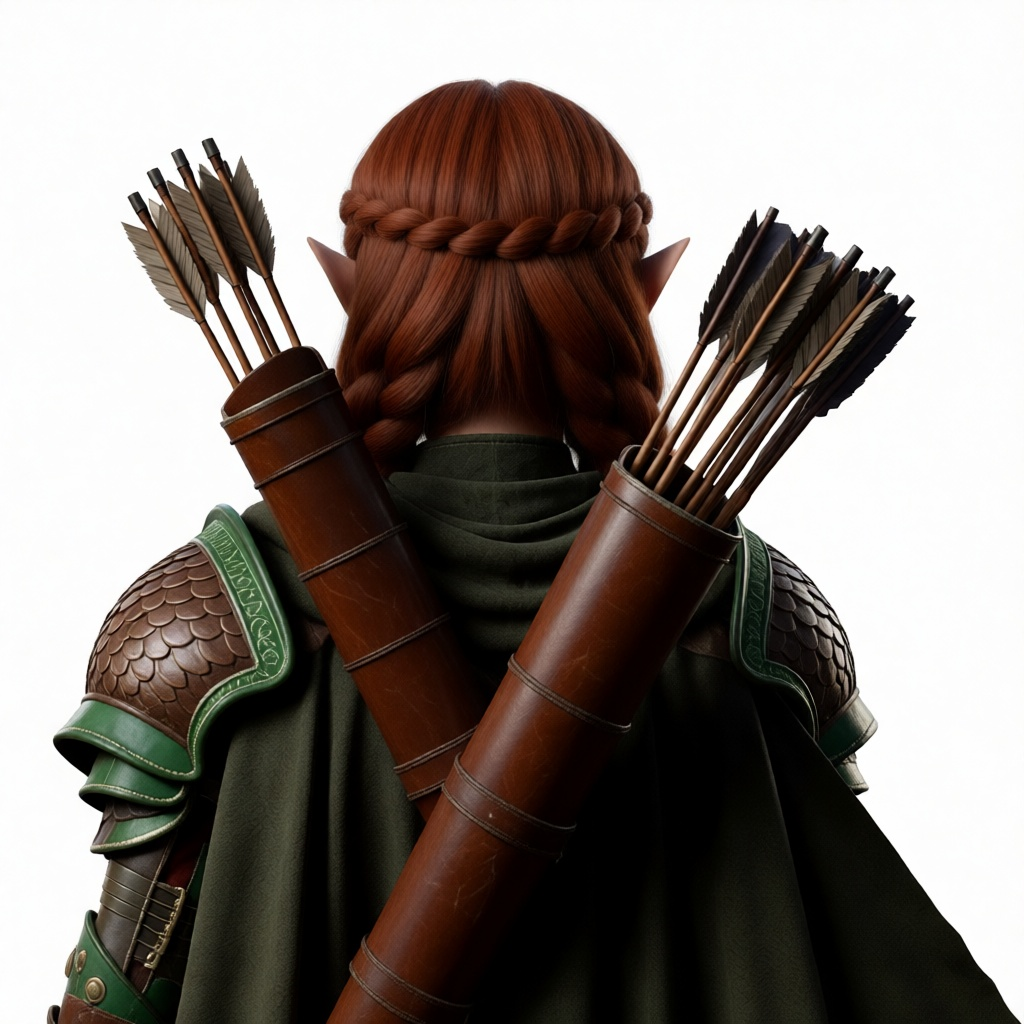 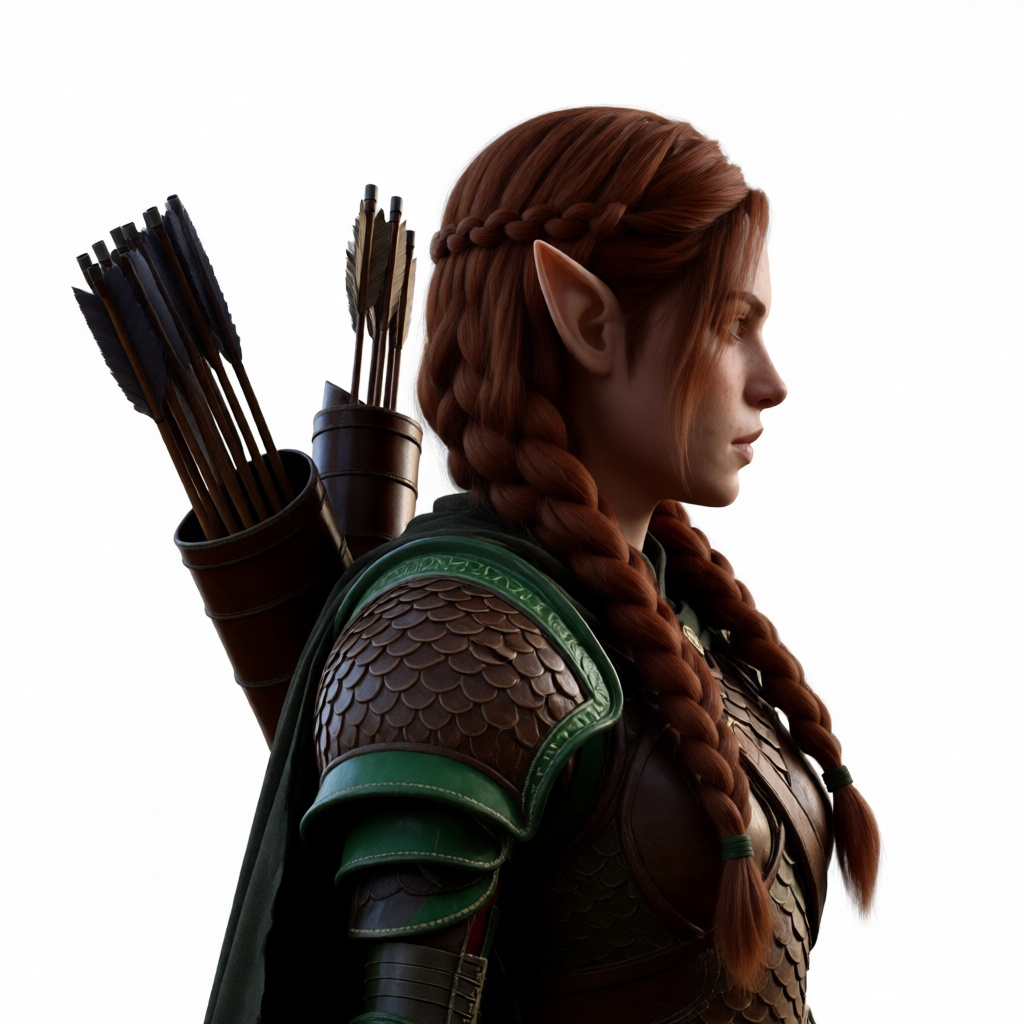 | 
|
curl --location 'https://dashscope.aliyuncs.com/api/v1/services/aigc/video-generation/3d-generation' \
    -H 'X-DashScope-Async: enable' \
    -H "Authorization: Bearer $DASHSCOPE_API_KEY" \
    -H 'Content-Type: application/json' \
    -d '{
    "model": "Tripo/Tripo-P1.0",
    "input": {
        "images": [
            { "type": "png", "file_token": "https://help-static-aliyun-doc.aliyuncs.com/file-manage-files/zh-CN/20260424/liafix/tripo-images-1.png" },
            { "type": "png", "file_token": "https://help-static-aliyun-doc.aliyuncs.com/file-manage-files/zh-CN/20260424/slgluy/tripo-images-2.png" },
            { "type": "png", "file_token": "https://help-static-aliyun-doc.aliyuncs.com/file-manage-files/zh-CN/20260424/zjqhyn/tripo-images-3.png" },
            { "type": "png", "file_token": "https://help-static-aliyun-doc.aliyuncs.com/file-manage-files/zh-CN/20260424/mqfzww/tripo-images-4.png" }
        ]
    },
    "parameters": {
        "texture_quality": "standard"
    }
}'
Texture and geometry
Texture quality
Texture is the image layer applied to the surface of a 3D model that defines its visual detail. Use parameters.texture_quality to control texture quality:
standard: Default. Standard-definition texture, suitable for most use cases.detailed: High-definition texture for fine surface details.extreme: 8K ultra-high-definition texture with the highest fidelity, for use cases that require high texture precision.
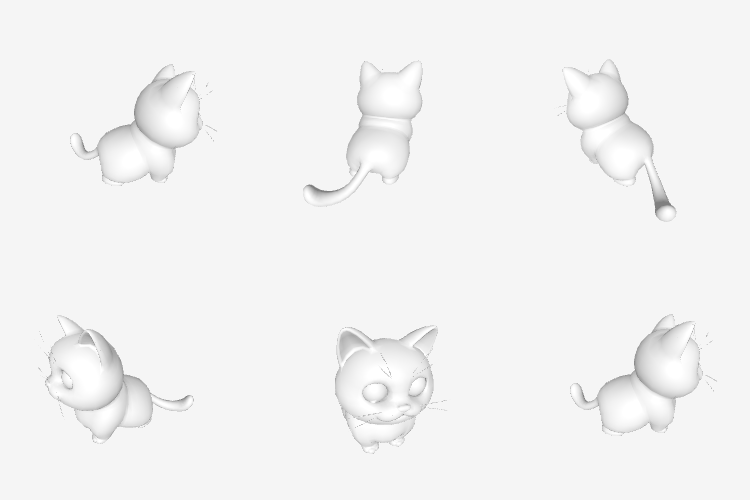
| Textured output | Parameter configuration | Output preview |
| Textured |
|
|
| Untextured |
| 
|
Geometry quality
Only supported by Tripo/Tripo-H3.1. Use parameters.geometry_quality to control geometry quality:
standard: Default. Up to 1,500,000 polygons.ultra: Ultra-high quality. Up to 2,000,000 polygons.
Output
When the task succeeds, the response includes:
pbr_model_url: PBR 3D model (GLB format). Can be imported directly into Blender, Unity, and other tools.base_model_url: Untextured base model (GLB format). Returned when bothtextureandpbrare set tofalse.rendered_image_url: A single rendered preview image of the 3D model.
All URLs expire in 2 hours. Download promptly.
API reference
Tripo-Text/Image to 3D API reference
FAQ
Can I pass prompt, image, and images at the same time?
No. The three fields are mutually exclusive. Each request can use only one generation mode. Passing multiple fields causes the request to fail.