Manage resources with application groups
Create applications from OOS templates or build custom applications with ROS. Then use application groups to classify resources, manage permissions, configure monitoring and alerts, and visually manage the resource lifecycle to simplify operations and reduce costs.
Procedure
-
Log on to the CloudOps Orchestration Service console. On the page, click Create from Existing Resources.

-
Enter the Application Name and Description, and click Create.

-
After the application is created, find it in the application list and click its name to open the details page. On the details page, click Create Application Group and select Create from Existing Resources.

-
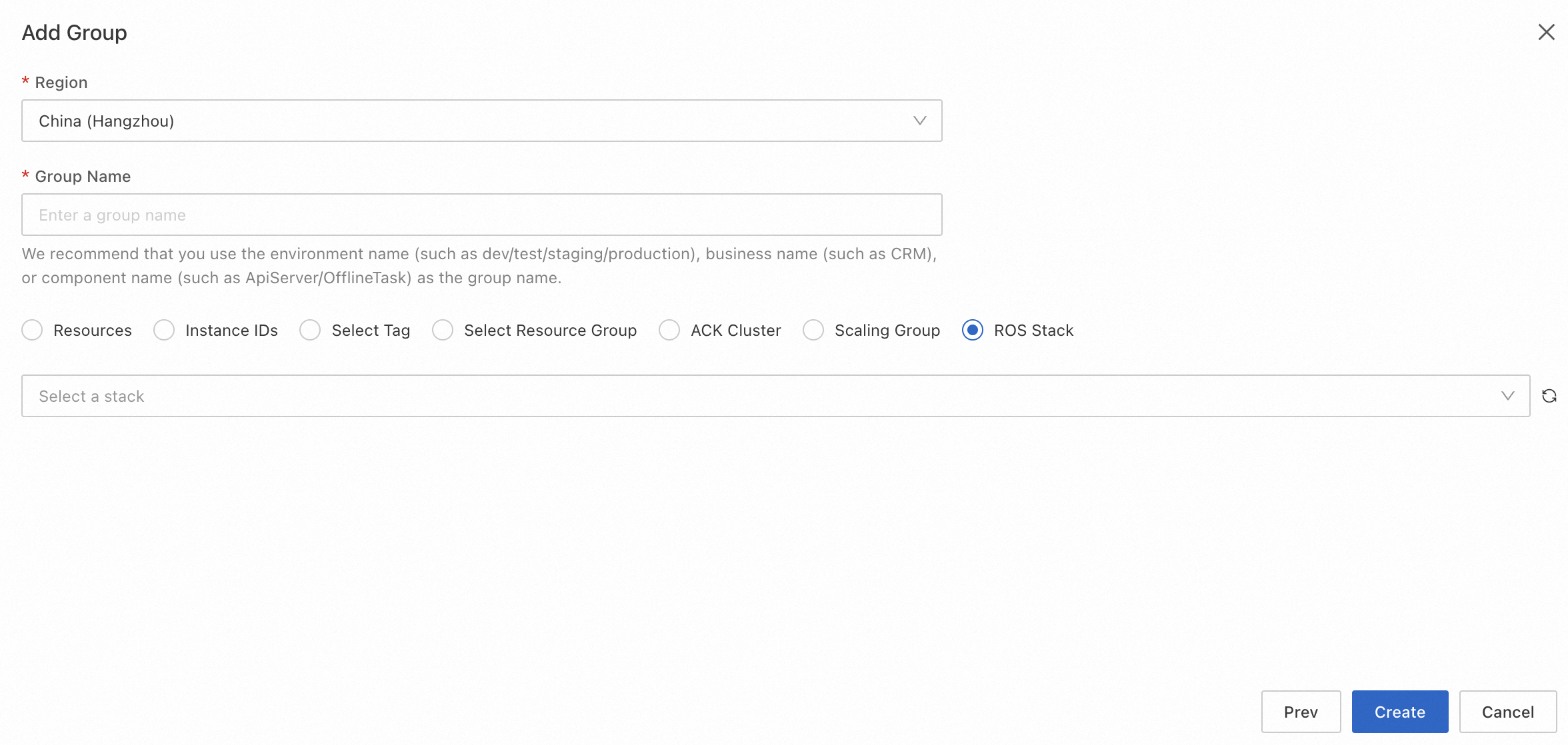
On the Add Group page, select a Region and enter a Group Name.
-
On the Add Group page, add existing resources using one of the following methods, and click Create.
-
Select resources from the resource list.

-
Enter one or more resource IDs.

-
Select resources by tag.
-
Select resources from a specific resource group.
-


