The disable/enable feature lets you take a table offline or bring it online:
On the Table Management page, find the target table. In the Actions column, click the More icon (⋮) and select Disable. For a disabled table, the Enable and Delete options appear in the Actions column.
-
Before you disable a table, ensure that it is not receiving any query or write traffic. Disabling a table with active traffic can affect your online services.
-
You cannot disable the last remaining table.
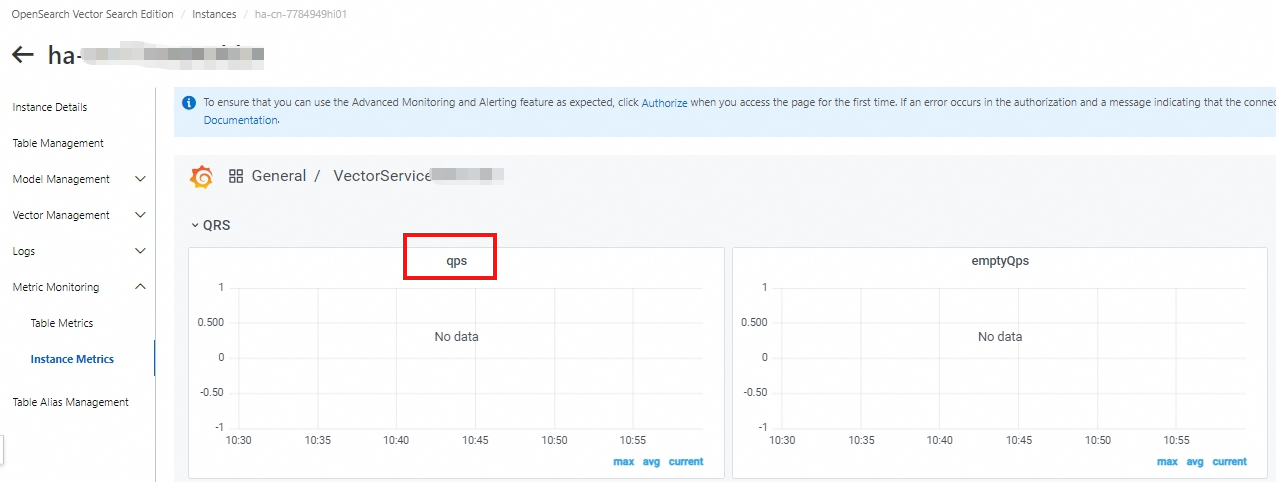
You can view the query traffic for your service under Metric Monitoring>Instance Metrics>QRS Workers>Requests per Second:
Your service's write traffic is available as the documents updated per second metric under Metric Monitoring > Instance Metrics > Data Node-Data Processing.