Advanced crop
Image Processing can perform an advanced crop on an image based on a specified starting x-coordinate, y-coordinate, width, and height.
Parameters
Name | Description | Valid values |
a | Parameter format: x-y-width-length The parameter consists of four values separated by hyphens (-). The first value is the starting x-coordinate, with the top-left corner as the origin. The second value is the starting y-coordinate. The third value is the crop width. The fourth value is the crop height. For example, `100-50-200-150a` crops a 200 × 150 area from the starting point (100, 50). Note Set the third and fourth values to 0 to crop to the edges of the image. For example, `100-50-0-0a` crops from the point (100, 50) to the bottom-right edge of the image. | The valid range for `width` and `height` is 1 to 4096. |
Usage notes
If a format is not specified, the image is converted to JPG by default. For images in PNG, WebP, or BMP format, this operation may change the resolution or aspect ratio, which can cause distortion. For more information, see Quality transformations and Format conversions.
If the specified starting coordinates are outside the boundaries of the original image, a `BadRequest` error is returned: `Advance cut's position is out of image`.
If the specified width and height exceed the dimensions of the original image, the crop extends to the edges of the original image.
Examples
Crop from the point (100, 50) to the edges of the image.
https://oss-console-img-demo-cn-hangzhou.oss-cn-hangzhou.aliyuncs.com/example.jpg@100-50-0-0a
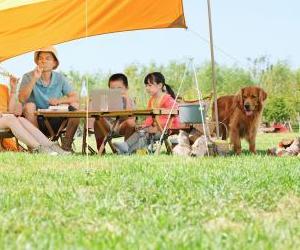
Crop a 100 px × 100 px area from the point (100, 50).
https://oss-console-img-demo-cn-hangzhou.oss-cn-hangzhou.aliyuncs.com/example.jpg@100-50-100-100a