ST_Clip
Updated at:
Clips a 3D scene model using a closed meshgeom object and returns the portion of the scene inside that object.
Syntax
scene ST_Clip(scene sc, meshgeom geom, float8 scale);Parameters
| Parameter | Type | Description |
| sc | scene | The scene object to clip. |
| geom | meshgeom | The clipping boundary. Must be a closed meshgeom object. |
| scale | float8 | The scale of the image. |
Description
ST_Clip shares the same syntax as ST_Intersection but supports additional custom clipping functions.
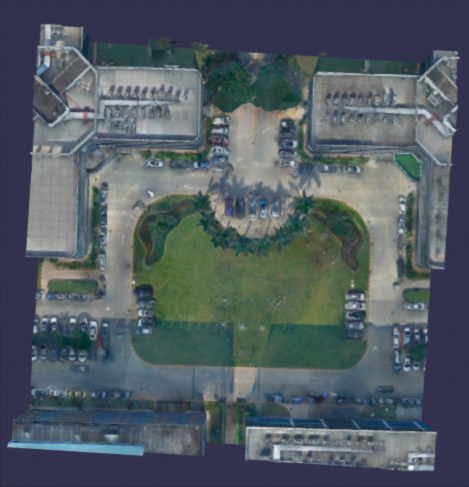
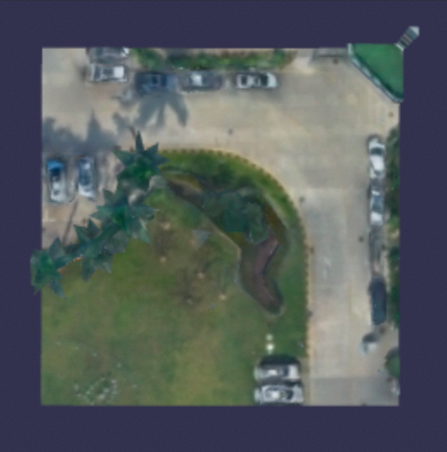
The following images show the result of clipping the central part of a scene model:
Original model
Model after clipping (the central part of the original model)
Example
The following example clips a scene using a cuboid defined by ST_3DMakeCuboid as the clipping boundary, with a scale of 0.1, and returns the result as text.
SELECT ST_AsText(ST_Clip(scene, ST_3DMakeCuboid(1,1,1), 0.1)) from t;
--------
{"type" : "gltf", "content" : {"accessors":[{"bufferView":0,......
The output is a glTF-formatted scene object containing the portion of the original scene inside the cuboid.
Is this page helpful?