Why is `__CSVRead` unable to read a value?
Issue
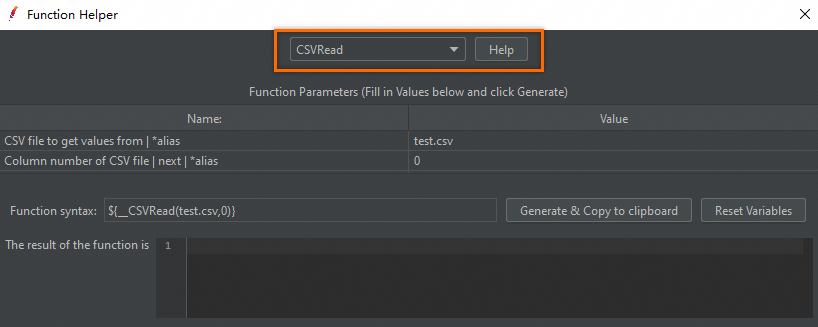
The __CSVRead function in your JMeter script returns empty values during stress testing on Performance Testing Service (PTS). The sampling log shows no data read from the CSV file.
Solution
Work through the following checks in order. Each addresses a common root cause.
1. Upload all CSV files to PTS
JMeter scripts run on PTS cloud infrastructure, not your local machine. Upload every CSV file referenced in the script to PTS before running the test.
2. Use file names, not file paths
Local file paths do not resolve in the cloud environment. Change the value of each CSV file reference to a file name instead of a full path.
| Before (local path) | After (file name only) |
|---|---|
C:\Users\test\data\test.csv |
test.csv |
/home/user/data/users.csv |
users.csv |
3. Set encoding to UTF-8 for non-ASCII data
If the CSV file contains Chinese characters or other non-ASCII characters, change the encoding format to UTF-8. Encoding mismatches cause the function to return garbled or empty values.
Use CSV Data Set Config instead
Even if the preceding steps resolve the issue, consider using CSV Data Set Config instead of the __CSVRead function. CSV Data Set Config offers better maintainability for managing test data.
On PTS, use file names only in CSV Data Set Config, the same as with __CSVRead.