Access and apply templates
The Quick BI Template Marketplace offers a rich collection of templates crafted by industry experts for various business sectors. With a single click, you can install a template and its associated dataset into your workspace, helping you apply industry best practices. This topic describes how to install and use a template from the Template Marketplace.
Preview a template
Visit Product Demos to preview more template examples.
After you find a template you like, sign in to the Quick BI console to install it.
Install a template
You can install templates for dashboards, spreadsheets, and data screens. The following procedure uses a dashboard template to demonstrate how to install a template on a PC.
Personal Edition only supports viewing templates.
Standard Edition and Pro Edition support both previewing and installing templates.
Sign in to the Quick BI console.
On the Quick BI homepage, click Template Marketplace in the top navigation bar.
You can browse available templates in the Best practices section at the top of the page, or filter by type and industry on the left.
(Optional) Hover over a template and click Preview.
①: PC preview
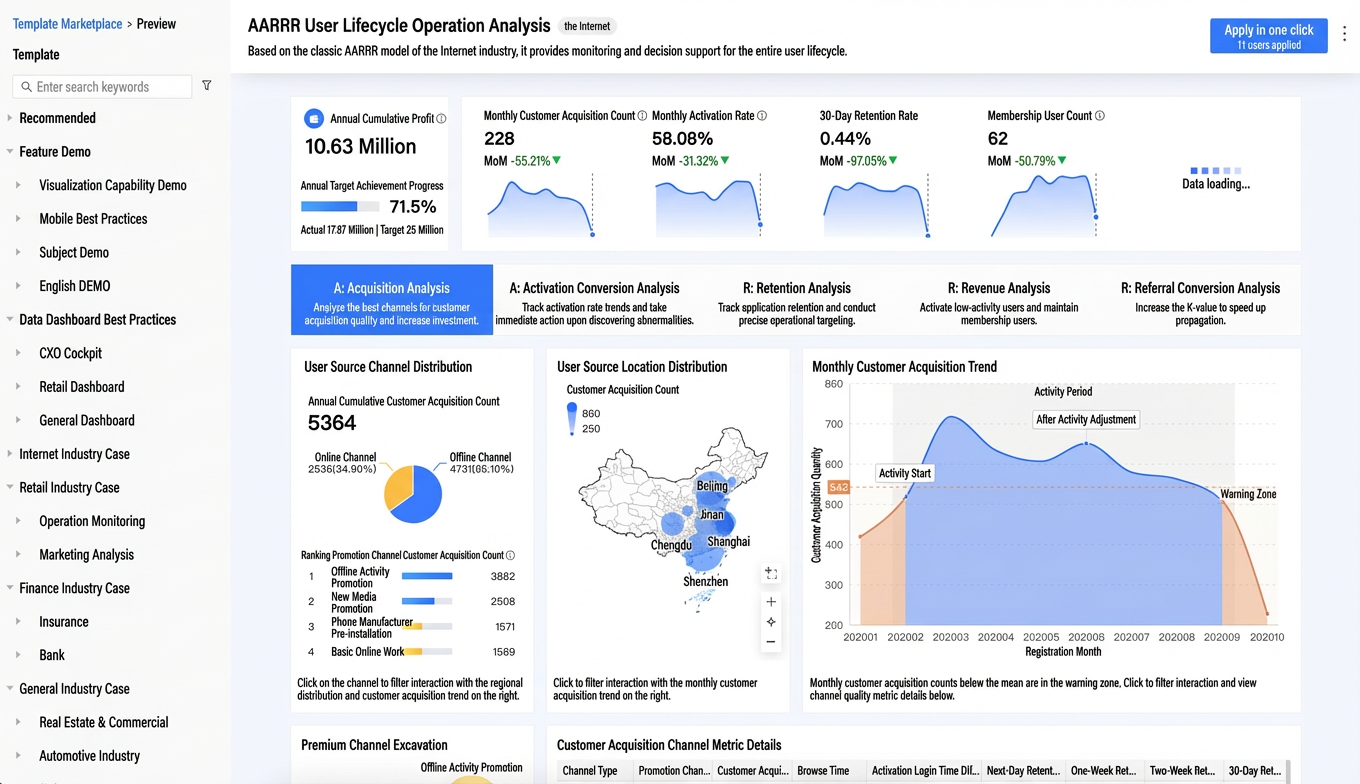
②: Mobile preview
You can select a phone model from the Device Model dropdown to see how the template looks on different devices.
You can also use the DingTalk mobile app to scan the QR code and preview the template on your mobile device.
If you like the template after previewing, click One-click Apply.
On the Template Marketplace page, hover over your chosen template and click Apply.
In the Select a workspace dialog box, select a workspace and click OK.
The dashboard editor opens. Here, you can configure the fields, style, and Advanced tabs on the right. For details, see Configure chart fields.
PC editor
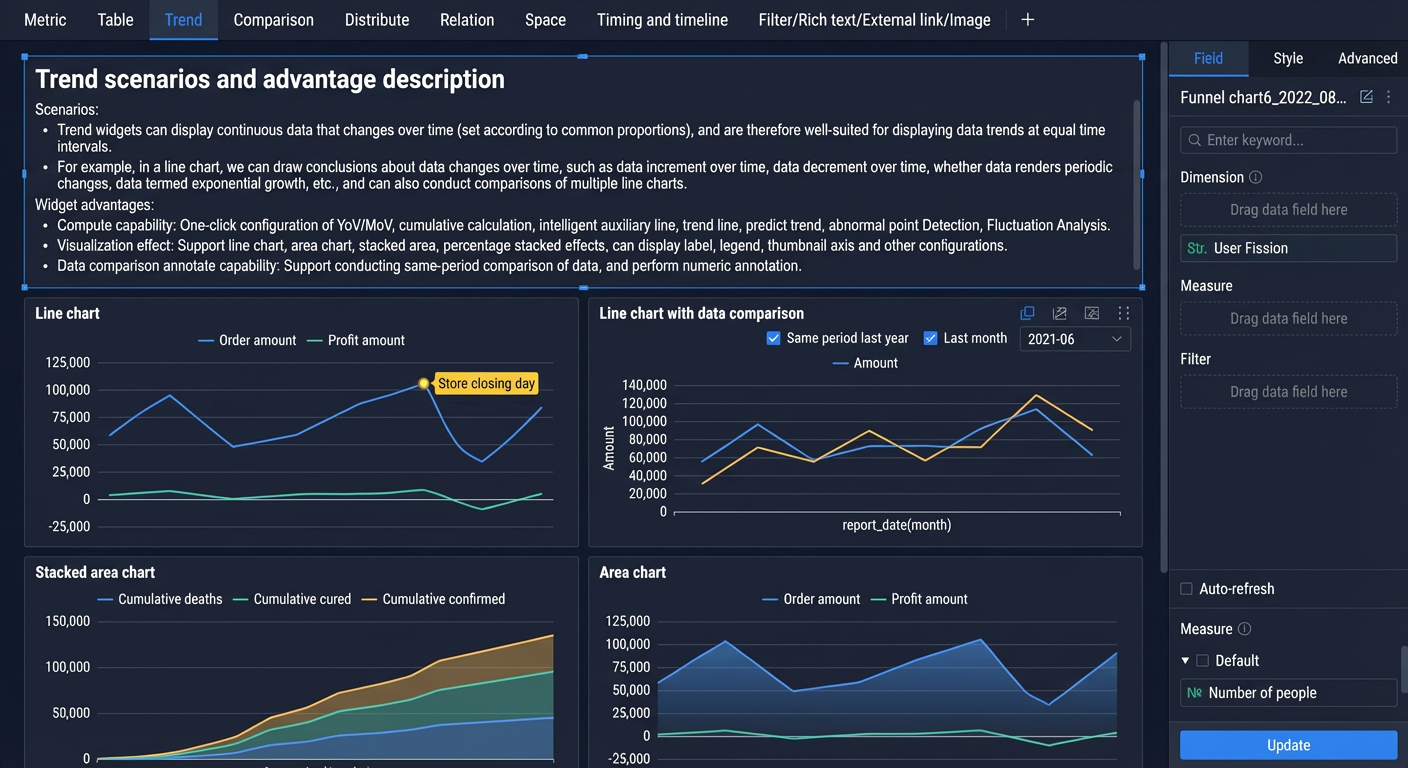 Mobile editor
After you finish configuring the dashboard, save and publish it.
For more information, see Publish a dashboard.
Industry templates
Quick BI offers templates for the retail, finance, and other industries. These templates demonstrate best practices for common business functions like finance, HR, sales, and inventory. You can also find templates for seven classic industry analysis models.
To explore more templates, sign in to the Quick BI console and browse the Template Marketplace. When you apply a template, both the template and its underlying dataset are installed in your workspace.
You can also use the dataset to create your own dashboards or spreadsheets. For more information, see Create a dashboard and Create a spreadsheet.