Open new web page
1. Overview
Prerequisites: None
Use this component to open a web page at a specified URL in Chrome, Edge, or Internet Explorer (IE).
2. Inputs
For details on each input, refer to the component panel in the visual editor.
Chrome executable path, Edge executable path
By default, the component automatically searches the
%ProgramFiles%and%ProgramFiles(x86)%paths.If you specify a path, you must provide the full executable path, such as
C:\Program Files\Google\Chrome\Application\chrome.exe.
3. Outputs
For details on each output, refer to the component panel in the visual editor.
4. Usage example
4.1. Configuration example
In
URL, enter "www.baidu.com".In
browser type, select "Chrome".In
Specify Chrome executable path, select "No".In
wait for page to load, select "Yes".In
execution timeout (seconds), keep the default value of 100.Keep the default values for advanced options.
4.2. Example result
The component successfully opens the Baidu page in the Chrome browser.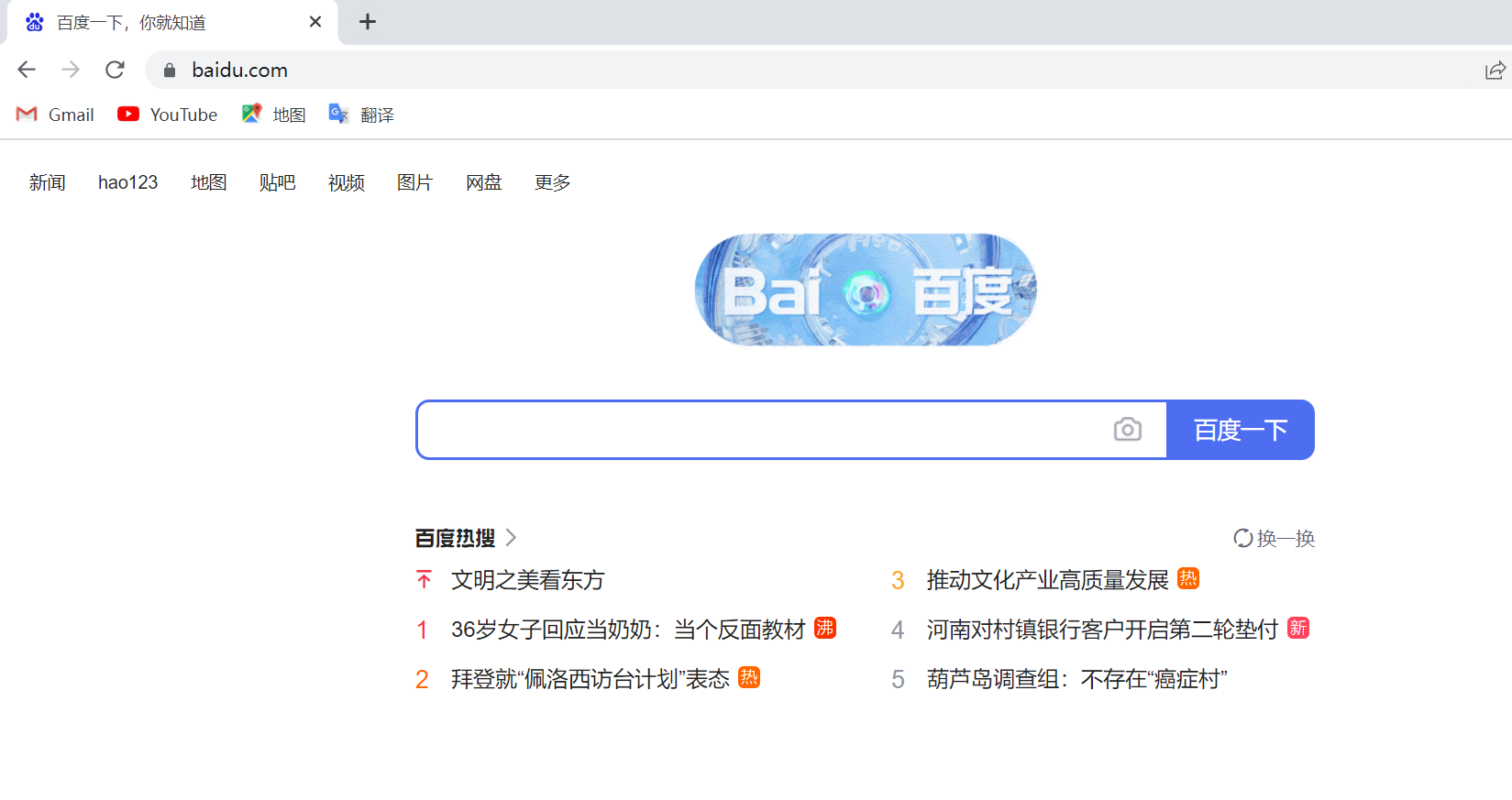
5. Workflow example
Build the workflow
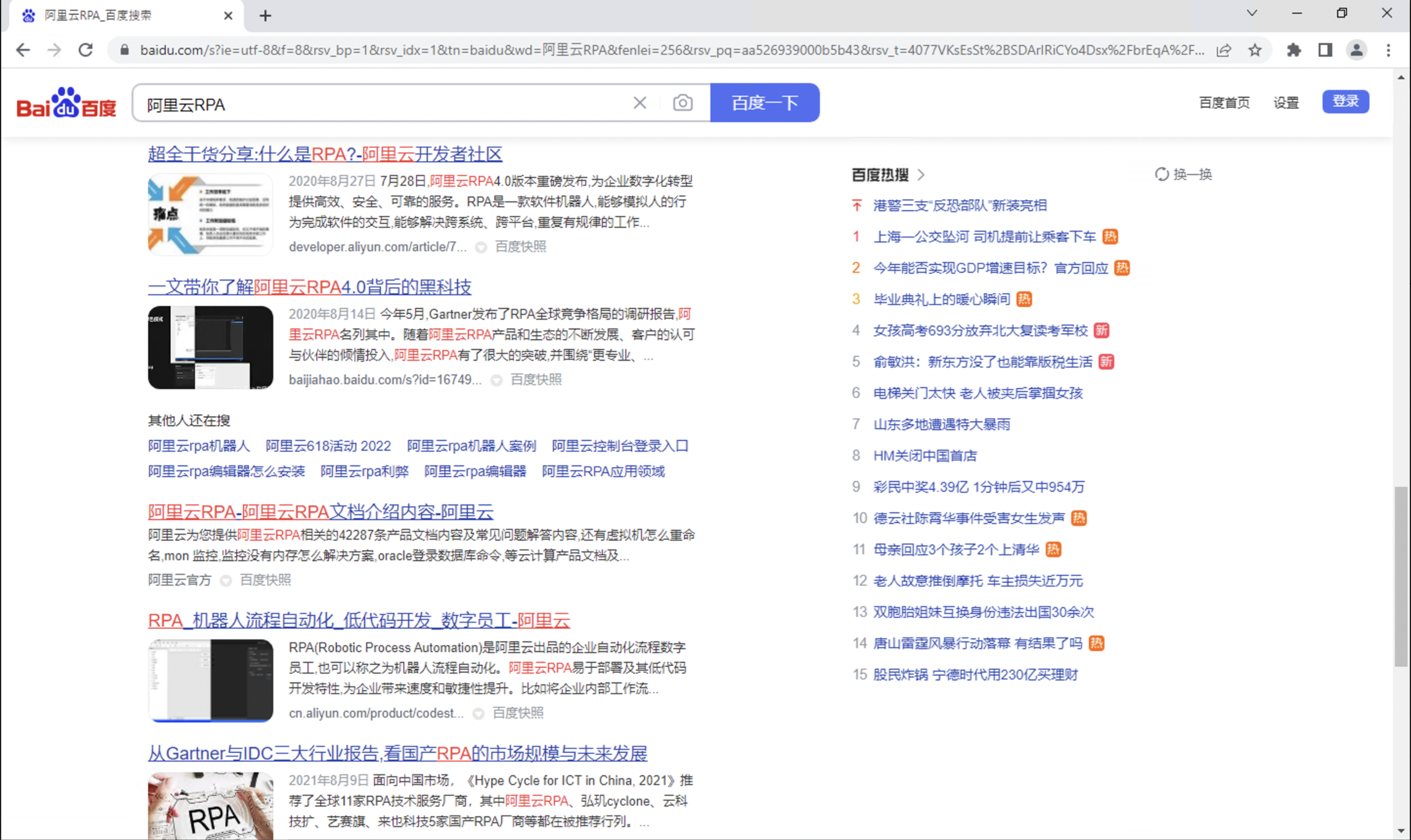
Use the Open New Web Page component to open the Chrome browser and navigate to Baidu.
Use the Fill in Web Input Field component to enter "Alibaba Cloud RPA" in the input box.
Use the Click Web Control component to click the "Baidu Search" button and start the search.
Execution result
The workflow successfully accesses Baidu in the Chrome browser and searches for "Alibaba Cloud RPA".