Cost Overview
The Cost Overview page displays your cloud costs, including the current month's cost, end-of-month cost prediction, abnormal costs for the current month, budget status, cost health score, cost trends, and cost insights. The page also displays the top five costs based on several dimensions.
View the cost overview
Log on to the Expenses and Costs console. On the page, you can view your cloud costs.
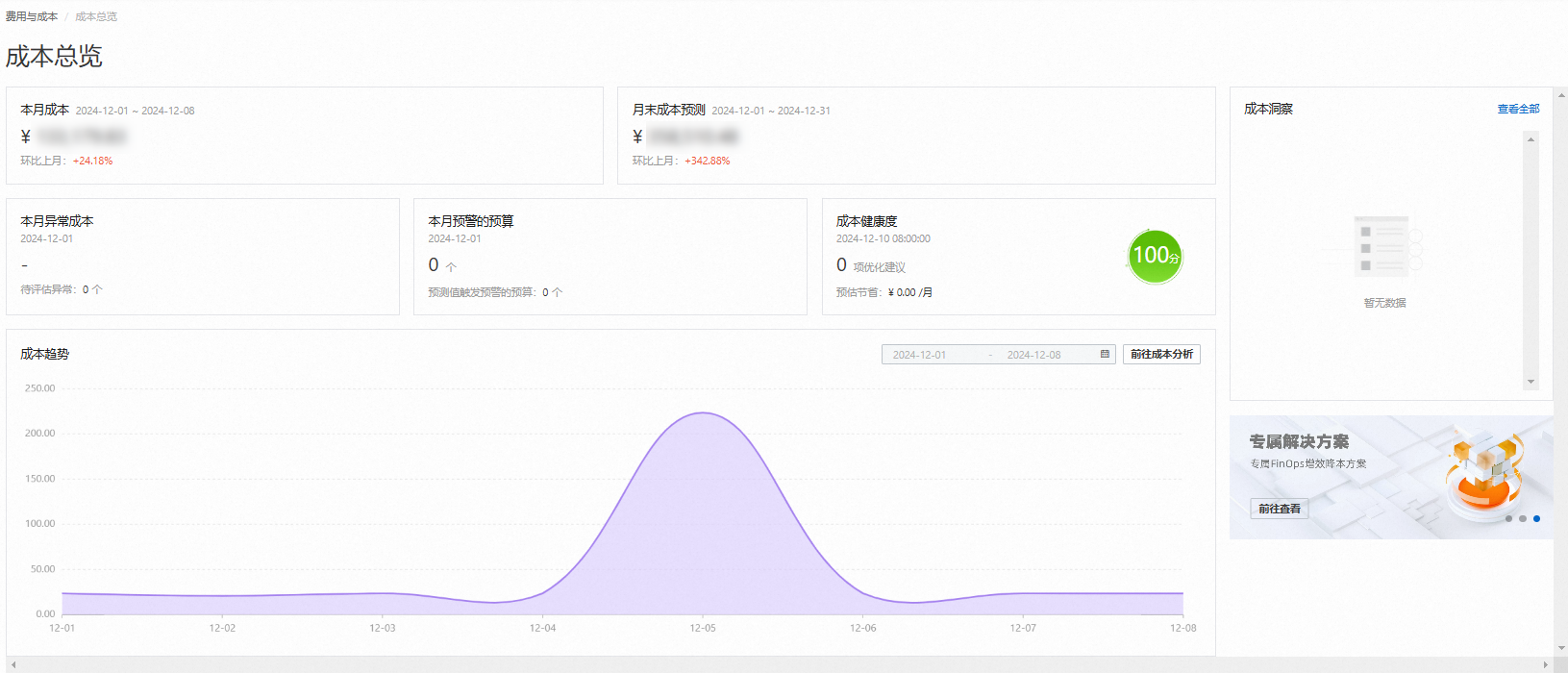
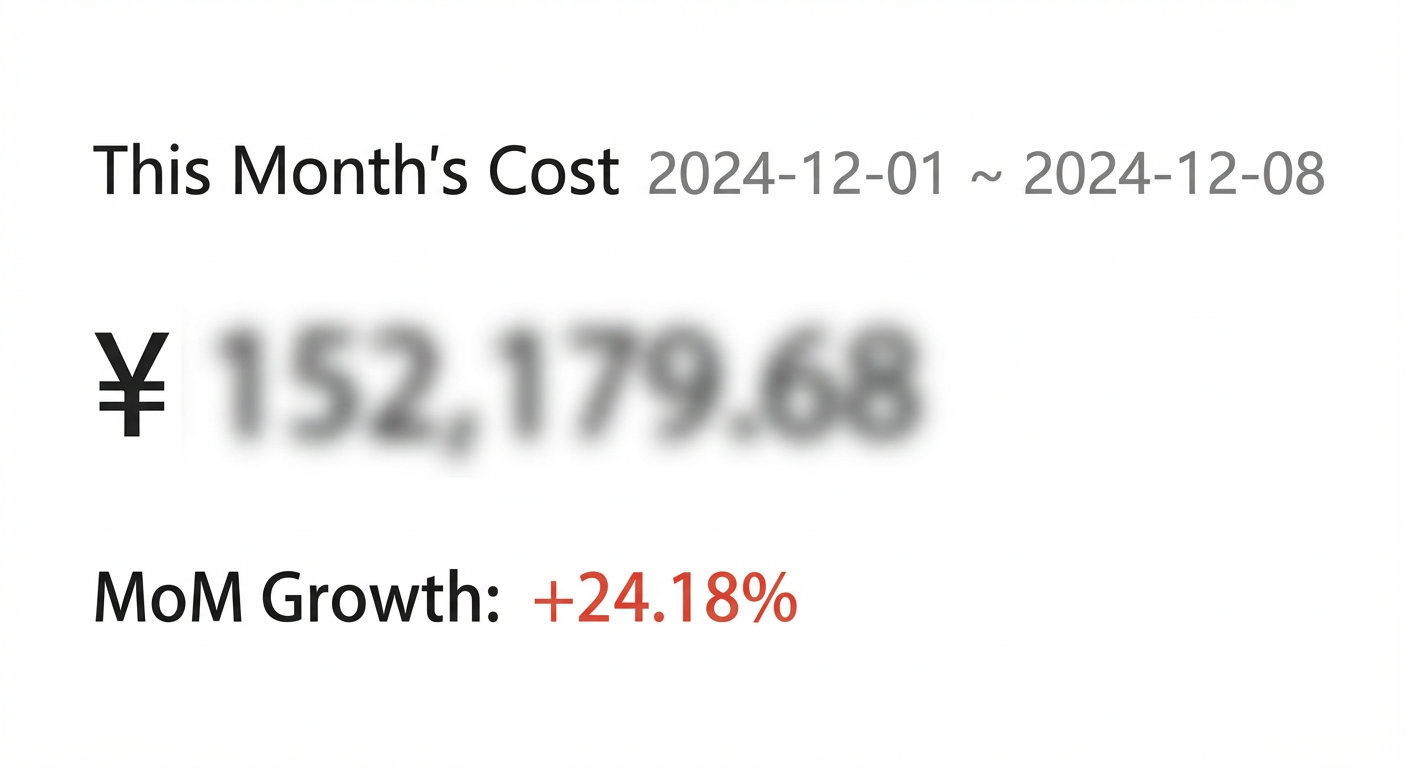
Current month's cost
This section shows the total amount payable for the current month and the month-over-month change. On the Bill Details page, you can view detailed cost data by setting Statistical Period to Billing Month.
Data for the current month is updated approximately 48 hours after the bill details are generated. During the first two days of a month, data from the previous month may still be displayed. Please note the date range.
Click this section to go to the Cost Analysis page to view detailed historical cost data.
For more information about the Cost Analysis feature, see Cost Analysis.
Cost trend
This section shows the daily cost trend for the current account during the current month. On the Bill Details page, you can view specific daily cost data by setting Statistical Period to Day.
Data for the current month is updated approximately 48 hours after the bill details are generated.
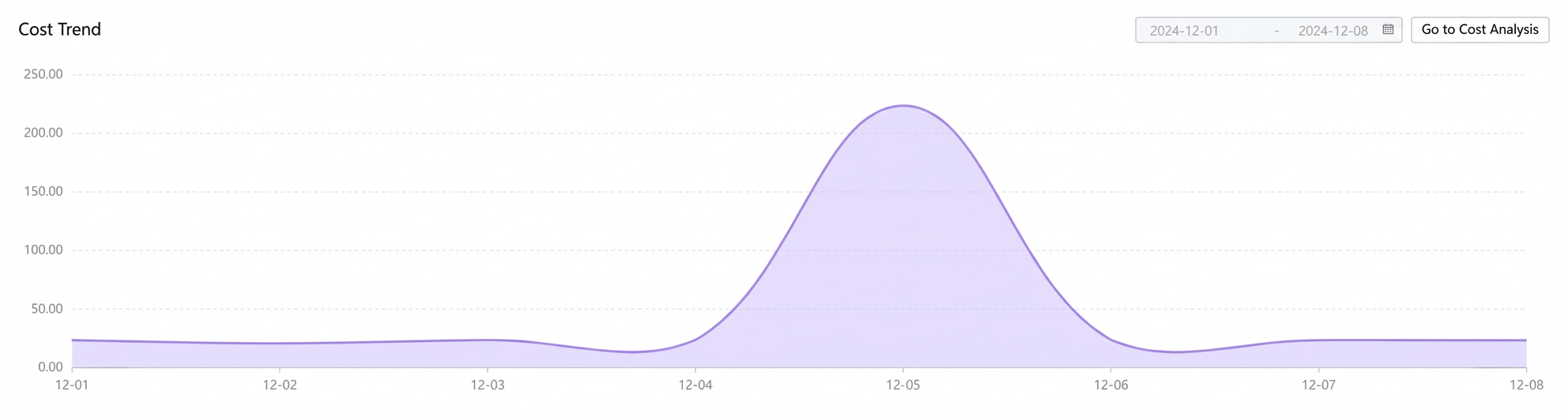
Click Go to Cost Analysis to go to the Cost Analysis page to view more historical cost data.
End-of-month cost prediction
This section predicts the total amount payable by the end of the month, along with the month-over-month percentage change.
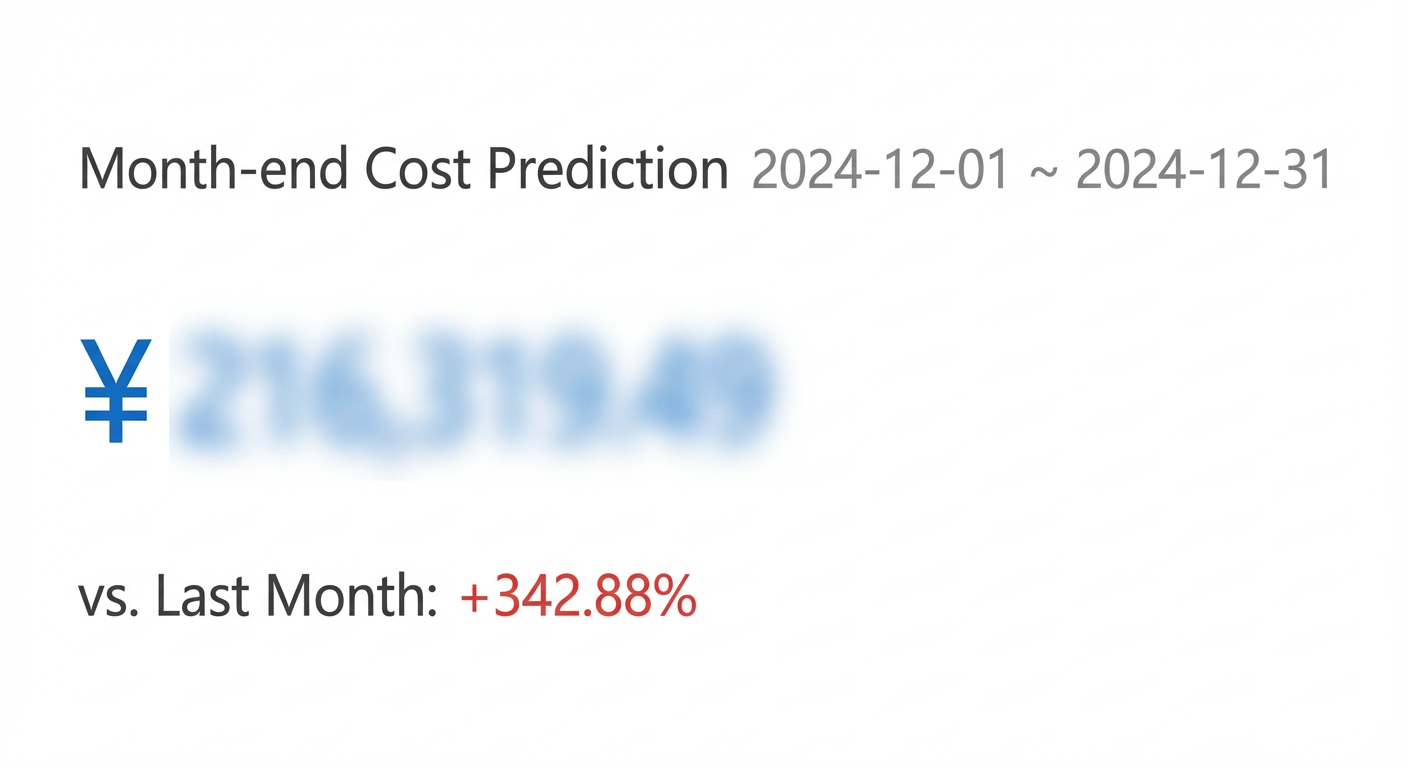
Click this section to go to the Cost Analysis page to view more future cost prediction data.
Current month's abnormal costs
This section shows the total abnormal costs for the current month, as detected by the Anomaly Detection feature.

Click this section to go to the Anomaly Detection page to view more detection results and details.
For more information about the Anomaly Detection feature, see Anomaly Detection.
Budgets with alerts this month
This section shows the number of budgets created for the current account that have met their alert conditions.

Click this section to go to the Budget Management page to filter and view the status of your budgets.
For more information about the Budget Management feature, see Budget Management.
Cost health score
This section shows the cost health score, optimization suggestions, and estimated savings for the current account.

Click this section to go to the Cost Optimization page to use various tools to optimize your cloud costs.
Cost insights
Cost Insights helps you identify various cost patterns, which you can then analyze for potential anomalies or optimization opportunities.
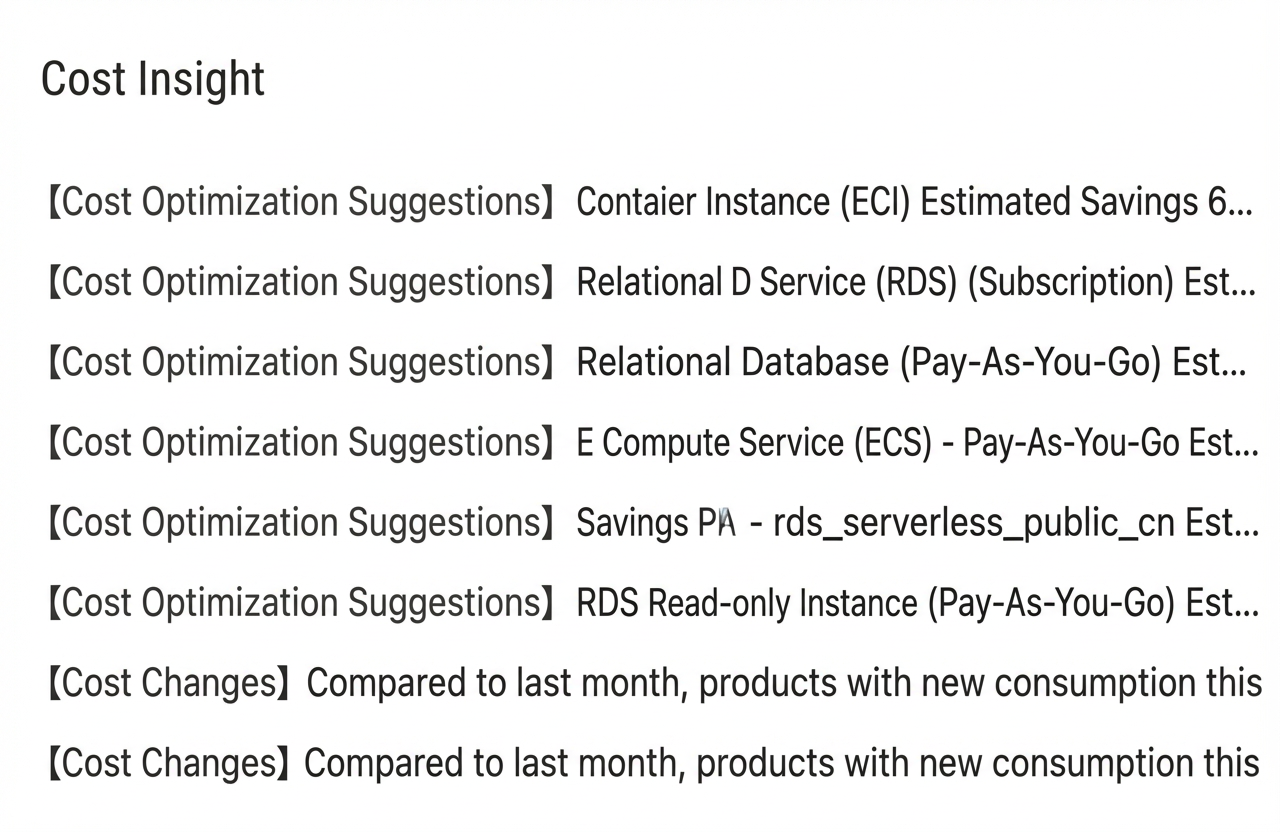
Click View All to go to the Cost Insights page for detailed information about cost anomalies or optimizations.
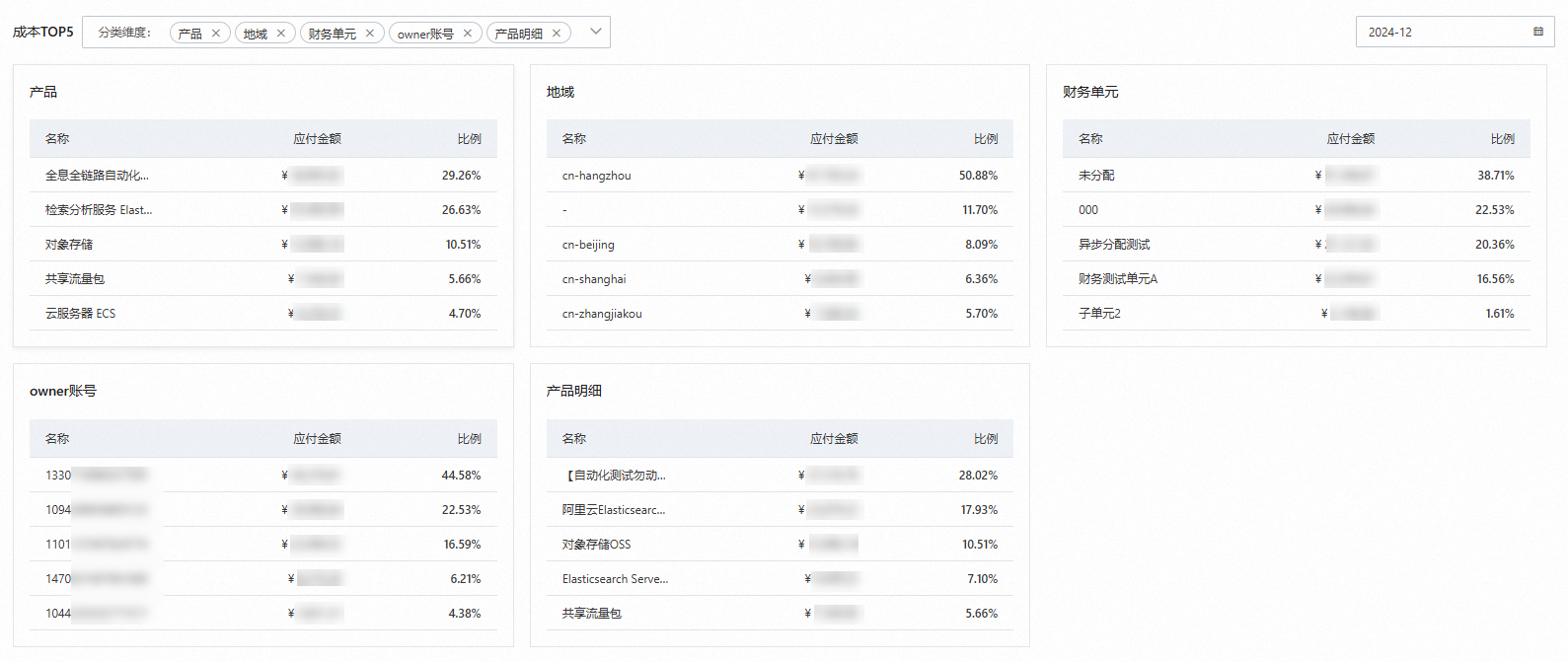
Top 5 costs
This section shows the top 5 costs and their percentages for the current account by dimensions such as product, region, cost center, owner account, and product details. Click the date box to view data from different months. On the Bill Details page, you can view detailed data organized by different categorization dimensions.